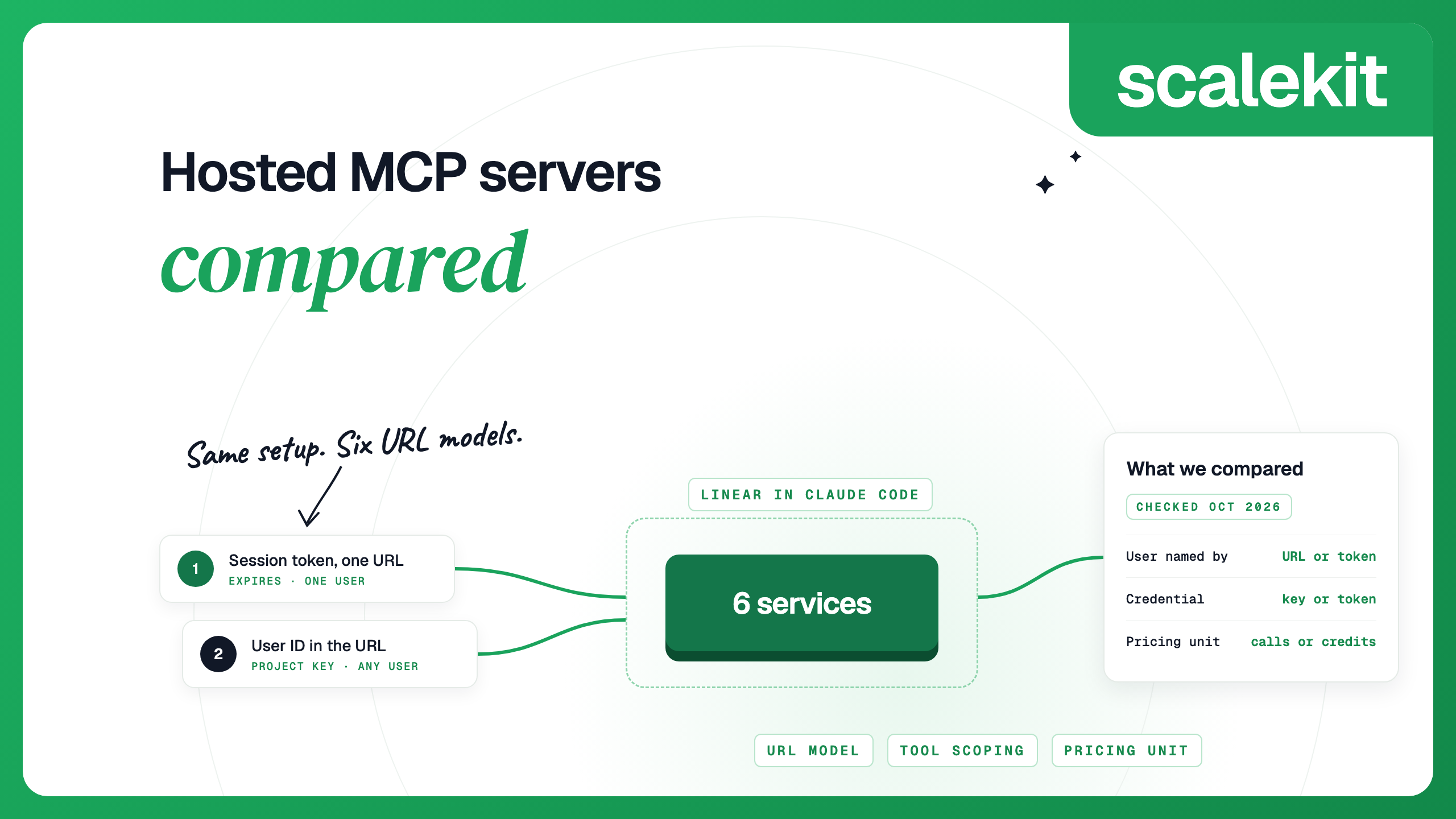


Hosted MCP servers let you add MCP integrations to an agent without running the servers yourself. They differ less in their tool lists than in how they handle URLs, user sign-in and billing. We took one setup, connecting Linear to Claude Code for an agent with many users, and compared how six services handle it: how a request names the user, what credential it carries, how you limit tools and what a call costs.
Catalog sizes in this group differ by thousands of apps, but a given agent uses a few dozen tools. What you live with every day is how each request names the user, and what an attacker gets if that credential leaks. Ask two questions of any vendor: does the credential your client sends name exactly one user, and does it expire on its own? A long-lived key that can name any user (a project key plus ?user_id=, or an embed secret) puts every customer behind one secret. A credential that names one user and expires limits a leak to that user and that window. Scalekit session tokens, Merge's user-scoped Access Keys and Nango session tokens pass both tests. Composio's older shared-URL servers and the Zapier embed rely on one secret for all users, and Pipedream's token expires after an hour but can name any user through a header.
We used one scenario for all six services: connect Linear to Claude Code for an agent that serves many end users. For each service we read its own setup docs and pricing page and recorded how the server URL works, how a user signs in, how you limit tools, what a call costs and the limits that affect setup. Details checked October 2026.
Scalekit wrote this comparison and is one of the six. We list Scalekit first because we know it best, and mark its row in the tables. Competitor facts come only from the vendors' own docs and pricing pages, linked in each section. If a vendor finds an error, contact us and we will correct it.
Smithery is not one of the six: it is mainly a registry where anyone can publish MCP servers, rather than a service that runs its own catalog of integrations.
The six differ most in how a request names the user and what credential it carries.
Scalekit is built for the multi-user case this comparison covers: one agent acting for many end users, each with their own Linear account. Every connection gets its own MCP server, and Virtual MCP servers expose only the tools you pick. All users share one URL; each run carries a short-lived session token bound to one user and one server. The token returns 401 on any other server, and the agent never sees the user's Linear token. Scalekit refreshes each user's Linear tokens and sends a webhook when an account expires, so you can send a new link before a call fails. The Linear connector has 62 tools (27 read, 24 write, 11 destructive) and works with Scalekit's OAuth app or your own.
Setup for Linear in Claude Code
Scoping. The connection server exposes all 62 Linear tools. To expose fewer, create a Virtual MCP server with create_config and list the tools you want; tokens can also be minted read-only.
Pricing. Free includes 10,000 tool calls a month; Growth is $99 a month with 100,000 included, then $0.50 per 1,000. Enterprise adds VPC, custom cloud or on-prem deployment.
Token lifetime. Session tokens are short-lived by design: one hour by default, up to 24 hours. Mint a new one per run, or on a schedule for a client config you edit by hand, such as Claude Code. The catalog has 500+ connectors, and you can add custom connectors for APIs outside it.
Composio now recommends sessions for MCP. Your back end creates a session for one user and gets back a URL and headers for that user, authenticated with a project API key (x-api-key) or a user key. The older hosted servers, where one URL serves everyone and the user is named in a query parameter, are still documented, along with a migration guide to sessions.
Setup for Linear in Claude Code
For a developer's own Claude Code, Composio's Linear toolkit page walks through creating a session with your Composio API key and a user ID, then adding it with claude mcp add and an X-API-Key header. Composio also offers a plugin for Claude Code and Codex.
Scoping. Sessions take a per-toolkit enable list, and with direct tools an MCP client sees only the listed tools; a saved session config with direct tools can hold at most 1,000. The Linear toolkit has 47 tools.
Own OAuth app. Supported through an auth config with your client ID and secret.
Pricing. Hobby is free for 100,000 tool calls a month; Pro is $29 a month including $29 of usage, then $0.0003 per call. Calls through Composio-managed OAuth apps are free up to 20,000 a month, then $0.0005 each. This pricing applies to signups from August 15, 2026.
Rate limits and sessions. 2,000 requests a minute on Hobby and 10,000 on Pro, per organization (docs). Sessions do not expire.
Zapier MCP has the simplest single-user setup of the six. Every client connects to one endpoint and signs in to Zapier with OAuth. For a product with many users, the MCP embed gives each user a unique server URL, and every request carries your embed secret as a bearer token. Each embed user still gets a Zapier account. A White Label option without Zapier accounts is in limited access.
Setup for Linear in Claude Code. Zapier documents the command directly:
Restart Claude Code, sign in to Zapier in the browser, and paste the prompt Zapier gives you back into Claude Code. Zapier creates the server during that sign-in; Linear is one of the apps you can then add. For the multi-user embed, your front end loads the embed, stores the mcp-server-url it returns for each user, and your back end calls that URL with the embed secret.
Scoping. By default the agent finds and turns on its own actions through meta-tools. In managed mode you choose the exact actions and can lock field values.
Own OAuth app. Zapier MCP uses Zapier's own OAuth apps: Zapier maintains the OAuth client registrations, and consent screens name Zapier.
Pricing. Billed in Zapier tasks: each successful tool call uses two tasks, and failed calls do not count (docs). Free includes 100 tasks a month; Professional starts at $19.99 a month billed yearly.
Transport and hosting. Zapier MCP uses Streamable HTTP only, so SSE-only clients cannot connect, and connection tokens are long-lived until you rotate them. It cannot be self-hosted or run in a VPC (docs).
Pipedream Connect runs one remote MCP endpoint for all of your users. Each request names the project, environment, user and app in headers (x-pd-project-id, x-pd-environment, x-pd-external-user-id, x-pd-app-slug) and carries a bearer token your back end gets with Pipedream client credentials. Workday had closed its acquisition of Pipedream by February 2026.
Setup for Linear in Claude Code
Pipedream's docs have no Claude Code command. Because the bearer token expires hourly, a static Claude Code config does not fit the multi-user setup; Pipedream's examples run the MCP client from your own code. A separate personal endpoint is meant for individual use.
Scoping. One connection serves one app. Since April 2026, tool modes are no longer needed on the v3 endpoint. Linear has 27 actions on Pipedream.
Own OAuth app. Supported for any app that allows it.
Pricing. Free covers development only. Connect starts at $99 a month billed annually ($150 monthly) with 100 external users and 10,000 credits; a tool call costs 1 credit per 30 seconds of compute.
Sign-in tokens. Connect tokens for sign-in last 4 hours and work once (docs); creating them is rate-limited to 100 a minute per user.
Merge Agent Handler groups tools into Tool Packs. For a product with many users, each MCP URL names a Tool Pack and a registered user, and requests carry a Merge key as a bearer token. For agents that serve more than one person, Merge recommends minting a user-scoped Access Key from your organization key. The key names one Registered User and the Tool Packs it can reach, and expires after the time you set; a call that names a different user fails. A separate single-developer endpoint signs you in with OAuth instead.
Setup for Linear in Claude Code. For a single developer, Merge documents a one-line setup:
The first tool call returns a Magic Link; the user completes OAuth and the agent retries. For many users:
Scoping. Tool Packs choose the connectors and tools. A Security Gateway can allow, redact or block data in calls. The Linear connector has 32 tools.
Own OAuth app. Supported per connector; a few connectors require it.
Pricing. Credits are spent on every tool call. Free includes 2,000 credits a month; Pro is $1,000 a month for 25,000 credits, and Enterprise offers custom deployments, including on-prem.
Rate limits. The REST API allows 600 reads and 120 writes a minute per organization, and MCP calls are rate-limited per organization and per user (docs).
Nango's current MCP model is agent sessions. Your back end creates a session and gets a session URL and token, which the MCP client sends as a bearer token. The session names the user's connections by tag or by connection ID, and lasts from 60 seconds to 15 days (docs). Nango's code is on GitHub under the Elastic License 2.0.
Setup for Linear in Claude Code
Nango's session docs show OpenAI, Anthropic, Vercel AI SDK, LangChain and Mastra, not Claude Code. The standard --header form in Claude Code works with the session URL and token.
Scoping. A session takes per-integration allow or deny lists. If the nango_proxy meta-tool is on, the agent can still reach any endpoint of a connected integration. Linear has 46 pre-built actions, and you can write your own.
Own OAuth app. Optional for the APIs where Nango offers a shared developer app, required for Linear's REST integration, and recommended before going live.
Pricing. Free covers 10 connections and 10 compute hours a month. Pay-as-you-go is $50 a month in credits, then $0.29 per connection, $0.72 per compute hour and $0.50 per GB of transfer. Enterprise adds self-hosting.
Call limits. Tools from MCP servers in a session have 60 seconds per call and a 5 MB result cap; tools/list returns 50 tools per page.
Each service has trade-offs that show up during setup.
Start from who the agent acts for and how the client is configured.
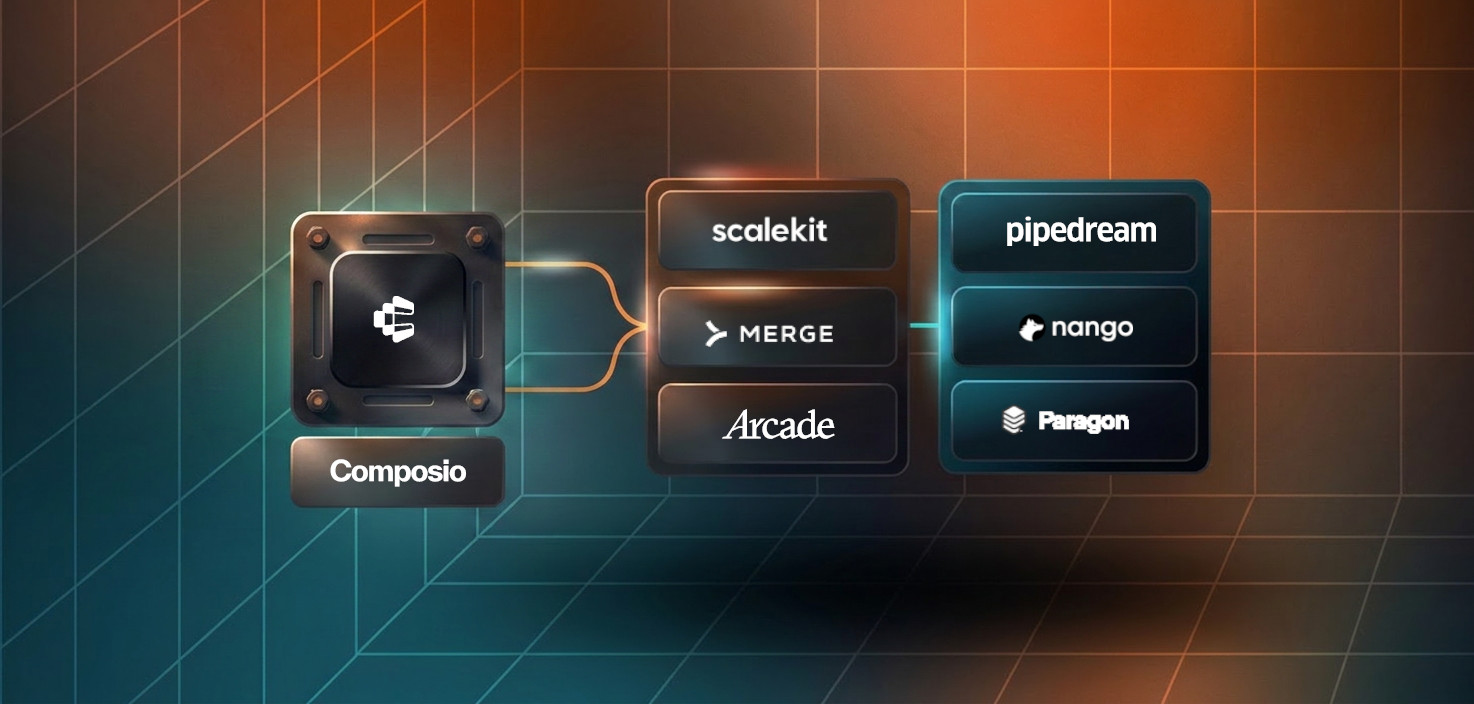
For a broader ranking that also covers Arcade, Paragon, StackOne and Truto, see Best managed MCP server platforms. To check how your setup keeps users apart, see per-user OAuth for MCP integrations.
An MCP server that a vendor runs for you. It connects an AI agent to apps such as Linear or Gmail over the Model Context Protocol and handles each app's sign-in, token storage and refresh, so you do not deploy or patch the server yourself.
Composio and Pipedream run their own catalogs of app integrations and give your back end a way to call them for each of your users. Smithery is mainly a catalog where anyone can publish MCP servers, with a Connect API that handles OAuth and sessions; its site says it is now part of Arcade.dev. Pick Smithery to find and try community servers, and Composio or Pipedream when you want one vendor to run the integrations.
Yes. All six services in this comparison store each user's app tokens and refresh them, and the agent receives tool results rather than the tokens. What differs is the credential your client sends: an organization API key, an embed secret, Pipedream's one-hour client-credentials token, or a short-lived credential scoped to one user, such as a Scalekit or Nango session token or a Merge user-scoped Access Key.
Scalekit, Composio, Pipedream, Merge and Nango support it. Nango requires it for Linear's REST integration. Zapier MCP uses Zapier's own OAuth apps, so consent screens name Zapier.
For your own use, Zapier MCP and Merge document one claude mcp add command with browser sign-in. Composio documents a command that takes a session URL and your API key, and offers a Claude Code plugin. For a product serving many users, the server URL and credential come from your back end, so the client matters less than how each service names the user.