

The OpenAI Agents SDK for Python (openai-agents) supports MCP in two ways. Local server classes in agents.mcp (MCPServerStreamableHttp, MCPServerSse and MCPServerStdio) connect from your process, list the tools and run each call. HostedMCPTool hands a public server to OpenAI's Responses API, which calls it for the model. Either way, every tool call acts as whoever owns the credential you pass.
For one developer, that credential is a token in an environment variable. A product that serves many users needs a credential per user per run, which comes from your backend or a managed MCP integration layer, plus limits on which tools the model sees and which calls wait for a person.
The Agents SDK MCP docs list four ways to attach a server. The first three are objects you pass to Agent(mcp_servers=[...]). The fourth is a tool you add to Agent(tools=[...]).
The three local classes share the options covered below (tool filters, tool list caching and approval policies), plus retries and tool guardrails. Client-side tool guardrails do not apply to HostedMCPTool, because the Responses API runs those calls. For several local servers, MCPServerManager connects them up front and exposes the ones that connected through active_servers.
The SDK works with both major versions of the mcp Python package, 1.x and 2.x, and detects which one is installed. The version matters when you pass your own HTTP client or auth object.
Install the SDK with pip install openai-agents. A Streamable HTTP server takes a URL and headers, and the context manager connects on entry and cleans up on exit:
The params dictionary holds the connection settings:
The constructor adds the client-side behaviour:
An Authorization header is the option the SDK docs recommend. It works the same with both mcp versions. For a custom scheme, params["auth"] takes an auth object from the HTTP stack the installed mcp package uses: httpx.Auth with mcp 1.x, httpx2.Auth with mcp 2.x. The same rule applies to the client returned by httpx_client_factory. With mcp 2.x installed, the SDK rejects any other auth type with a UserError before it connects.
Two more rules apply. Keep tokens in headers, never in the URL, as the SDK's security note advises. And treat the headers as fixed for the life of the object: they are read when it connects, so a new credential means a new server object or an auth object that sets the header on each request.
MCPServerSse takes the same params keys apart from terminate_on_close, and the same constructor options. The SDK docs note that the MCP project has deprecated the SSE transport, so keep it for servers that offer nothing else.
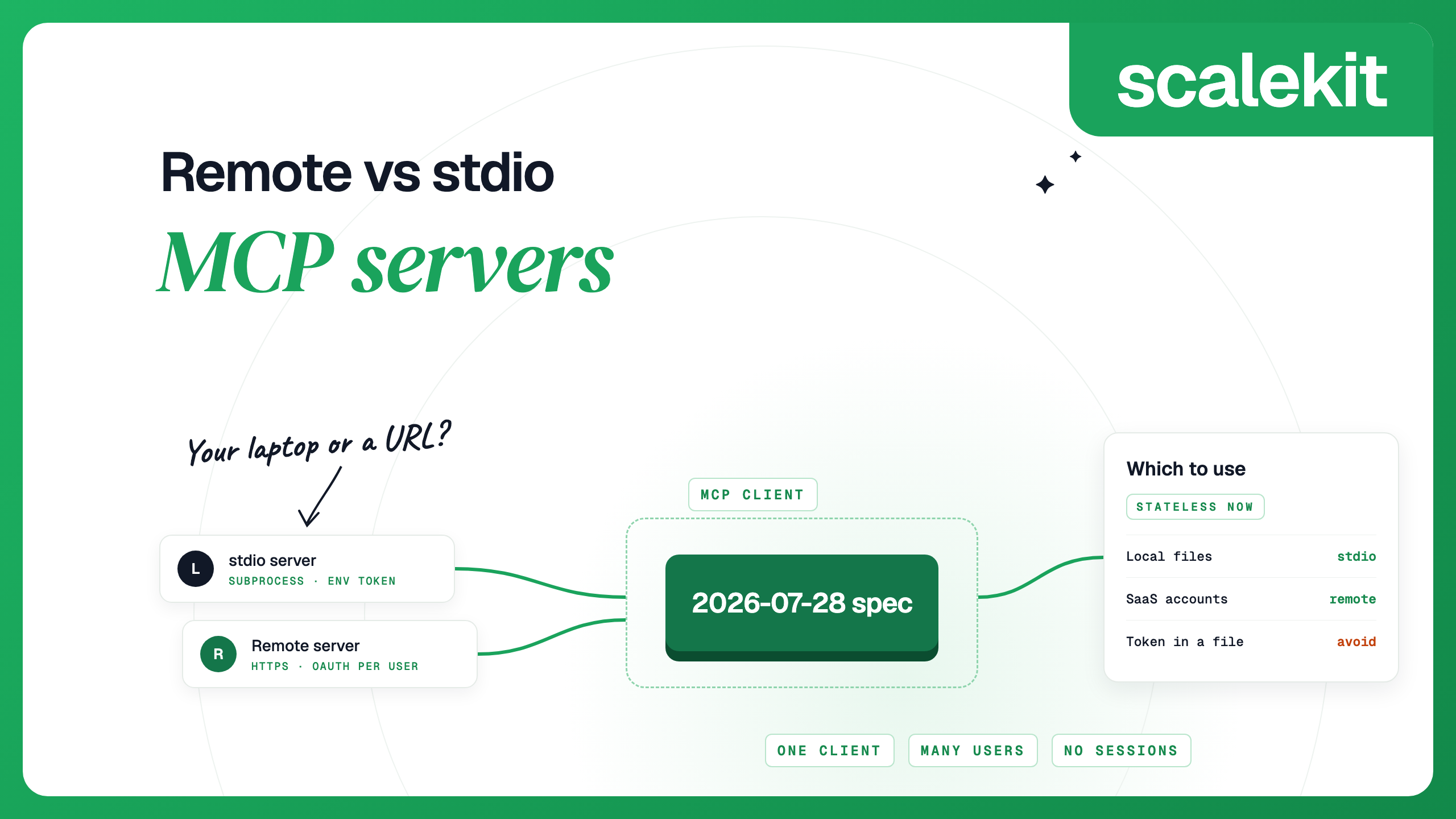
MCPServerStdio starts a subprocess from command and args, with optional env, cwd and encoding, and closes it when the context manager exits. A stdio server usually reads its credential from the environment you give it, so each process holds one credential. That suits a developer tool, while a service acting for many users fits a remote server better. Remote vs stdio MCP servers compares the two transports.
HostedMCPTool sends a server's details to the Responses API with each model request. OpenAI's infrastructure lists the tools and calls them, with no round trip to your Python process. Its tool_config mirrors the Responses API mcp tool: type is "mcp", server_label names the server, and server_url points to it. Optional keys include allowed_tools, require_approval, server_description and defer_loading. Because OpenAI makes the calls, the server must be reachable from the internet. For a private server, the Responses API accepts tunnel_id for OpenAI's Secure MCP Tunnel in place of server_url.
The auth fields, as OpenAI's MCP guide and API reference describe them:
OpenAI asks for approval before data is shared with a remote server unless you set require_approval to "never" or list the tools that skip it. In the SDK, an on_approval_request callback can decide in code by returning {"approve": True} or a rejection with a reason. Without a callback, the request shows up as an interruption that you resolve like any other approval. The API keeps the imported tool list as an mcp_list_tools item, and it does not fetch the list again while that item stays in the conversation context.
The hosted tool is the better fit when the server is public and you want OpenAI to run the tool loop. The local classes fit when you need tool guardrails or want your own process to see and log each call.
Every tool on a server goes into the model's context. create_static_tool_filter keeps an allowlist, a blocklist or both. With both, the SDK applies the allowlist first and then removes blocked names. This read-only variant of a Slack server drops the one tool that posts:
For logic that depends on the run, pass a function as tool_filter. It receives a ToolFilterContext with run_context, agent and server_name, plus the tool, and returns whether to include it. A function filter needs that context, so it only works inside a run: calling server.list_tools() directly on a server with a function filter raises a UserError. On the hosted tool, allowed_tools takes a list of names or a filter object whose read_only flag matches tools annotated with readOnlyHint.
If two servers share tool names, set include_server_in_tool_names to True in Agent.mcp_config to prefix each name with its server.
The runner asks each local server for its tools on every turn of a run. With caching off, a run that takes three model turns sends three tools/list requests. With cache_tools_list=True it sends one. Cache only when the tool definitions rarely change, and call invalidate_tools_cache() to force a fresh list.
The cache lives on the server object. When you build one object per run, as in the per-user pattern below, each run fetches the list once, and a change to the server's tools shows up on the next run.
All three local classes accept require_approval:
The function sees the tool definition and its annotations, but not the call's arguments. The SDK docs describe server annotations as advisory hints, so skip approval based on them only for servers you trust.
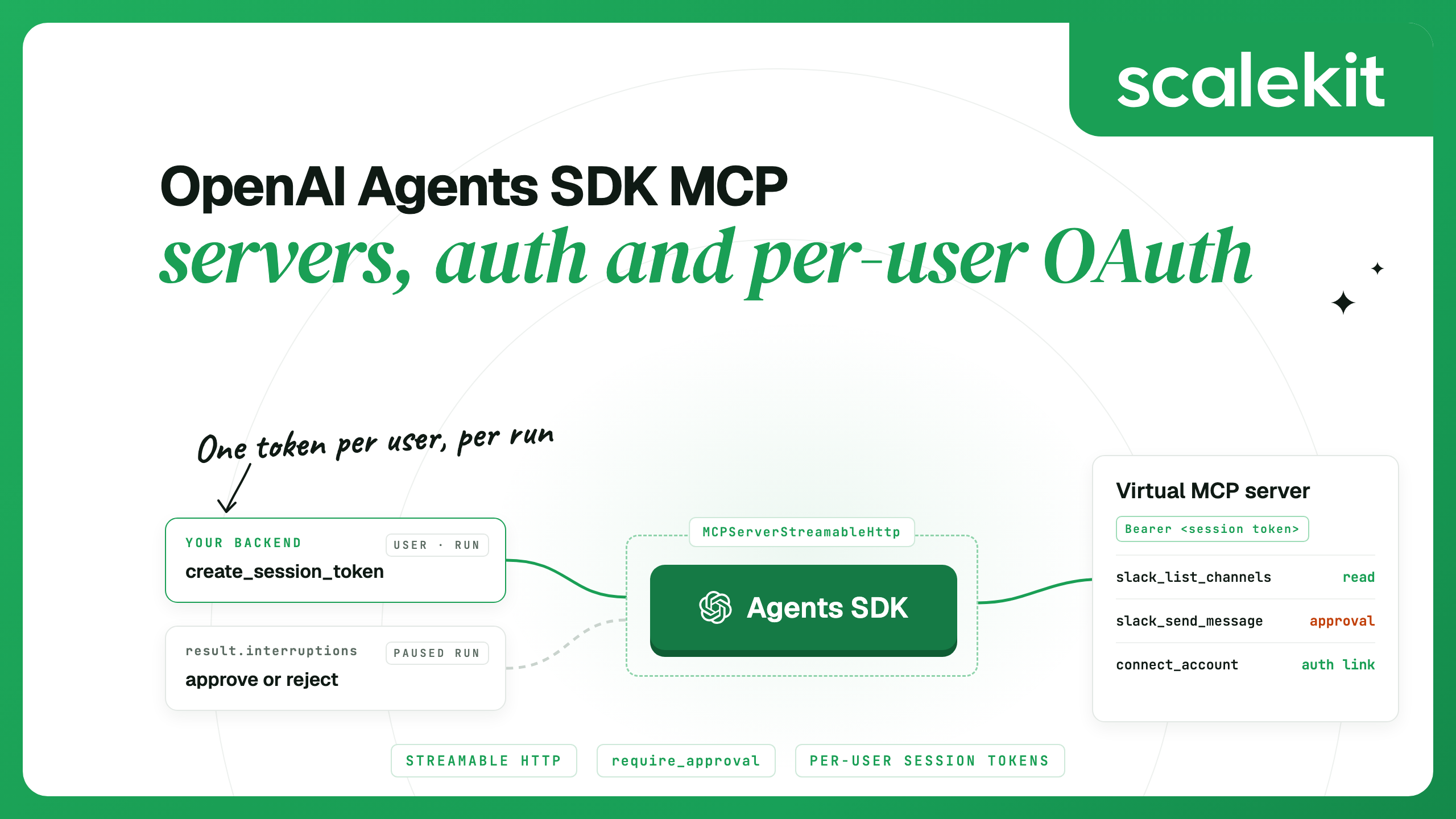
When a call needs approval, the run stops and result.interruptions lists the pending calls with their tool name and arguments. Convert the result with result.to_state(), call state.approve(item) or state.reject(item), then pass the state back to Runner.run. A rejected call is never sent to the server; the model gets a message that the tool execution was not approved. always_approve=True keeps a decision for later calls to the same tool while the same run context is reused.
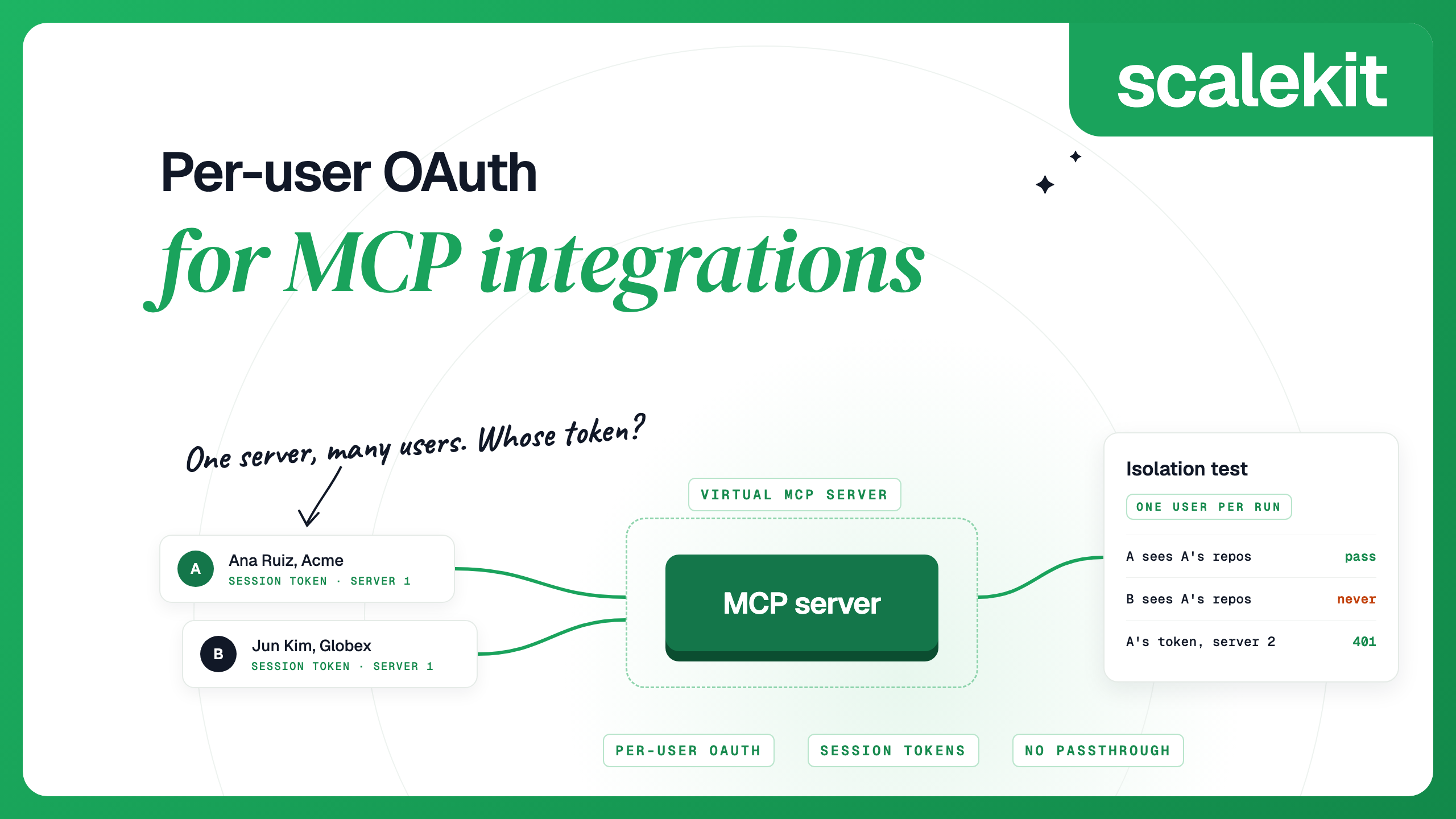
The headers on a server object belong to one user, so an object cannot be shared between two users' runs. In a multi-user product, every run opens its own object with a credential that belongs to the user the run acts for. That credential should be short-lived, minted by your backend, and different from the user's raw OAuth tokens. Per-user OAuth for MCP compares the designs for storing and resolving those tokens.
A managed MCP gateway holds each user's app tokens and issues the short-lived credential. In Scalekit AgentKit, the pieces are:
Install scalekit-sdk-python next to the Agents SDK, then create one server for the agent role. This example uses a Slack connection named slack in the Scalekit dashboard and prints the server ID and the shared URL. Store them as MCP_CONFIG_ID and MCP_SERVER_URL.
Save these two helpers as scalekit_session.py. The first returns a sign-in link for each app the user has not connected. Authorization links expire, so create them just before you show them. The second mints a session token for one user. The user ID is your app's stable ID for the person; Scalekit's docs recommend an ID that is hard to guess over an email address.
Save this as smoke_test.py and run python smoke_test.py <user-id>. It opens the server with the user's token, prints the tool names, and calls one tool through the server object, so you can check auth before spending model tokens.
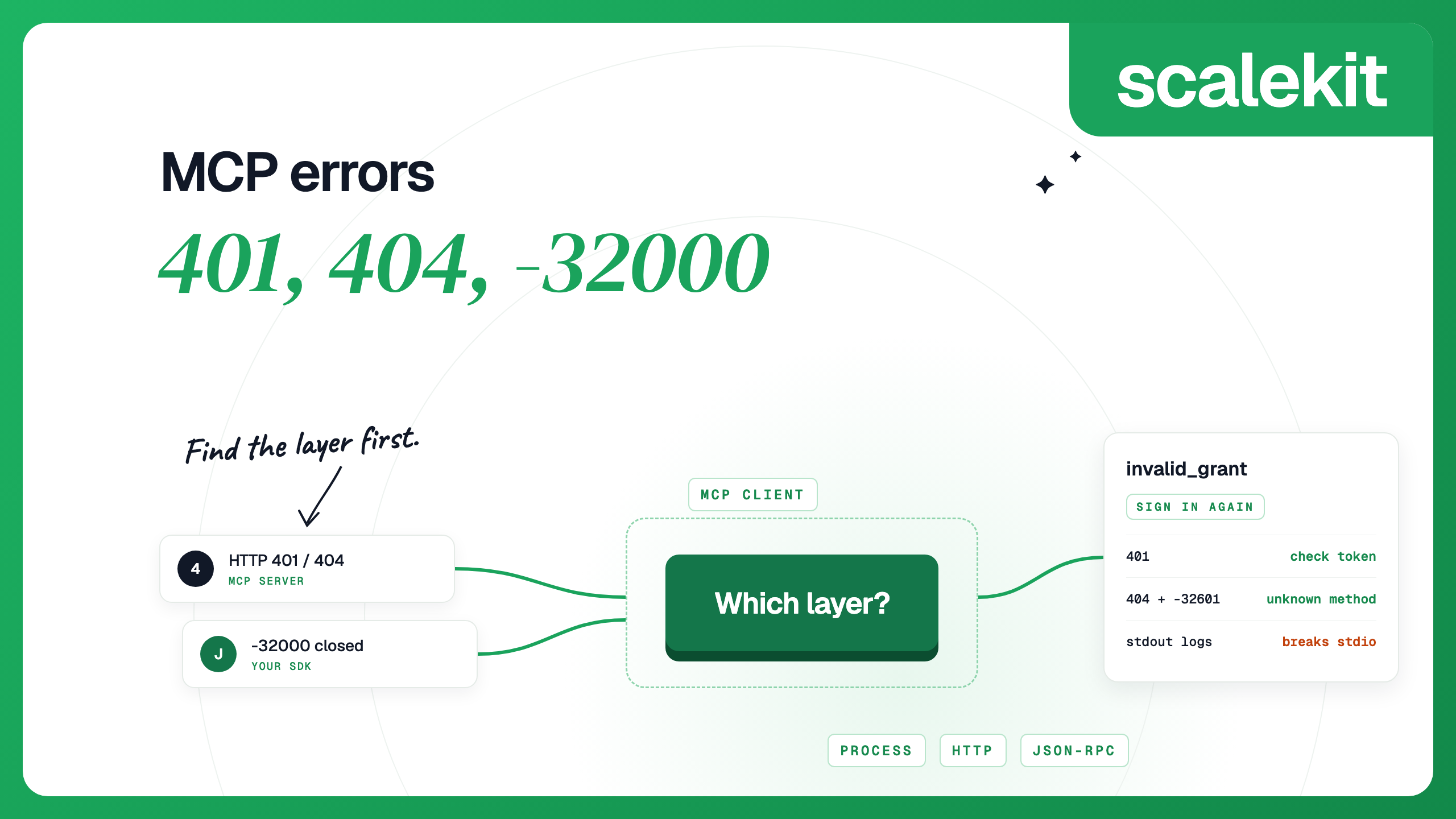
Read the result body, not only the error flag. When the app answers with an error status, the tool result is marked as an error. When the app reports an error inside a successful response, such as an expired Slack authorization, the result is not flagged and the app's error sits under data. A wrong or expired session token gets a 401 from the server. Opening the server object fails, or, if the token expires while the object is open, the next request fails. Mint a new token and open a new server object.
Save this as agent_run.py. It checks the user's connections, mints a token, opens a server object for this run only, and pauses for a person before any slack_send_message call. The model call needs OPENAI_API_KEY in the environment, as well as the Scalekit variables and the two MCP values.
Each concurrent run gets its own token and its own server object, and minting a new token does not revoke the others. scalekit_session.py mints 30-minute tokens; set the expiry a little above your longest run. For a chat session that outlives the token, mint a new one when a call gets a 401 and reconnect.
This version prompts on the terminal. In a web app, store the paused run with state.to_string(), ask the user in your UI, and load it with await RunState.from_string(agent, saved) on a new server object with a freshly minted token, since the original token may expire while the run waits. Keep the saved state on your server: it holds the pending tool arguments, and the SDK does not authenticate a snapshot when it loads one.
HostedMCPTool takes its credential in tool_config: authorization for an OAuth access token, or headers for HTTP headers sent to the MCP server. With the hosted tool, that credential leaves your backend. It goes to OpenAI with every Responses API request, and OpenAI's infrastructure connects to the server and calls the tools. OpenAI states that the Responses API does not store the authorization value. For per-user runs, MCPServerStreamableHttp keeps the session token, the approval step and any guardrails inside your own process.
Yes. The Python SDK ships MCPServerStreamableHttp, MCPServerSse and MCPServerStdio for servers your process connects to, and HostedMCPTool for public servers that OpenAI's Responses API calls for the model. It works with both the 1.x and 2.x versions of the mcp Python package.
MCPServerStreamableHttp connects from your process, so you control filters, approvals, guardrails and logging, and the server can be private. HostedMCPTool hands the server to the Responses API, which lists and calls the tools without a round trip to your code, so the server must be publicly reachable or behind OpenAI's Secure MCP Tunnel.
For the local classes, put it in params headers as an Authorization bearer header, or pass an auth object that matches your installed mcp version. For HostedMCPTool, OpenAI's docs describe the authorization field for an OAuth access token. The Responses API does not store that value, so send it with every request.
Pass tool_filter with create_static_tool_filter for allowlists and blocklists, or a function that decides per run. On HostedMCPTool, use allowed_tools. A server that exposes only the tools an agent needs, such as a Scalekit Virtual MCP server, limits the list before the SDK sees it.
Set require_approval on the server object to always, a per-tool map or a function. The run pauses with interruptions that you approve or reject on the RunState before resuming. HostedMCPTool takes require_approval in tool_config and an optional on_approval_request callback.
Open a new server object for each run, with headers that carry a credential minted for that user. With Scalekit, all users share one Virtual MCP server URL, and each run sends a session token bound to one user, valid for one hour by default.
Details checked October 2026.