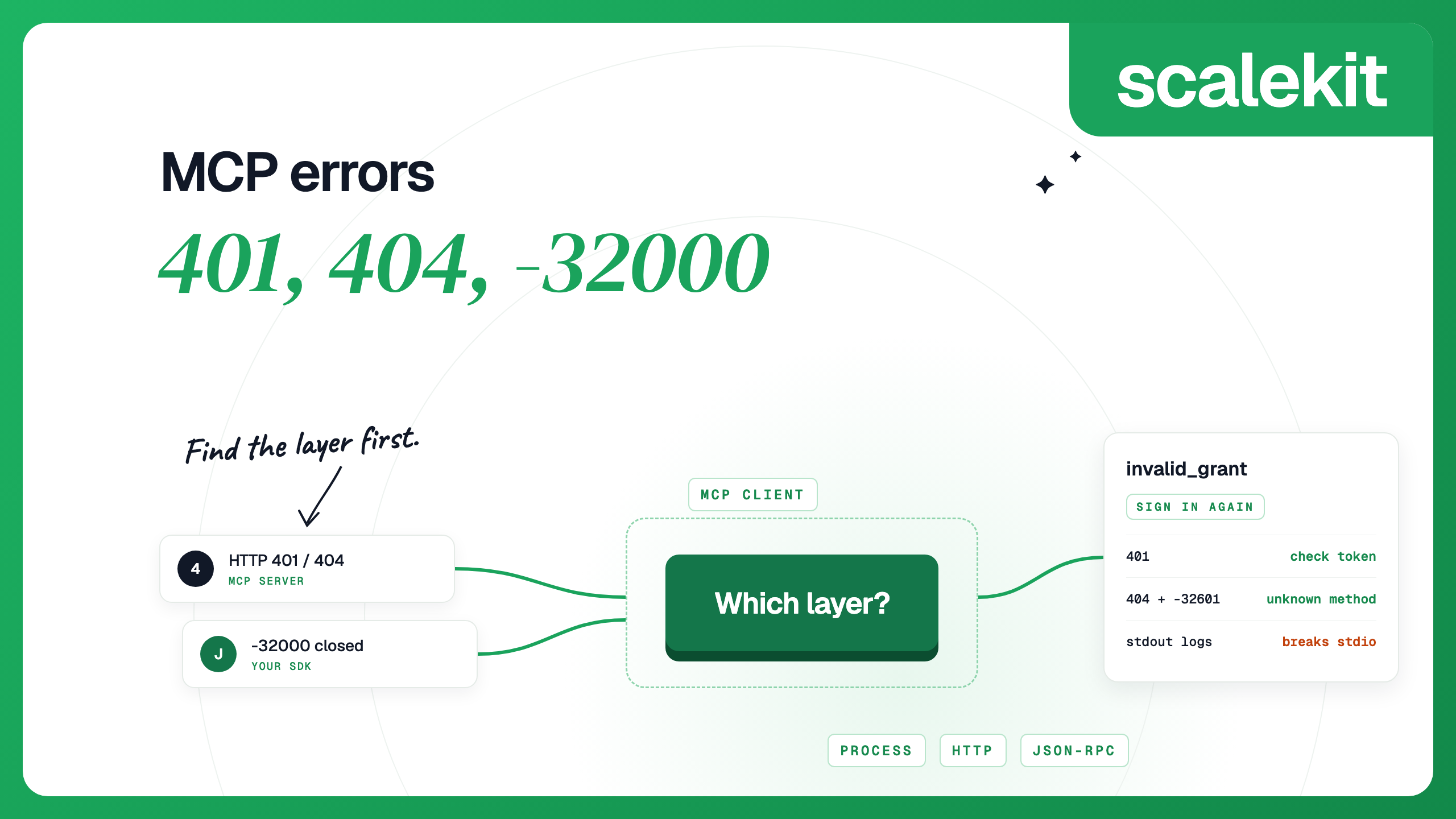


When one of your MCP integrations fails, the error comes from one of five layers: the server process, HTTP, the JSON-RPC protocol, the OAuth token endpoint, or the app the tool calls. A 401 means the MCP server rejected your access token. A 404 with error -32601 from a current server means it does not know the method you called. A 404 with the message "Session not found" comes from an older, session-based server: the session expired, the server restarted, or a load balancer sent the request to an instance that never saw the session. A 404 with an HTML or empty body usually means the URL is wrong. invalid_grant comes from the authorization server and usually means the user has to sign in again. And "Connection closed" usually means a local server process exited or wrote something other than JSON-RPC to stdout. Each section below names the error, how to tell which layer produced it, and the fix.
MCP error messages rarely say which layer failed. "Connection closed" can mean a crashed process, a stray print statement or a bad path; a 401 can mean an expired token or a token minted for a different server. Before changing anything, find which layer produced the error: did the process start, did HTTP return a status, did the JSON-RPC body carry a code, or did a token endpoint answer? Each layer has its own fix. Then check which spec version a fix was written for. The July 2026 release removed protocol sessions and changed what a 404 means, so a lot of older troubleshooting advice does not apply to current servers.
Under the MCP authorization spec, invalid or expired tokens MUST get a 401, and so must tokens that were not issued for this server. The response usually points to the server's protected resource metadata, and RFC 6750 adds an error code when a token was sent:
Work through the causes in this order:
In Claude Code, a 401 from an OAuth server you already signed in to makes it refresh the token, reconnect and retry once; it flags the server in /mcp only if that retry also fails. Two cases look like a valid token being rejected. If you set headers.Authorization yourself and the server rejects it, Claude Code reports the server as failed, not as needing authentication, and does not fall back to OAuth. And in a remote server's url and headers, Claude Code reads some credential variables, such as ${ANTHROPIC_AUTH_TOKEN}, as empty, so the server receives Bearer with no token and returns 401. Copy the value into a variable with a name of your own. To sign in from the shell, run claude mcp login <name>.
A few 404s during sign-in are normal. If the 401 has no resource_metadata, clients try /.well-known/oauth-protected-resource/mcp and then the root path, and authorization server discovery then tries several OAuth and OpenID Connect well-known URLs in order. A 404 on an early URL followed by a 200 on a later one is the documented fallback.
A 403 means the token is valid but not enough for this call. The server SHOULD return error="insufficient_scope" with every scope the call needs. The client should ask the user to authorize again for the combined scopes, with a cap on retries, then give up and report the error. If the same 403 keeps coming back after the user approves, check that your client requests the scopes the server named in the challenge.
Two other 403s have nothing to do with scope. A 403 with "Invalid Origin header" or "Invalid Host header" comes from DNS-rebinding protection; the spec requires servers to reject an invalid Origin with a 403. Python SDK servers answer a bad Host with a 421 "Invalid Host header" instead, usually because a reverse proxy forwarded the public hostname; add it with TransportSecuritySettings(allowed_hosts=[...]). Atlassian's token endpoint also uses 403, with invalid_grant, for an unknown or invalid refresh token (see below).
What a 404 means depends on the spec version the server implements.
Current servers (2026-07-28). Protocol sessions are gone, so there is no session to expire. A 404 with a JSON-RPC body means the method is unknown (Streamable HTTP):
Older servers (2025-11-25 and earlier). A 404 in response to a request with an Mcp-Session-Id header means the session has ended, and the client MUST start a new one with a fresh initialize request (2025-11-25 transports). Servers built on the official SDKs send this 404 with a JSON-RPC body whose message is "Session not found". The code is -32001 from TypeScript SDK servers and -32600 from Python SDK servers:
The session expired, the server restarted, or the request reached a different instance. Python SDK servers drop a session after 30 minutes with no request in flight (session_idle_timeout). If the error appears without a restart or a long idle gap, the usual cause is several workers behind a load balancer without sticky sessions: each worker keeps its own session table, so a request routed to another worker finds no session. Fix it with sticky routing, or run the server stateless (stateless_http=True in the Python SDK).
TypeScript SDK servers show the same deployment problem as a 400 with code -32000 and the message "Bad Request: Server not initialized" or "Bad Request: Mcp-Session-Id header is required". Both mean the request reached an instance that never handled the initialize request, which is common for a stateful server on serverless functions. The fix is the same.
Either version. A 404 with an HTML body or no body usually means the URL is wrong. Check the path, any trailing slash, and whether a reverse proxy strips the path before it reaches the server. Most servers serve /mcp. A URL ending in /sse belongs to the HTTP+SSE transport, which has been deprecated since 2025-03-26 and is formally Deprecated in 2026-07-28; configure the client for SSE (for example claude mcp add --transport sse) or move to the server's /mcp endpoint. Clients use the shape of these errors to tell protocol versions apart: a 400, 404 or 405 without a recognised JSON-RPC body lets a client that also supports older versions fall back to them.
Every request to a 2026-07-28 server carries an MCP-Protocol-Version header that must match the version in the request body. A missing or mismatched header gets a 400 with -32020 (header mismatch). An unsupported version gets a 400 with -32022, and data.supported lists the versions the server accepts. A request that is missing required metadata gets -32602. The fix in all three cases is usually a newer client SDK.
A 405 means the client sent GET or DELETE. Older clients used GET for a server-to-client stream and DELETE to end a session; a current server should answer both with 405. Older servers may also return 405 to a GET when they do not offer a server-to-client stream, or to a DELETE when they do not let clients end sessions.
These come from the authorization server's token endpoint, not from the MCP server. invalid_grant means the authorization code or refresh token is invalid, expired or revoked, the redirect URI does not match, or the token was issued to a different client (RFC 6749). Retrying will not fix it. Check the redirect URI and client configuration first; if those are right, the user has to sign in again.
Each provider has its own reasons for killing a refresh token, and they are worth knowing before you ask a user to reconnect:
Microsoft and Atlassian return a new refresh token with every refresh. Store it each time: Atlassian invalidates the old one, so a client that keeps using it gets invalid_grant.
invalid_client means the authorization server does not accept your client's credentials. For a client with a fixed client ID and secret, they are wrong, rotated or deleted. An MCP client that registered itself, through dynamic client registration or a client ID metadata document, gets it when the authorization server dropped the registration, could not fetch or validate the metadata document, or changed. The 2026-07-28 spec requires clients to key stored credentials by the authorization server's issuer and to register again with a new one. Clear the client's stored authorization so it registers again; in Claude Code, open /mcp and choose Clear authentication.
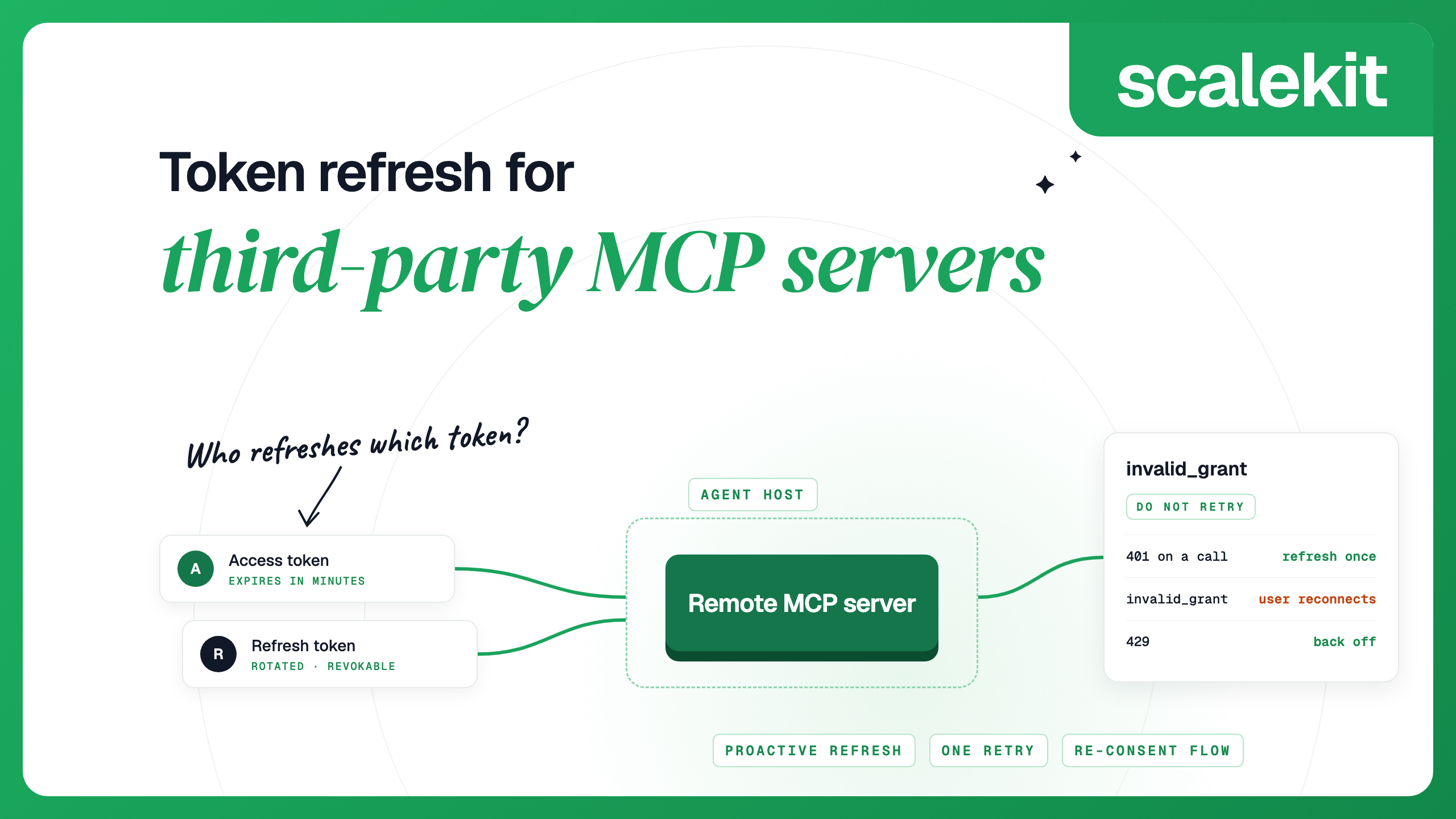
For the full refresh and re-consent pattern, see token refresh for third-party MCP servers.
This message comes from the client SDK when the transport closes. With a local (stdio) server, the common causes are that the process exited or its output stream broke. The stdio spec is strict: a server MUST NOT write anything to stdout that is not a valid MCP message, so a single print statement is enough to break the connection.
If logging is not the problem, check these, from the MCP debugging guide:
With a remote server, one common cause is a proxy or load balancer closing a long-running request. Check its timeout settings. The 2026-07-28 spec removed stream resumability, so when a response stream drops, the in-flight request is lost and the client must send it again with a new request ID.
Neither -32000 nor -32001 is defined by the MCP spec, which says local SDK errors such as timeouts are not assigned codes. The Python SDK uses -32001 for a request timeout, and the TypeScript SDK's default request timeout is 60 seconds. If -32001 arrives on an HTTP 404 with the message "Session not found", it is a session error; see the 404 section.
If a tool legitimately takes longer, raise the timeout or have the tool return sooner. Progress notifications do not always help: the TypeScript SDK resets its timer on progress only when the caller sets resetTimeoutOnProgress, and Claude Code's per-server timeout is a hard limit that progress does not extend. The settings to change are these:
The tools spec separates two kinds of tool failure. A protocol error, such as an unknown tool name or a request that does not match the tools/call schema, is a JSON-RPC error, usually -32602. An execution error, such as an argument that fails validation or an upstream API failure, comes back as a normal result with isError: true, so the model can read it and try something else. If your server returns API failures as JSON-RPC errors, the model may never see the message; return them as tool results with a short, specific explanation instead. Tool call failures in production covers how to classify them.
The MCP Inspector connects to a server directly, without an AI client in between, so you can see the raw requests and responses. It needs Node.js 22.19 or later.
Claude Code. /mcp shows each server as connected, needing authentication, or failed, and lets you authenticate, clear authentication or reconnect. For a server that failed to connect, claude mcp get shows an Issue line with the HTTP status or error code (Claude Code v2.1.219 or later). claude mcp login <name> runs a server's OAuth sign-in from the shell.
Cursor. Servers are configured in .cursor/mcp.json in the project or ~/.cursor/mcp.json. For logs, open the Output panel (Cmd+Shift+U) and choose "MCP Logs". The desktop app's OAuth redirect URL is http://localhost:8787/callback, which is the value to check when an authorization server reports redirect_uri_mismatch.
Codex. Servers live in ~/.codex/config.toml under [mcp_servers.<name>]. startup_timeout_sec defaults to 10 seconds, which a server launched with npx -y can exceed while it downloads on first run, and tool_timeout_sec defaults to 60. Run codex mcp login <name> for an OAuth server, or set bearer_token_env_var to send a static token from an environment variable.
VS Code. Run MCP: List Servers and choose Show Output. Claude Desktop on macOS writes logs to ~/Library/Logs/Claude/mcp*.log.
If your agent calls tools through Scalekit, a few errors are specific to how it holds each user's credentials. The AgentKit troubleshooting guide covers each one:
To catch these before a user does, subscribe to the connected_account.token_refresh_failed and connected_account.status_updated webhooks, and send a reconnect link when an account changes state.
The server rejected the access token: none was sent, it expired, or it was issued for a different server. Read the WWW-Authenticate header, refresh or re-authorize, and check that the token's audience matches the server's URL.
On a 2026-07-28 server, a 404 with error -32601 means the method is unknown. A 404 whose message is "Session not found" comes from an older, session-based server: the session expired, the server restarted or a load balancer routed the request to another instance, so initialize again and use sticky sessions or a stateless server. A 404 with an HTML or empty body usually means the URL path is wrong.
The client SDK lost the connection to the server. For a local stdio server, the usual causes are the process exiting, the server writing logs to stdout, a wrong command path or missing environment variables. Check the server's stderr first.
The authorization server rejected a refresh token or authorization code because it is invalid, expired, revoked or belongs to another client. Retrying will not help. If the redirect URI and client configuration are correct, the user needs to sign in again.
Connect to it with the MCP Inspector to see raw requests and responses, without an AI client in between. In Claude Code, use /mcp, claude mcp get, and the --debug flag, and raise MCP_TIMEOUT if the server is slow to start.