An n8n MCP server is either a workflow built on the MCP Server Trigger node, serving its tools at a URL that can require a bearer or header credential, or n8n's instance-level server, which lets clients like Claude Code run and build workflows. Zapier MCP is one hosted endpoint that acts as the signed-in Zapier user and uses two tasks per successful tool call.
Both are quick ways to give an agent real tools, and for many teams they are the right ones. The limits appear when the agent serves your product's customers, and each call has to act as one customer with tools you chose and a credential that expires. Agent-native tool calling through managed MCP integrations is built for that case.
n8n uses MCP in both directions: it can act as a server that other clients call, and its own agents can act as clients of other servers.
The MCP Server Trigger has two URLs. n8n registers the test URL when you select Listen for Test Event or Execute workflow in the editor, and registers the production URL when you publish the workflow. It supports SSE and streamable HTTP but not stdio, so n8n's documented Claude Desktop setup runs mcp-remote as a local gateway. Two limits matter in production: in queue mode with more than one webhook replica, all /mcp* traffic has to go to a single dedicated replica, and behind nginx the MCP location needs proxy buffering turned off.
A plain MCP Client node also exists for using an MCP tool as an ordinary workflow step. For agents, n8n's guidance is to prefer a built-in node when you know the exact action and want parameters pinned, and an MCP server when the agent needs a range of actions.
Instance-level MCP is a different server. An owner or admin turns it on under Settings, Instance-level MCP, and clients connect to the Server URL shown there, which ends in /mcp-server/http. Clients can preview any workflow the user can see through search_workflows, but they can read, run or change only the workflows enabled for MCP. Workflow access is not scoped per client: every client you connect sees every workflow you enabled, though each OAuth client holds only the permissions you approved when it connected. execute_workflow runs the published version of a workflow by default. n8n recommends coding agents such as Claude Code for building workflows this way, and publishes n8n Skills to teach them its conventions.
Every client connects to one endpoint, https://mcp.zapier.com/api/v1/connect, over Streamable HTTP only, so a client that can only use SSE cannot connect. Supported clients such as Claude, ChatGPT, Cursor and VS Code sign in with OAuth, and Zapier connects them to the user's default server, creating it on the first sign-in. Unlisted clients and your own code use a connection token: you create the server at mcp.zapier.com, and the token is long-lived, tied to that one server, and lets whoever holds it run the server's tools.
A server runs in one of two modes. In agentic mode, the default, the client gets a fixed set of meta-tools, and the agent searches for, enables and runs actions through them, starting from the apps you already connected in Zapier. In managed mode you pick the actions at mcp.zapier.com, each one becomes its own tool, and you can lock field values. Zapier MCP vs the Zapier API compares the meta-tools with Zapier's Actions and Trigger Inbox APIs in more detail.
Zapier MCP is included in every Zapier plan and has no separate bill. Each successful tool call uses two tasks from the same allowance your Zaps use; failed calls and listing tools do not count. On the Free plan's 100 tasks a month, that is 50 tool calls. When the allowance runs out and pay-per-task billing is off, tool calls stop until the billing cycle resets, you upgrade, or you turn on pay-per-task billing.
On security, Zapier MCP runs under Zapier's SOC 2 Type II certification, Enterprise SAML SSO extends to MCP access, and the History tab logs each tool call. Account-level app and action restrictions apply to MCP calls too, as do the permissions inside each app. It runs on multi-tenant infrastructure; dedicated VPC or on-premises deployments are not currently offered.
By default an n8n credential is fixed: the same account is used no matter who runs the workflow. An MCP Server Trigger protected by Bearer auth adds one more shared value, because every client that calls it presents the same token, and the workflow behind it runs with whatever credentials its nodes hold.
n8n's answer for per-person access is end-user credentials. A project admin creates an OAuth credential as a template, each user connects their own account, and n8n resolves the credential at runtime to the user who triggered the workflow. The MCP Server Trigger is one of the supported triggers. End-user credentials are an Enterprise feature in Preview, work only with OAuth credential types in team projects, and each person must be a user on your n8n instance.
Zapier MCP ties identity to the Zapier account. Each tool call runs through the app connections of the Zapier user who owns the server, and giving teammates access to that server lets them help manage its tools but not connect a client or run tools on the owner's behalf. Zapier's guidance for connection tokens is to give each user their own server and token.
For products, the Zapier MCP embed gives each of your users a unique server URL, which your back end calls with your embed secret as a bearer token; each server appears in that user's own Zapier MCP server list. White Label, in limited access, lets your users connect apps without a Zapier account, including for AI agents that call tools through Zapier MCP, and bills you per task. Third-party consent screens show Zapier as the app requesting access, because Zapier maintains the OAuth client registrations.
Outside White Label, the user behind a call is an account in the automation platform. That fits a team. When the users are your product's customers, who already have an account with you, it adds a second account to manage for each of them.
Agent-native tool calling means the agent calls tools defined for it, through an MCP server or SDK your back end controls, and each call is bound to one of your own users. These are the signs a team has reached that point:
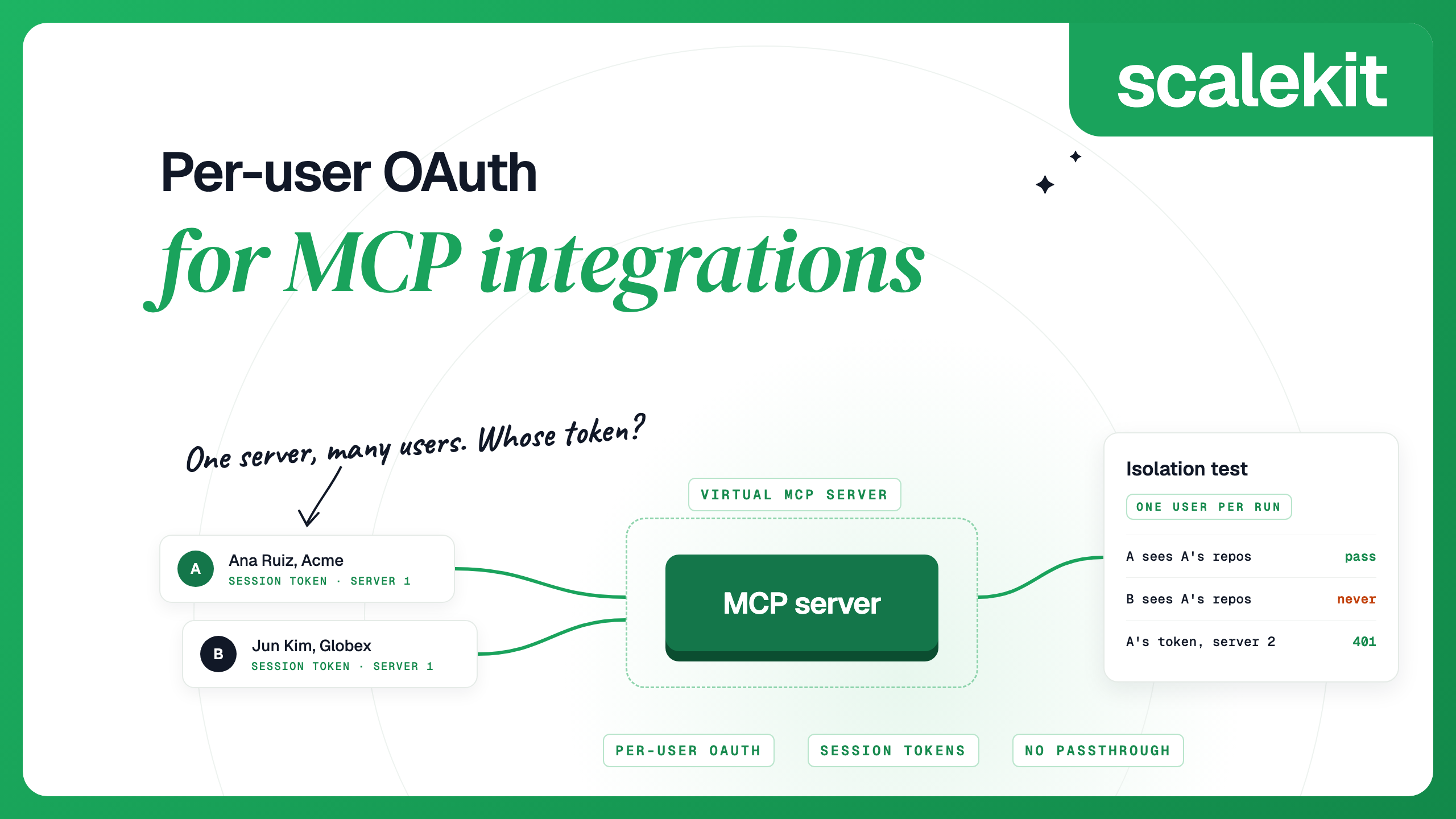
Scalekit AgentKit is an MCP gateway built for the multi-user case. You create a Virtual MCP server once per agent role, listing the tools that role needs, and every user shares its URL. Before each run, you check that the user's connected accounts are active and mint a session token bound to that user and that server. The agent never receives the user's OAuth token, and Scalekit sends a webhook when a token can't be refreshed or an account expires, so you can ask the user to reconnect before a call fails.
The example below sets up a channel-digest agent that reads a user's Slack channels and posts a summary. It runs with the Python SDK and your environment's credentials.
start_run returns authorization links for any connection the user has not authorized, which you show to the user, or a URL and token for the run. The agent then connects with the token as a bearer header. With the MCP Python SDK:
A read-only token lists only the tools annotated read-only, so a summary-only run on this server sees the two Slack read tools and not slack_send_message. Session tokens are short-lived by design and cannot be refreshed: when one expires, or is sent to a different server's URL, the server returns 401, and you mint a new one. The catalog covers 500+ connectors and 20,000+ tools, and the Free plan includes 10,000 tool calls a month.
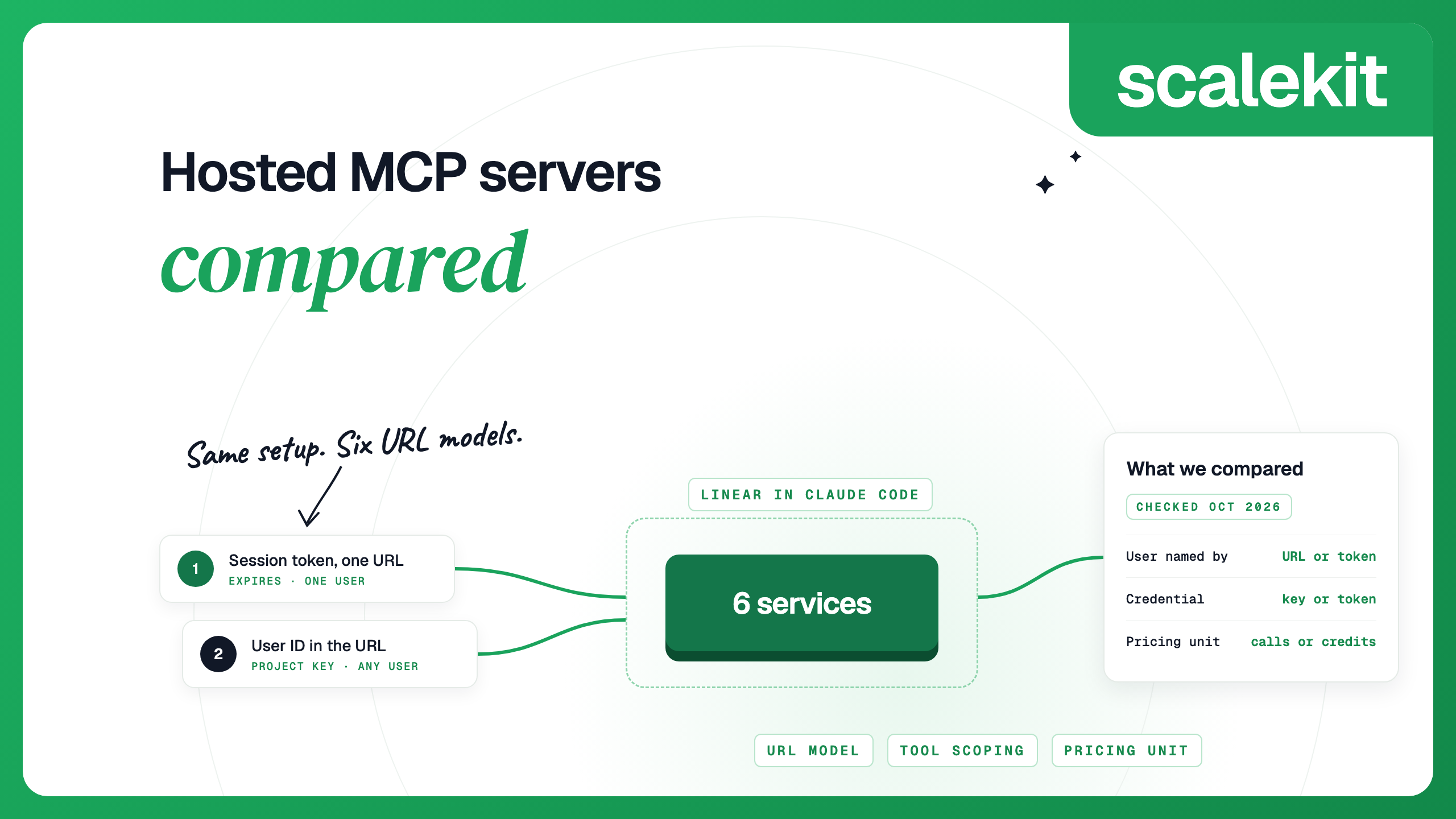
Per-user OAuth for MCP integrations explains how this isolation works and how to test it, and hosted MCP servers compared sets Scalekit beside Zapier MCP and four other hosted services.
Moving per-user tool calls does not mean retiring your automations. An MCP host can connect to several servers at once, so an agent can call Scalekit tools for actions that run as a specific customer and an n8n MCP Server Trigger for a fixed internal process, such as filing an approved refund. Keep deterministic, multi-step processes in n8n or Zapier, and move the calls that act for your customers.
Zapier's troubleshooting docs give one cause for MCP tools that worked before and now return 404 (not found): the connection token stored in the client is no longer valid. Tokens can become invalid after long inactivity or a security event. Only clients that store a connection token are affected; OAuth clients store and refresh their own token. To fix it:
Zapier's docs cover two related cases. When tools are missing rather than failing, confirm the server URL in the client matches the one on the Settings tab, and note that removing a client from a server signs it out until it goes through Zapier sign-in again. A client still configured against an SSE endpoint needs the Streamable HTTP endpoint, https://mcp.zapier.com/api/v1/connect.
n8n's docs describe when an MCP URL is live and what has to be in place for a client to reach it:
More MCP status codes and their fixes are in MCP server errors and how to fix them. On a Scalekit server, an expired token or a token for another server returns 401 with invalid or expired bearer token; mint a new token for that server.
In Claude Code, each server is one command:
In Codex, n8n and Zapier use OAuth after a one-line add:
For a Scalekit server, Codex reads the session token from an environment variable:
In Cursor, n8n's Connect a client dialog offers one-click setup, or you add the Server URL to ~/.cursor/mcp.json. Zapier installs as a plugin from the Cursor marketplace. A Scalekit server goes in mcp.json with the token in a header:
A session token lasts at most 24 hours, so a config file you edit by hand needs a fresh token at least once a day. In Claude Code, a headersHelper script can mint one for you: Claude Code runs the helper on every connection and, after a 401, runs it again and retries the call once.
Yes, in two forms. The MCP Server Trigger node turns one workflow into an MCP server protected by no auth, a bearer token or a header. Instance-level MCP, turned on under Settings, Instance-level MCP, lets clients such as Claude Code search, run and build the workflows you enable for MCP.
Zapier's docs give one cause for tools that worked before and now return 404: the connection token saved in your client is no longer valid. Rotate the token on the server's Settings tab at mcp.zapier.com, update the server URL in your client and restart it. Only clients that store a connection token are affected.
Two tasks per successful tool call, taken from the same allowance your Zaps use. Failed calls and listing the available tools do not count. The Free plan's 100 tasks a month cover 50 tool calls.
Yes, with end-user credentials, an Enterprise feature that is in Preview. A project admin creates an OAuth credential as a template, each n8n user connects their own account, and the MCP Server Trigger is one of the triggers that resolve it. Each person has to be a user on your n8n instance.
Yes, through the Zapier MCP embed, which gives each of your users a unique server URL that your back end calls with your embed secret as a bearer token. Each server appears in that user's own Zapier MCP server list. White Label, which is in limited access, lets users connect apps without a Zapier account, including for AI agents, and bills you per task.
Stay when the people using the agent are your colleagues, when the tool is a fixed multi-step workflow, or when you need the widest app catalog with the least setup. Move to agent-native tool calling when the agent acts for your product's customers and each call has to be bound to one user with a tool list you chose.
Details checked October 2026.