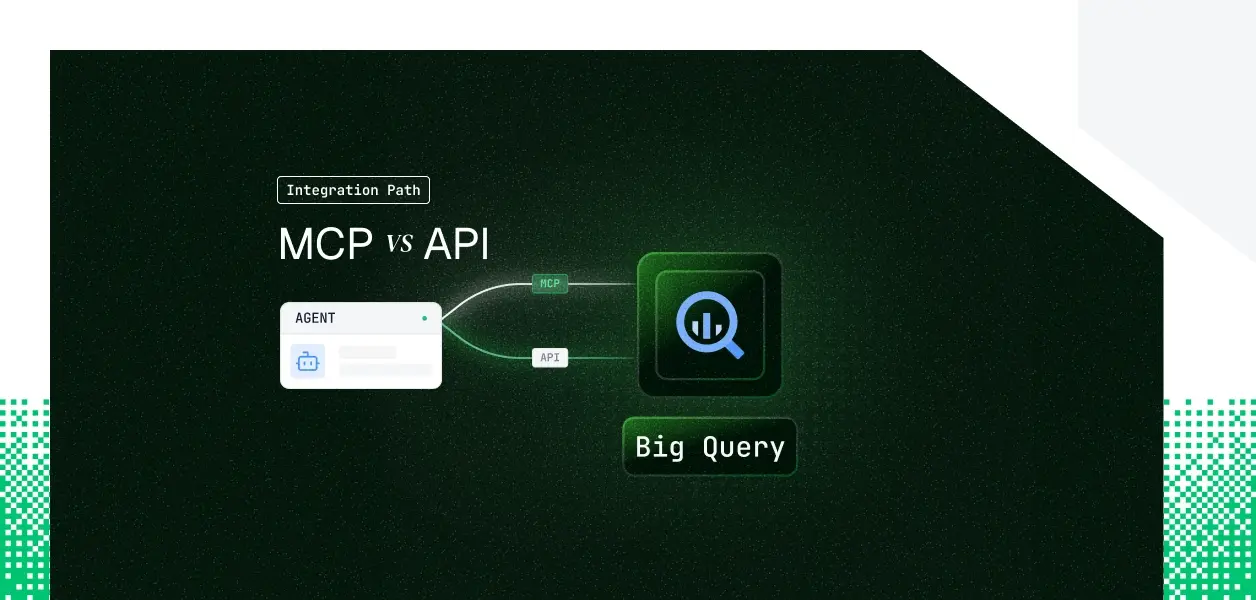


Your analytics agent needs to read and write Google BigQuery. It needs to discover datasets, inspect schemas, run SQL, and hand results back to a model. BigQuery now ships two paths: a fully managed remote MCP server at https://bigquery.googleapis.com/mcp and the REST and Storage APIs your pipelines have called for years.
They cover overlapping but not identical ground, and the obvious assumption (that the MCP server is the lightweight, auth-limited option) turns out to be wrong in an important way. Here is how to pick.
The BigQuery remote MCP server is a Google-managed endpoint at https://bigquery.googleapis.com/mcp, enabled when you enable the BigQuery API and live in preview as of January 2026. Google hosts, scales, and patches it. Authentication uses OAuth 2.0 with Identity and Access Management; all Google Cloud identities are supported and API keys are not accepted. The server exposes six tools: list_dataset_ids, get_dataset_info, list_table_ids, get_table_info, execute_sql_readonly (SELECT only), and execute_sql (the one non-read-only tool, which can run DML and DDL).
Official docs: Use the BigQuery MCP server
The BigQuery API is a versioned REST surface at https://bigquery.googleapis.com/bigquery/v2/, plus the gRPC Storage Write and Storage Read APIs for high-throughput ingestion and parallel reads. It authenticates any Google Cloud identity through OAuth, service account JWT Bearer (RFC 7523), Application Default Credentials, gcloud credentials, or Workload Identity Federation. Endpoint coverage is complete: every action the MCP server exposes is reachable here, plus a large surface the MCP server does not touch.
Official docs: BigQuery REST API reference
The MCP server covers the conversational analytics loop well: list datasets, read schemas, generate SQL, run it, interpret results. The gaps appear when an agent needs volume, ingestion, or org-level control.
The most consequential limit is result size. The MCP tools cap returns at 3,000 rows and cancel queries that run past three minutes by default. An agent summarizing a metric is fine; an agent that needs to pull a large slice of rows into its own logic is not. That work belongs to the Storage Read API or to query jobs that write to a destination table.
The second limit is ingestion. There is no Storage Write API tool, no load-job tool, and no legacy streaming insert. If your agent writes high volumes into BigQuery, that path is API-only, and it is architectural, not a tool that ships next month.
This is where BigQuery breaks the usual MCP pattern. Most hosted MCP servers are OAuth-user-only and cannot run without a browser.
BigQuery is different: its MCP server authenticates with OAuth 2.0 over IAM and accepts all Google Cloud identities, including service accounts and agent identities. A headless agent can authenticate to the MCP server with a service account; only API keys are rejected.
Because both paths authenticate service accounts, the headless question does not decide it for BigQuery the way it does for Notion or Salesforce. The decision turns on capability: result size, query runtime, ingestion, and admin surface. The multi-tenant credential question, covered below, applies to both paths equally.
On the MCP path, Google owns hosting, scaling, and tool schemas. You own per-tenant credential storage, refresh, and revocation, plus cost control: every execute_sql call runs a real query and is billed on bytes scanned, and a curious agent on broad questions can run up charges. Queries carry the label goog-mcp-server: true, and IAM deny policies can block the read-write execute_sql tool.
On the API path, you own all of the above plus endpoint selection, retries, pagination, and version pinning. The MCP server has no separate quota; both paths consume the same underlying BigQuery API quotas. For deterministic pipelines where an unplanned schema change is an incident, the explicitly versioned REST API is the more predictable dependency.
Use Google BigQuery MCP when:
Use the Google BigQuery API directly when:
Whether your agent authenticates to the MCP server or the API, a multi-tenant B2B agent ends up with one credential per customer. Forty customers across eight GCP projects means many credentials, each with its own lifecycle. Neither path gives you a vault, rotation logic, or a revocation flow; those have to be built separately.
A service account key shared by a customer becomes a long-lived secret you must store, rotate, and revoke. An OAuth grant can be revoked by the user inside Google at any time, and your agent has no built-in way to learn that until the next call fails. Either way, the token must be encrypted at rest, isolated per tenant, and revocable on offboarding. This is precisely the token vault problem that production agents face across every connector.
Scalekit's Google BigQuery connector handles the OAuth flow, token storage, and rotation for both paths, so the MCP vs API decision does not change your auth infrastructure. The connector ships in two forms: Google BigQuery for user-delegated OAuth and BigQuery (Service Account) for org-level headless access.
Scalekit Agent Auth resolves the per-user credential on every tool call. The token lives in an AES-256 token vault, namespaced per tenant, and is fetched server-side at request time in roughly 40 milliseconds. It never enters your agent runtime or the LLM context.
What the user cannot do in BigQuery, the agent cannot do: every query runs with the authorizing user's IAM roles, so column-level security and row-level access policies apply unchanged. This is how access control for multi-tenant AI agents should work in practice.
The Scalekit Google BigQuery connector exposes a scoped tool set the agent calls through execute_tool. Tool names and parameters are taken from the connector page, not assumed.
The agent does not load a flat catalog of every BigQuery tool. It loads the tools the current user's connected account is authorized to call, scoped further by an explicit tool-name filter. The sequence is discovery, then scope, then execution.
The connectionNames value passed below must match the connection name configured in your Scalekit dashboard; a mismatch here is the most common integration error.
Scalekit also ships native examples for Anthropic, OpenAI, Google ADK, and Claude managed agents.
If you want an MCP endpoint instead of SDK calls, Scalekit's Virtual MCP Server gives every agent a scoped, user-specific MCP endpoint that declares exactly which BigQuery tools it can see and whose credentials it acts with, with no MCP server to deploy, host, or maintain.
One server definition serves all users; before each run, a short-lived session token is minted scoped to that user's connected account. The endpoint is static; the identity is per-user. A Scalekit Virtual MCP server URL looks like https://yourcompany.scalekit.com/mcp/v3/servers/<server-id>.
Setup is covered in the quickstart and configure a virtual MCP server.
Every BigQuery tool call is logged with who triggered it, which query ran, and what came back, with 90 days of SIEM-ready history tied to the user who authorized it.
For an agent spanning BigQuery, Slack, and a CRM across many tenants, those agent auth logs answer the question a security reviewer always asks: under whose credential did this action run, and was it in scope.
The same vault and audit chain covers every connector, so adding the next tool adds no new auth code. This is how agent tool observability works at scale.
If the BigQuery action your agent needs is not yet a Scalekit tool, request it through the Scalekit Slack community or talk to the team. New connector requests typically land within a week, on the same vault and audit plumbing as every existing tool.
Most production BigQuery agents will use both, and either way the per-tenant credential problem is identical. That is the part that needs production-grade infrastructure.
Browse the Scalekit Google BigQuery connector.


.webp)






