

Every MCP server, by default, uses the same authorization model: a user connects a client, gets redirected to the server's consent screen, and authorizes access one server at a time. That's the right default for a person wiring up a personal integration. It's a genuine headache once you're doing it across an entire company.
Enterprise-Managed Authorization (EMA) is the MCP extension that fixes this. It went stable on June 18, 2026, and it's already being adopted by Anthropic, Microsoft, and Okta, among others. Here's exactly what it does, how it works under the hood, and where its limits are.
Picture Northlight Analytics — a mid-size company rolling out MCP-connected agents across its sales and support teams, each employee needing access to five or six internal servers. Under the standard model:
None of these are hypothetical. They're the same three problems that show up in any bring-your-own-SaaS rollout, just moving faster because agents connect to new tools constantly.
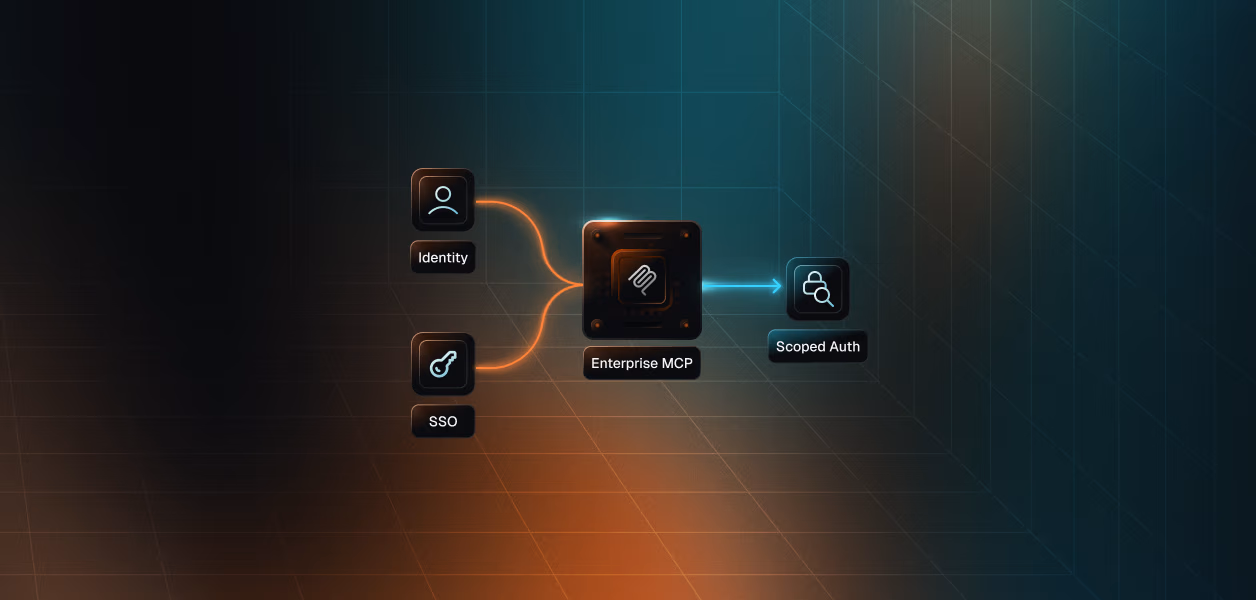
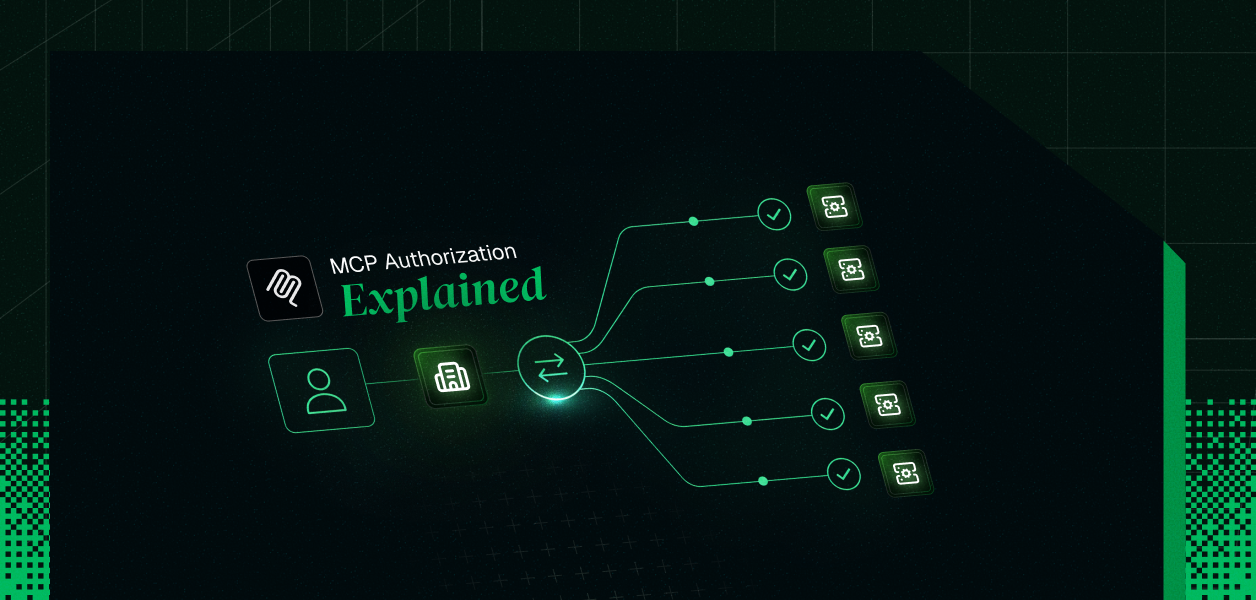
EMA makes the organization's identity provider (IdP) the authority on who can reach which MCP servers, replacing the per-server consent screen with a background token exchange. The mechanism has three standard pieces stacked together: an OIDC or SAML login, an RFC 8693 token exchange, and an RFC 7523 JWT bearer grant.
Walking through the actual flow:
The part users actually notice is what's missing: no redirect to the MCP server's own consent screen. They log in once, and every approved server is just there.
A few properties fall directly out of this design:
EMA is additive, not a replacement — the standard per-user model remains the default for consumer scenarios, and servers have to explicitly advertise EMA support as a capability before a client will negotiate it.
As of this writing:
This list moves fast — treat it as a snapshot, not a source of truth. For current status, check the official MCP client support matrix.
If you're building or securing an MCP server yourself, this is the same territory our MCP OAuth 2.1 implementation guide covers for the standard flow — EMA sits on top of that same authorization-server foundation rather than replacing it.
Worth being direct about this, because it's the single most important thing to understand before you treat EMA as a complete security story: EMA decides whether a connection happens. It does not decide whether a specific action, in the moment, should be allowed.
The IdP's involvement stops the instant it hands over the ID-JAG. It never inspects the actual MCP traffic that follows — meaning it has no visibility into, and no say over, any individual tool call an agent makes after the connection is live. That's a deliberate design choice, and a reasonable one. But it leaves a real gap for anyone deploying agents that act autonomously once connected.
That gap matters especially when AI agents perform tool calls that modify data across multiple systems. The question of what an agent can do after it's connected — not just whether it can connect — is the harder authorization problem. Runtime controls like MCP authorization layers and multi-tenant access control are where that enforcement lives.
Also in this series: Enterprise MCP: How Identity, SSO, and Scoped Auth Actually Work, MCP Security Risks in the Enterprise.