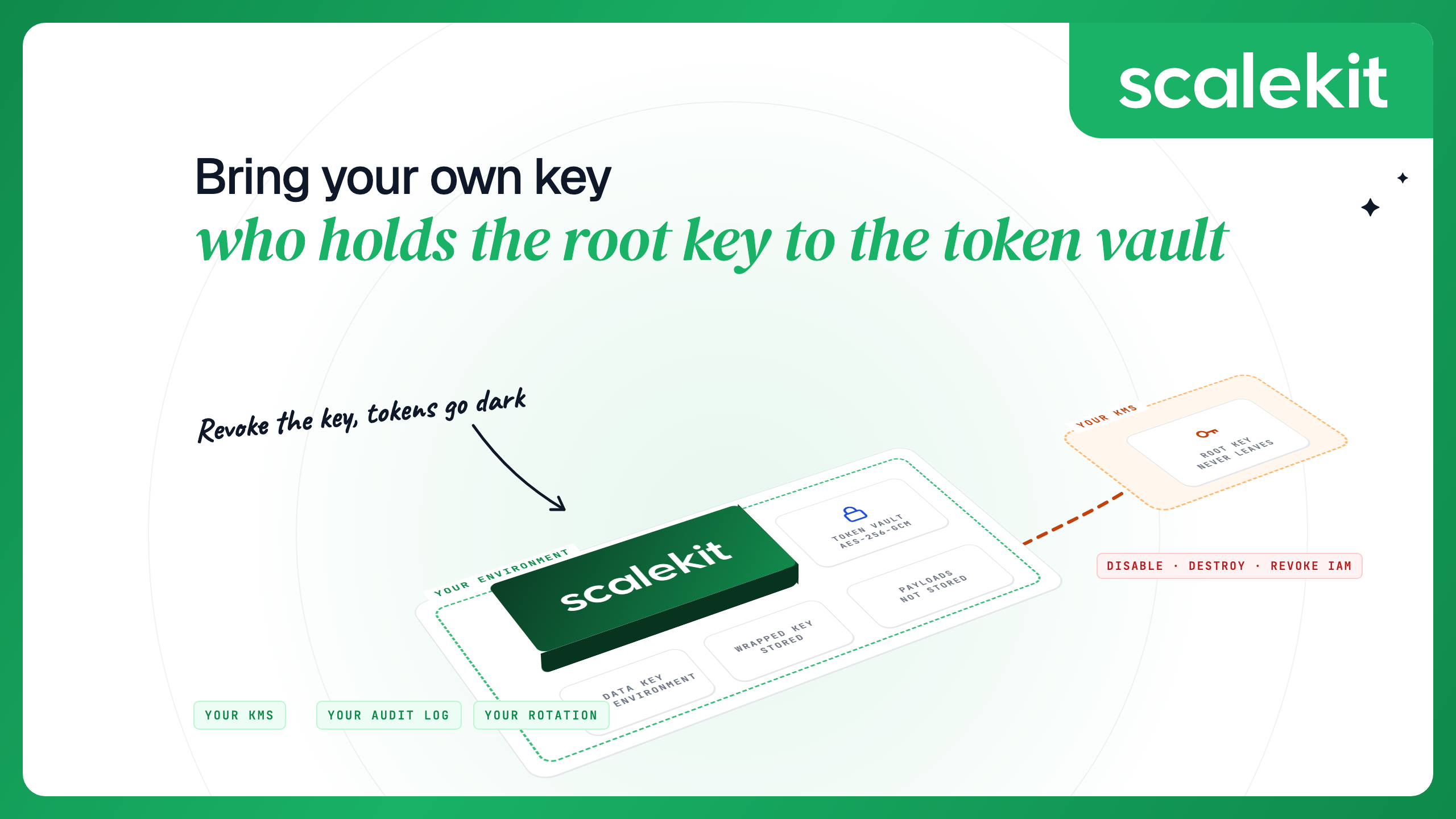
An agent integration platform stores OAuth tokens for every app your users connect. Those tokens are encrypted with data encryption keys, and the data keys are encrypted with a root key. Bring your own key (BYOK) means the root key lives in your KMS, and the vendor has to ask your KMS every time it needs to unwrap a data key.
Revoking the key works as a kill switch. Disable it or remove the vendor's access, and once the change takes effect the vendor can no longer decrypt stored tokens. Destroy it, and once destruction completes, no one can. Rotation is yours to schedule: register a new key, activate it, re-encrypt, and keep the old key enabled until that finishes.
“Bring your own key” means three different things in AI products: a root key held in your KMS, an encryption key you set as an environment variable, and your own API key for an LLM provider. Only the first gives you revocation and an audit trail outside the vendor.
Scalekit supports BYOK with Google Cloud KMS on Enterprise.
Why the token vault's key matters
An agent that acts as each user across Gmail, Salesforce, Slack and an internal API holds one refresh token per user per app. Refresh tokens are long-lived, so the token vault is a store of standing access to every connected account. Anyone holding usable tokens can act as your users without going through a login.
Every serious vault encrypts tokens at rest. The question that decides a regulated buyer's review is who controls the key that makes the ciphertext readable. If the vendor holds it, the vendor's controls are the only thing between a database copy and usable tokens. If you hold it in your own KMS, you can see every use of it and turn it off. This post explains how that works, what it does and does not cover, and how BYOK works on Scalekit.
Envelope encryption: data keys and the root key
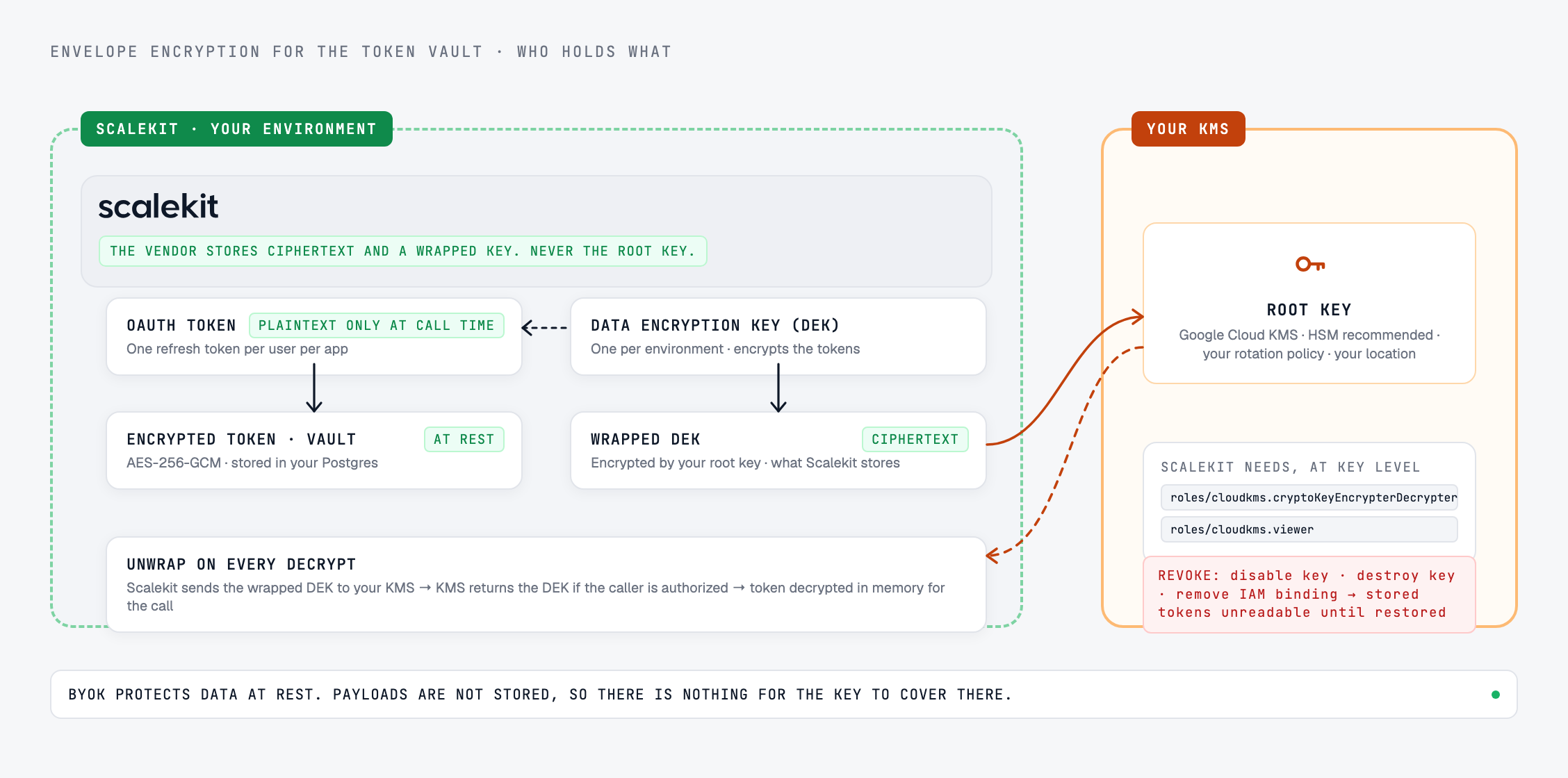
Token vaults use envelope encryption, the same pattern cloud providers use for customer-managed encryption keys (CMEK). It has three parts.
The root key, also called the key encryption key or master key, encrypts the DEK. The vendor stores only the wrapped DEK. The root key stays in the KMS.
To decrypt a token, the vendor sends the wrapped DEK to the KMS, the KMS returns the unwrapped DEK if the caller is authorized, and the vendor uses it to decrypt the token in memory.
Without BYOK, the root key sits in a KMS the vendor controls. Scalekit's default is a master key in Google Cloud KMS, held apart from the database and the application, so a copy of the database alone yields nothing usable. That is a sound default and it is how most platforms work. With BYOK, the root key sits in your Google Cloud KMS, under your IAM policy. Scalekit calls the KMS API to wrap and unwrap the environment's data key and does not store your root key material.
What owning the root key gives you
A kill switch. Disable the key version or remove the Scalekit service account's IAM binding on the key, and once Google Cloud applies the change, Scalekit cannot unwrap the environment's DEK. It cannot encrypt new data or decrypt existing records until you restore access. Tool calls that need a stored credential fail, and new connected accounts cannot be saved. Restore access and decryption resumes. Revocation is not instantaneous, so measure how long it takes when you rehearse it. Destroying the key is different: Google Cloud schedules the destruction, and once it completes, the encrypted tokens cannot be recovered and users have to reconnect their accounts.
An audit trail you control. Your KMS records every cryptographic operation against the key. On Google Cloud, with Data Access audit logs enabled for Cloud KMS, each encrypt and decrypt appears in Cloud Audit Logs under resource.type="cloudkms_cryptokey", as do denied requests after you revoke access. You can alert on unusual decrypt volume without asking the vendor for anything.
Your rotation policy. You set the rotation period, the protection level, and the key's location. Scalekit's docs recommend HSM protection when you create the key.
Least-privilege access. Scalekit needs two IAM roles on the key, granted at the key level: roles/cloudkms.cryptoKeyEncrypterDecrypter to wrap and unwrap the DEK, and roles/cloudkms.viewer to read key metadata for health checks. No broader access is required.
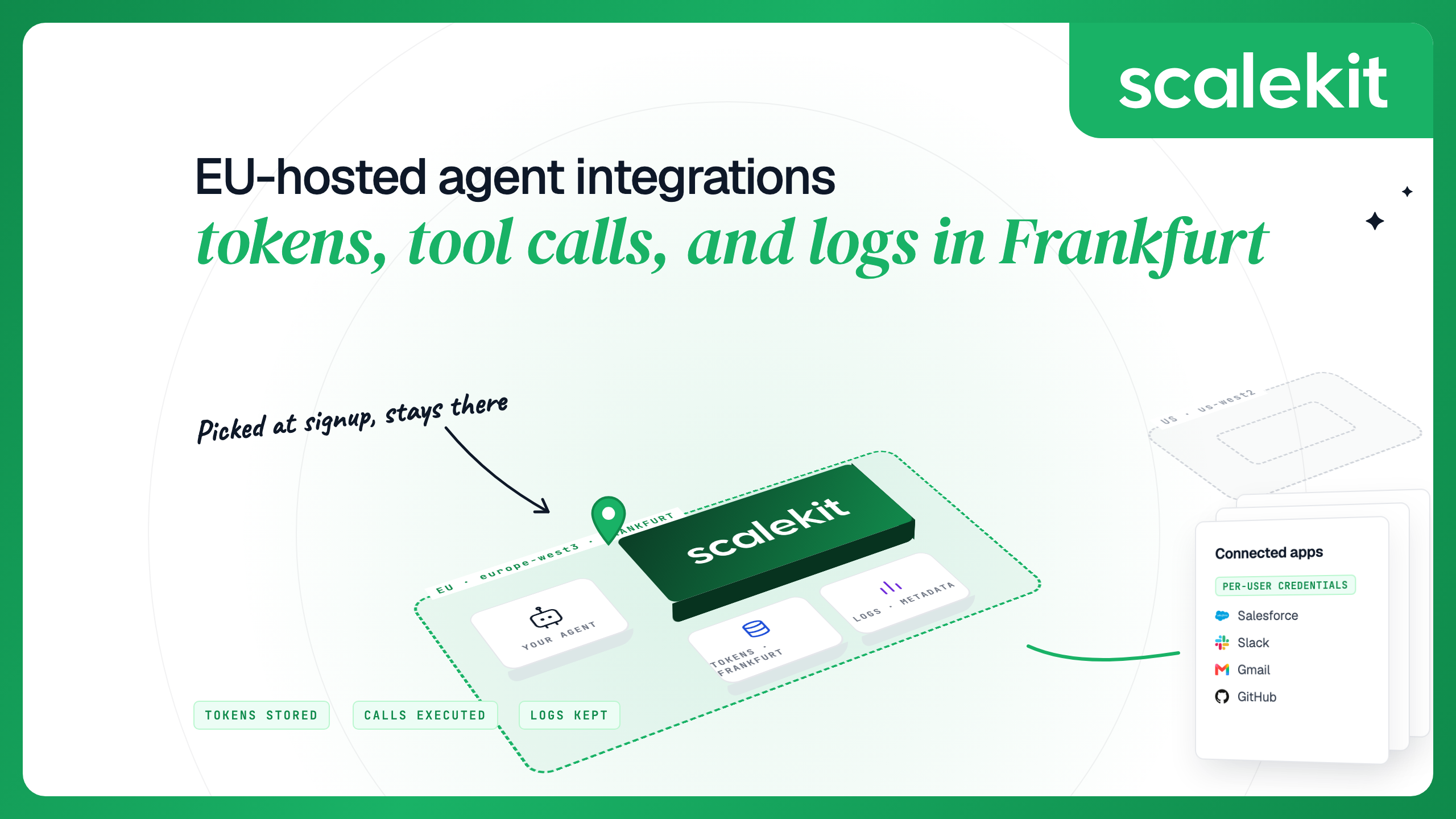
A location you choose. Create the key ring in a regional location when residency applies. The docs use global for environments with no regional requirement and give europe-west1 and us-east1 as examples for region-specific compliance. Pair that with the region of the vault itself; EU-hosted agent integrations covers where the vault sits in an EU workspace. For an EU workspace, a location such as europe-west3 keeps the key in the same region as the vault.
Revocation can also happen by mistake. A deleted IAM binding or a disabled key version stops every agent that needs a stored token, so treat the key like production infrastructure, with change control and alerts. Rehearse it once: disable and re-enable a key in a non-production environment and confirm what your agents and your users see.
What BYOK does not cover
BYOK protects data at rest. Two things sit outside it, and a review should cover them separately.
Plaintext at call time. To call an app as the user, the gateway needs the token in plaintext for the duration of the call. While the key is active and the vendor has access, the vendor's service can decrypt. What BYOK gives you is control over whether that access continues.
Payloads. Tool-call requests and responses are not covered by the vault key because Scalekit does not store them. They are processed in memory for the duration of the call. On a platform that caches or stores payloads, ask which key encrypts that store.
BYOK vs HYOK
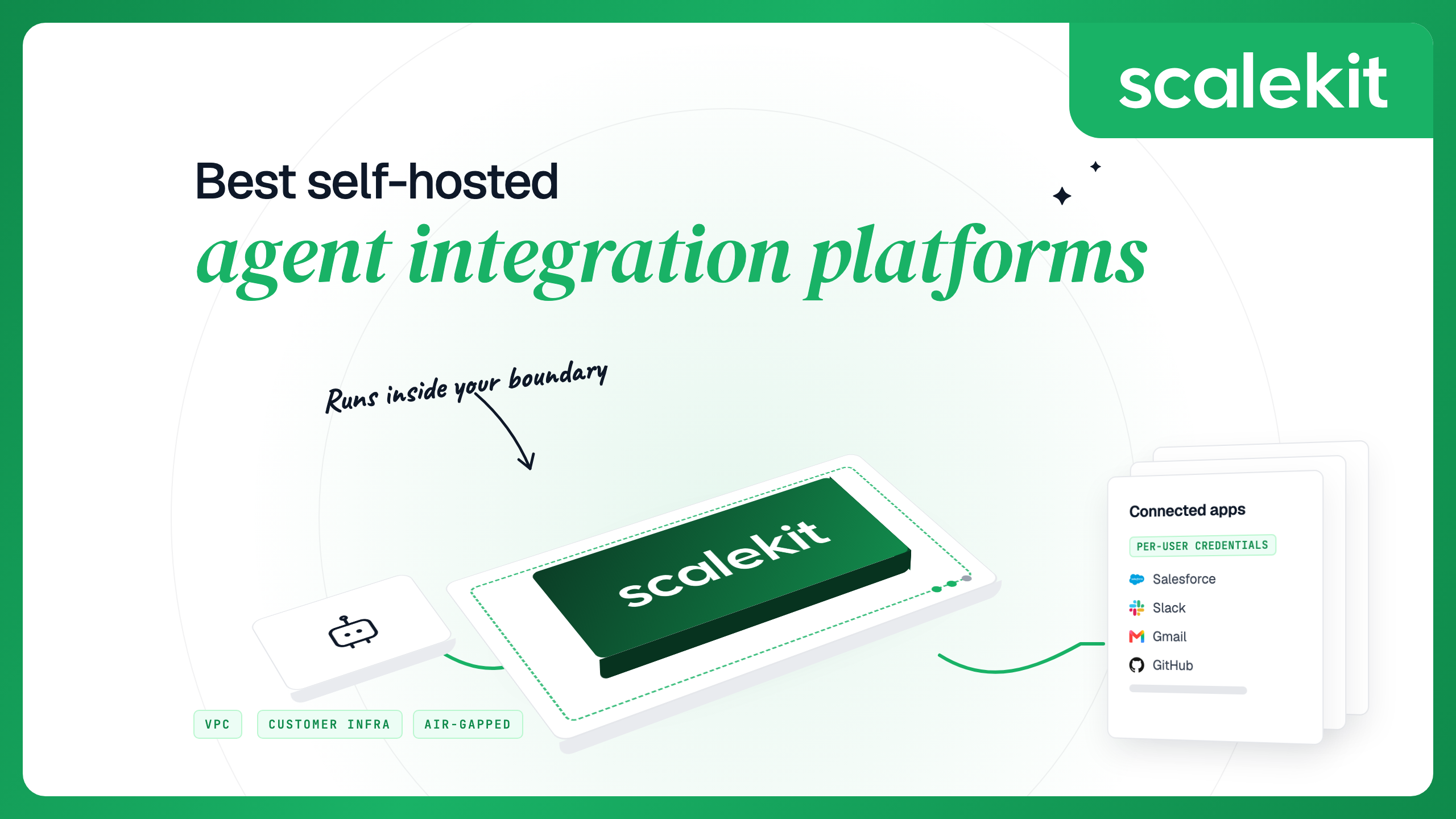
With BYOK, the vendor's service uses your key through your KMS API, and you control whether it can keep doing so. With hold your own key (HYOK), the key and the decrypt operation stay in infrastructure you operate, so plaintext only exists inside your environment. For a token vault, the gateway has to see the plaintext token to make the API call. The practical way to get HYOK properties for agent integrations is to run the gateway inside your own boundary with the root key in your own KMS, which is the self-hosted deployment path.
Rotation and re-encryption
Scalekit tracks keys through three states. A newly registered key is staged: created, with no data encrypted under it. Activating it makes it primary, and every new encryption operation uses it. The key it replaced stays in use by existing records until they are re-encrypted. Exactly one key is primary at a time. To rotate:
Create a new key in your KMS and grant Scalekit the two IAM roles on it.
Register it in Settings → Encryption keys with its full resource name, projects/{PROJECT_ID}/locations/{LOCATION}/keyRings/{KEYRING_NAME}/cryptoKeys/{KEY_NAME}. It starts staged.
Activate it. New writes use the new key from this point.
Select Re-encrypt Data. Scalekit decrypts each existing record with the previous key and re-encrypts it with the new one.
Keep the previous key enabled until re-encryption completes. If it is disabled or destroyed first, the records still under it cannot be re-encrypted.
Rotation inside your KMS, such as a scheduled new key version on the same key, is a separate mechanism controlled by your rotation period. Older key versions still decrypt what they encrypted as long as you keep them enabled.
Three things called “bring your own key”
Search for “byok” and you get three different features wearing the same name. Vendor pages do not always say which one they mean.
KMS-backed BYOK
Environment-variable encryption key
Your own LLM API key
What it is
The root key that wraps the vault's data keys, held in your KMS
A secret you generate and pass to a self-hosted deployment in its configuration
Your account's API key for a model provider, used by an AI product to call the model
What it protects
Stored credentials at rest
Stored credentials at rest
Nothing. It is a credential, and it decides which account the model calls run and bill under
Where the key lives
Your KMS. The vendor does not hold the key material
The deployment's environment
The AI product's own secret store
Revocation
Disable the key or remove IAM access
Redeploy with a new key and re-encrypt, which is your deployment's job
Revoke the key at the model provider
Audit trail
Every operation in your KMS logs
None outside the deployment unless you build one
Usage in the model provider's console
A fourth overlap adds to the confusion. “Bring your own credentials” usually means registering your own OAuth app (client ID and secret) with each provider so consent screens show your brand. Scalekit uses the term that way. Some vendors also use “BYOC” for “bring your own cloud”, meaning a managed deployment in your cloud account. Neither is an encryption feature.
How other vendors handle customer-held keys
From each vendor's own pages, checked October 2026.
Nango uses envelope encryption in its cloud with the data key wrapped under a key held in AWS KMS; its docs do not describe a customer-held key option for the cloud product. In a self-managed deployment, you set the data encryption key yourself as the NANGO_ENCRYPTION_KEY environment variable, or supply it wrapped by your own KMS.
Composio lists customer-managed keys on its pricing page, on Enterprise. Credentials for your own auth configs are encrypted with keys you hold through a keyring proxy you run, and Composio stores only ciphertext. Its pricing page notes the feature covers secret storage, not data residency.
Paragon stores third-party credentials in a separate vault, each under its own key, with keys and encrypted values kept apart, per its security page. Its public pages do not describe a customer-managed KMS option.
Arcade says in its infrastructure docs that sensitive fields such as tokens get application-level AES-256 encryption before storage, and a July 2026 post describes the vault as encrypted at rest through a KMS. The same post answers “can you bring your own key?” with self-hosting: the vault runs in your environment and the tokens stay in your KMS. Its public pages do not describe a BYOK option for Arcade Cloud.
In the managed cloud, your key protects your environments in the US or EU region. In a self-hosted deployment, the vault lives in your Postgres and the key in your Google Cloud KMS, so Scalekit holds neither the data nor the key.
Bring your own key (BYOK) means a vendor encrypts your data with a root key that you create and hold in your own key management service. The vendor uses the key through your KMS API, does not hold the key material, and loses access once you revoke it.
What is the difference between BYOK and CMEK?
CMEK (customer-managed encryption keys) is the term Google Cloud and other providers use for the same pattern: the root key is in your KMS and you control its lifecycle. In practice, the two terms are used for the same arrangement. Strictly, BYOK sometimes means importing key material you generated yourself into the KMS, while CMEK also covers keys the KMS generates for you.
What is the difference between BYOK and HYOK?
With BYOK, the vendor's service decrypts using your key while you allow it. With HYOK (hold your own key), decryption happens only inside infrastructure you operate. For agent integrations, the closest equivalent to HYOK is self-hosting the gateway with the root key in your own KMS.
What happens to stored OAuth tokens if I revoke the key?
The vendor can no longer decrypt them. On Scalekit, if the key is disabled or Scalekit's IAM access is revoked, Scalekit cannot encrypt new data or decrypt existing records once the change takes effect, until you restore access. If you destroy the key, the tokens cannot be recovered once destruction completes, and users have to reconnect.
Does BYOK protect tool-call payloads?
BYOK protects data at rest. On Scalekit, tool-call payloads are processed in memory and not stored, so there is no payload store for the key to protect. On platforms that store payloads, ask which key encrypts them.
Is bringing my own OpenAI or Anthropic API key the same as BYOK?
No. Your own LLM API key is a credential that decides which account the model calls run and bill under. It does not encrypt anything. KMS-backed BYOK is about who controls the key that encrypts stored data.