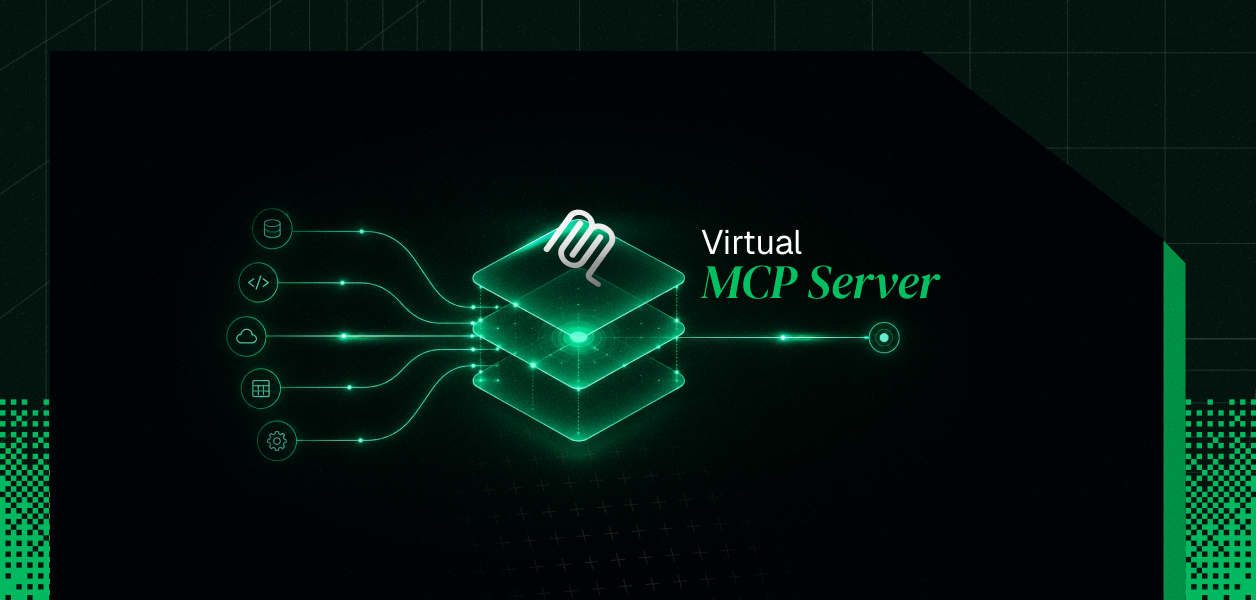


We just shipped virtual MCP servers, and here's why it matters.
Connect Gmail to an AI agent today and you get all 30 tools. Send mail, delete mail, create labels, manage filters, all of it, every time, whether your agent needs it or not. Most agents need exactly one of those tools.
You can't fix this by writing a better prompt. Telling the model "just use fetch" doesn't make the other 29 tools disappear from its context. They're still there, still competing for the model's attention, still expanding what could go wrong. The fix has to happen below the prompt, in how the tools get exposed in the first place.
Agent overreach. When a model has to pick from 30 tools instead of 3, it picks wrong more often. Every tool the agent can call is a tool that can go wrong. A summarizer agent that can also delete and send mail is a different risk profile than one that can only fetch. Scoped MCP enforces least privilege at the tool level. The agent sees only what you explicitly allow, and nothing else ends up in its context.
Token bloat. Every tool description on an MCP server adds to every context window. A server with 40 tools at roughly 200 tokens each burns around 8,000 tokens before your agent does a single thing. At thousands of runs per day, that's a real cost line. Scoping to the 5 or 10 tools an agent role actually needs cuts that overhead by around 80%. That's the difference between an agent that picks the right tool most of the time and one that picks the right tool basically every time.
Per-user credential isolation. Running the same agent for multiple users requires each session to stay separate. With a standard MCP server, every user's credentials have to be managed separately, which either means a separate server per user or a lot of credential-passing logic in your application. Scoped MCP handles this with session tokens: one server definition serves all users, each agent run gets a short-lived token scoped to that specific user's connected accounts, and credentials never cross between sessions.
We keep hearing the same story from teams building agent products (this is a pattern we've seen across customer conversations, not a doc spec). A company lets its own customers build custom agents: pick a prompt, pick some tools, ship it. Tools might come from Gmail, Calendar, Slack, or the company's own product.
Here's the catch: those agents run for thousands of different end users, and each user has their own login, their own permissions, their own data. The agent definition, what tools it's allowed to use, needs to be set once. But who it's acting as needs to change every single time it runs.
Most MCP setups don't let you do this cleanly. You get one server URL, and that URL bakes the tool list and the user's identity together into one thing. So if you want one agent definition shared across a thousand users, you either make a thousand separate servers, which is a mess to manage and a security headache, or you give up on keeping each user's access separate, which is worse.
Internally we've started calling this pattern Scoped MCP, because the point isn't that the server is virtual, it's that the agent's tool surface is scoped to a role instead of left wide open to a whole connector's catalog.
Two objects drive the model.
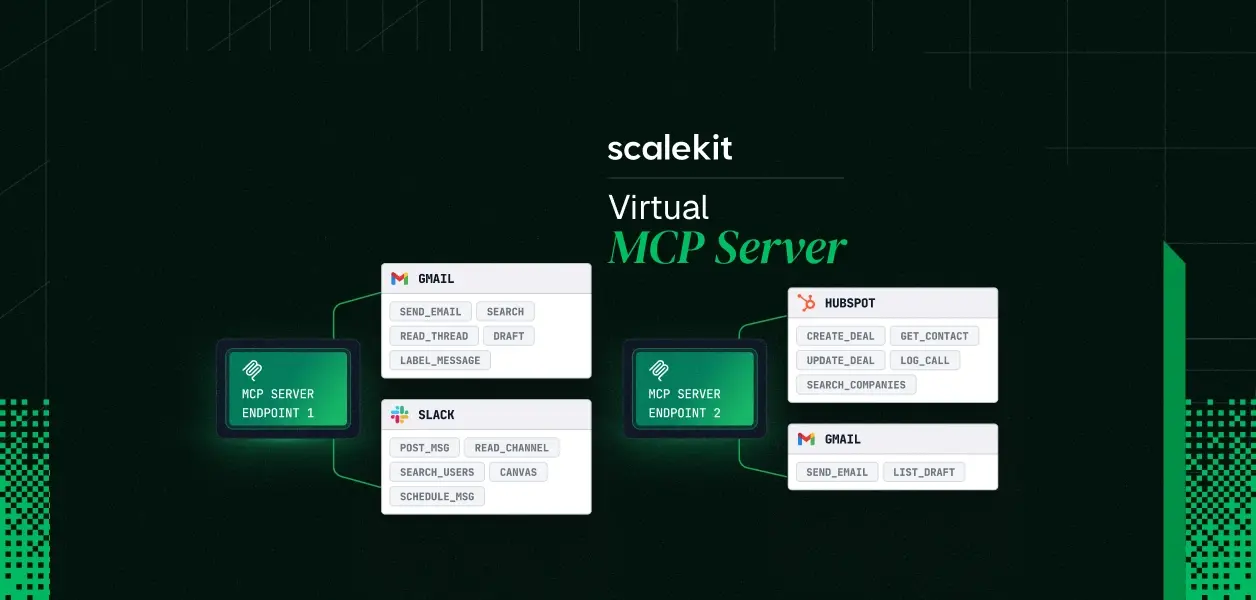
A virtual MCP server is a config you create once per agent role. It declares which connections are in scope (Gmail, Calendar, Slack) and which specific tools from each one. A summarizer agent gets gmail_fetch_emails. Nothing else. This gives you a static mcp_server_url that's shared across all users and never changes between runs. See what a virtual MCP server actually is for the full architecture.
A session token is minted before each agent run. It's a short-lived credential scoped to one specific user. You check that the user's connections are all active, mint the token, and pass it as a bearer auth header. The server uses it to resolve the right credentials server-side. The user's actual OAuth tokens never appear in your logs or the agent's context. When the run is done, the token expires.
The definition stays fixed. The identity changes every time. That's why it's Scoped MCP, not just a virtual server.
Background agents process data without a user present. An agent that summarizes overnight emails, syncs records between services, or runs a nightly audit can do this with proper per-user isolation baked in.
Scheduled agents run on a timer on behalf of a user. A daily briefing that reads new emails and creates calendar events. A weekly report generator. These run when the user isn't there, so clean credential isolation isn't optional.
Interactive agents take real actions mid-conversation using the current user's connected accounts. The session token makes sure actions happen as that user, not as a shared service account.
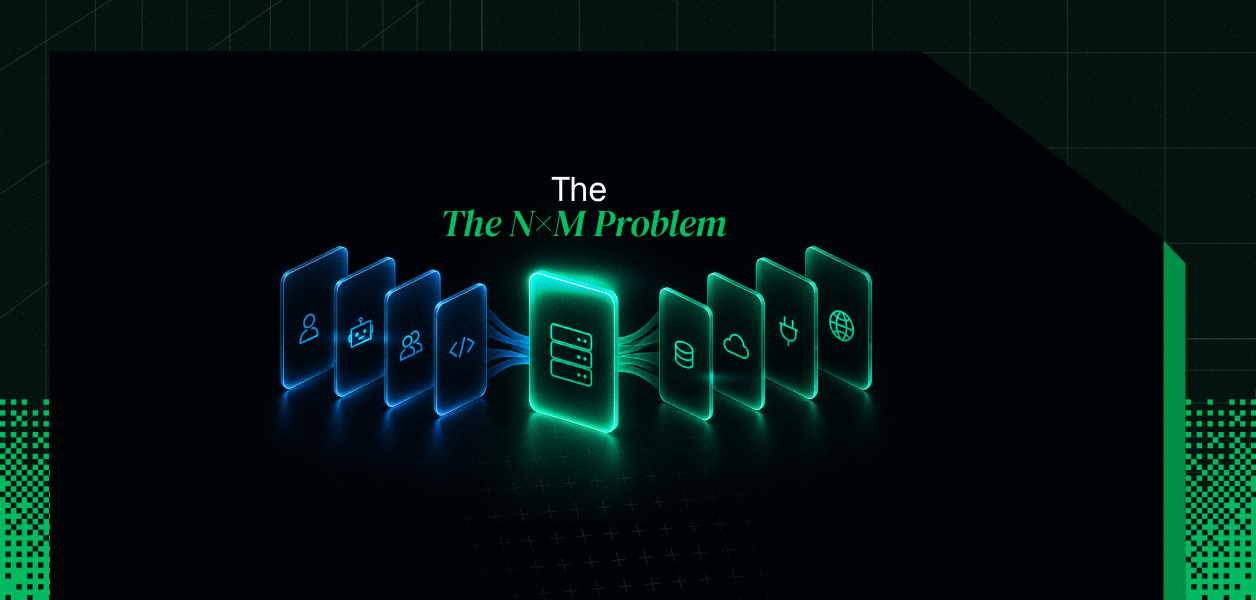
Multi-user SaaS products. One server definition, shared across all your customers. Each user connects their accounts once. Each agent run gets its own scoped token. This is the pattern we've seen come up independently across several teams building "let our customers build their own agents" features. We break down exactly when this threshold hits in the N×M problem.
It also shows up from the other direction. Products are starting to become MCP clients themselves, reaching out to external MCP servers that their own customers configure. The moment your product is the one brokering access on someone else's behalf, you need this same split between what's allowed and who's asking.
The virtual MCP server URL speaks standard MCP over HTTP. Pass it a session token as a bearer header and any framework that supports MCP picks it up. That includes LangChain, LangGraph, Google ADK, Vercel AI SDK, CrewAI, OpenAI Agents SDK, and Anthropic's agent tooling. No adapter, no shim, no extra SDK layer. If it supports MCP, it works.
Virtual MCP servers, or Scoped MCP if you prefer the more literal name, are live now. Read the full setup in the docs. Define a server for your first agent role, check that your user's connections are active, mint a session token before each run, and see the tool list shrink to exactly what it should be.
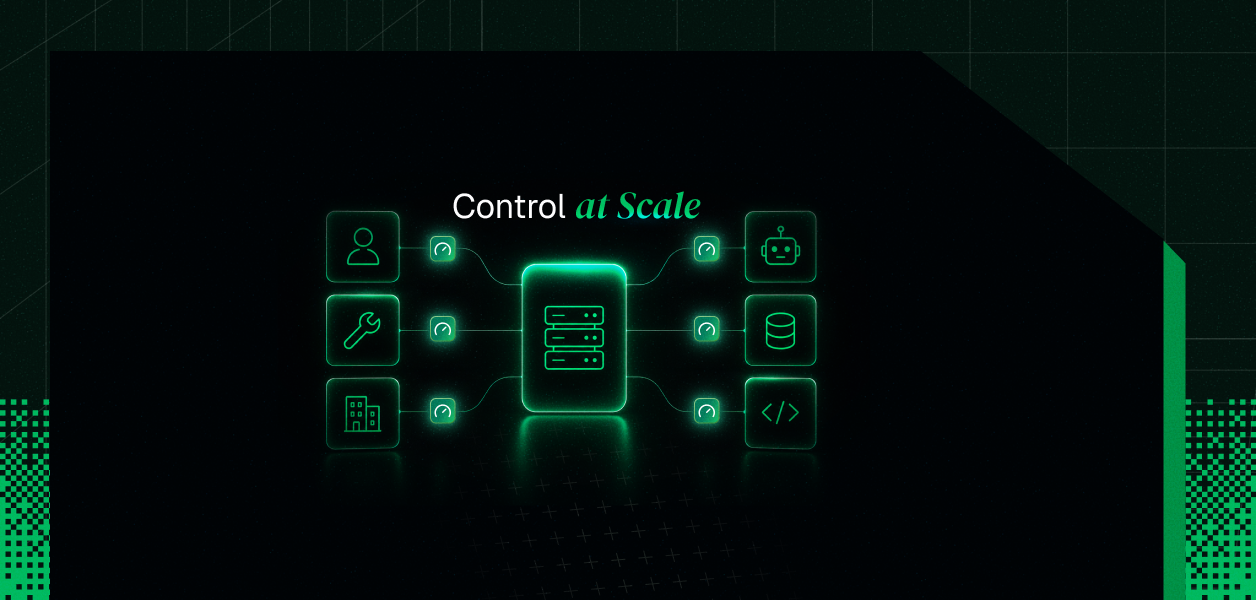
Once it's running, set per-user and per-tenant rate limits before you put it in front of real traffic.