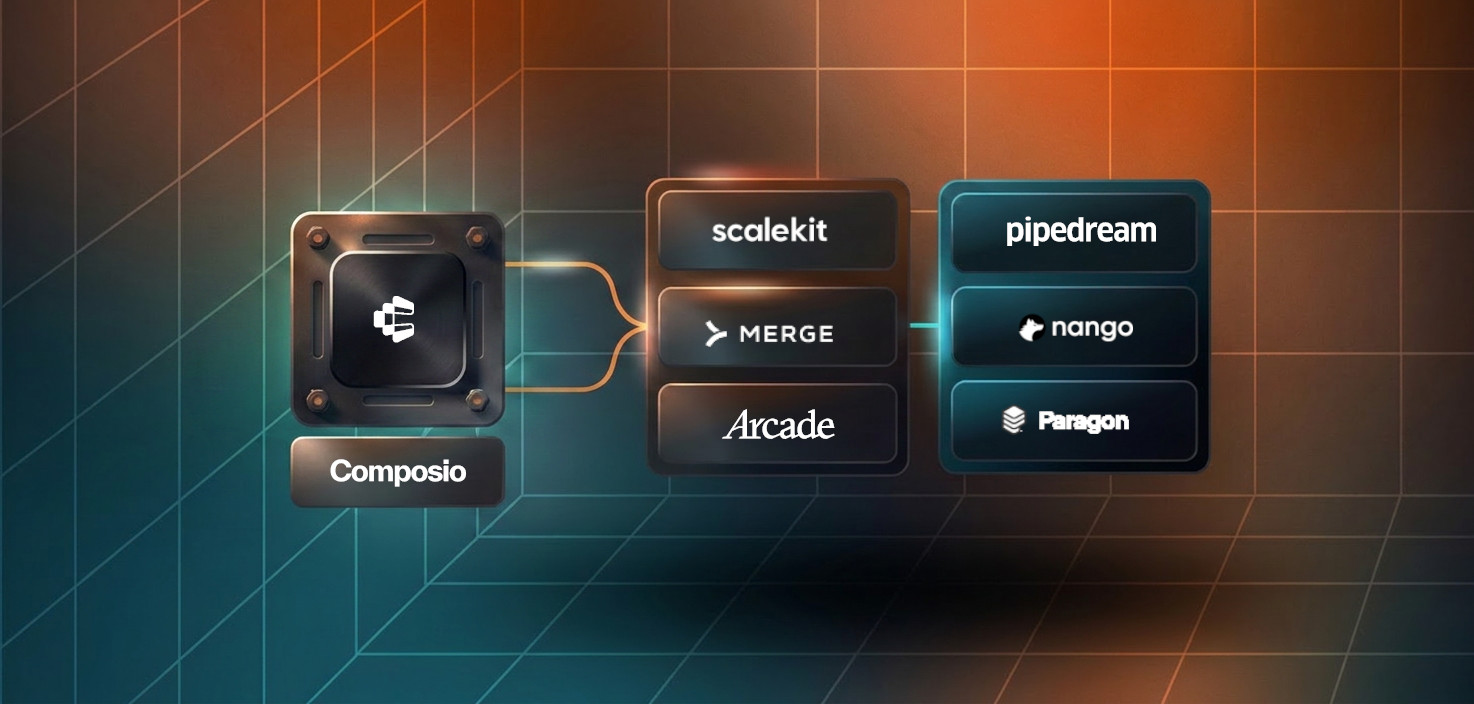


Migration decisions made in a hurry rarely go well. If you're reading this because of the recent Composio security incident, I'd encourage you to take a breath first. Evaluate calmly. We've heard from teams who've deactivated existing connections and are looking for a path forward, and the best thing we can do for them is be honest about what a migration actually involves, not just tell them it's easy.
So that's what this is. Not a sales page. A straight answer to: what does moving from Composio to Scalekit actually look like?
If you're evaluating Composio alternatives right now, the honest answer is: it depends on where you are.
If your agent is in early development and you haven't gone to production yet, this is probably the right time to switch. The migration cost is low, and you'd rather build on a foundation you trust from the start.
If you're in production with active users, the migration is still straightforward, but there's one thing you need to know upfront before anything else: your users will need to re-authorize. OAuth refresh tokens are bound to the OAuth client that issued them. Existing Composio tokens cannot be transferred to Scalekit. Each user will need to complete the OAuth consent flow once through Scalekit to create a new connected account.
That's not a reason not to migrate. But it's an honest constraint, and your migration plan needs to account for it, how you communicate it to users, how you sequence the rollout, whether you run both systems in parallel during the transition.
Everything else about the migration is largely mechanical.
The concepts are the same. The names and shapes are slightly different.
The full concept mapping is in the migration doc.
There are three things that change in your code. None of them are architectural; they're mostly naming and calling convention.
1. No more session object
Composio uses a session model — you create a session for a user and all subsequent calls hang off it. Scalekit is stateless. You pass identifier and connection_name on every API call. It's a small change that makes your code more explicit and easier to reason about - you always know exactly which user and which connection a call is operating on.
2. Tool names go lowercase
Composio tool names are uppercase: GMAIL_FETCH_MAILS, SLACK_SEND_MESSAGE, GITHUB_CREATE_ISSUE. Scalekit uses lowercase equivalents: gmail_fetch_mails, slack_send_message, github_create_issue. It's a find-and-replace, but worth verifying each tool name against the Scalekit connector catalog since input schemas can differ slightly too.
3. Auth is explicit, not automatic
In Composio, authentication can be triggered automatically in-chat when a tool requires it. In Scalekit, your app explicitly creates a connected account and sends the authorization link to the user. Once the user completes the OAuth flow, the connected account becomes ACTIVE and your agent can execute tools. This is more work upfront, but it gives you full control over the auth flow — you decide when and how the user sees the consent prompt.
Quite a lot, actually.
actions.request(). The difference: Scalekit custom tools live in your codebase and persist across restarts, rather than being in-memory definitions. See the custom tools sectionFor a straightforward agent using a handful of connectors with no custom tooling: a few hours of development work, plus however long your user re-authorization rollout takes.
The mechanical steps are:
The full step-by-step with code samples for both Python and Node.js is in the Composio to Scalekit migration guide. There's also a checklist at the bottom of that doc you can use to track progress.
If you're in the middle of a security incident response right now, i.e., rotating credentials, auditing connected accounts, communicating with your own users, then migration can wait a few days. Stability first.
When you're ready, we're here. If you want to talk through your specific setup before starting, book a call directly, or reach out and I'll find time.