





Pricing that scales with you.

Agent GatewayRoll out agents across your org with access controls, approvals, and audit.

Free

Try Agent Gateway with a small team.
$0
/month
Up to 5 users
Hard stop. No overages
5 MCP connectors
Basic access controls
Audit logs
7-day retention
Community + email support

Growth

Most popular
For teams rolling out agents in production.
$49
/month
Everything in Free plus
5 users included
+ $10 per additional user/mo
Unlimited MCP connectors
Approvals for sensitive actions
Audit trail for agents & tools
Private Slack support

Enterprise

Dedicated rollout, custom policies, and support at scale.
Custom
Everything in Growth plus
Custom policy & approval chains
SIEM & SOC export
99.99% uptime SLA
Dedicated rollout & CSM support
CUSTOMERS

Teams shipping agents to production.

Our agents act across Salesforce, Gong, Google Drive, and more
Venu Madhav Kattagoni
Head of Engineering, Von
Scalekit gave us the identity layer to ship with confidence
Krish Bajaj
Senior Analyst, Tech and AI • Z47
The fastest way to do it without splitting the team
Erwan Martin
Director, Engineering, Napkin.ai
Our agents act across Salesforce, Gong, Google Drive, and more
Venu Madhav Kattagoni
Head of Engineering, Von
Scalekit gave us the identity layer to ship with confidence
Krish Bajaj
Senior Analyst, Tech and AI • Z47
The fastest way to do it without splitting the team
Erwan Martin
Director, Engineering, Napkin.ai

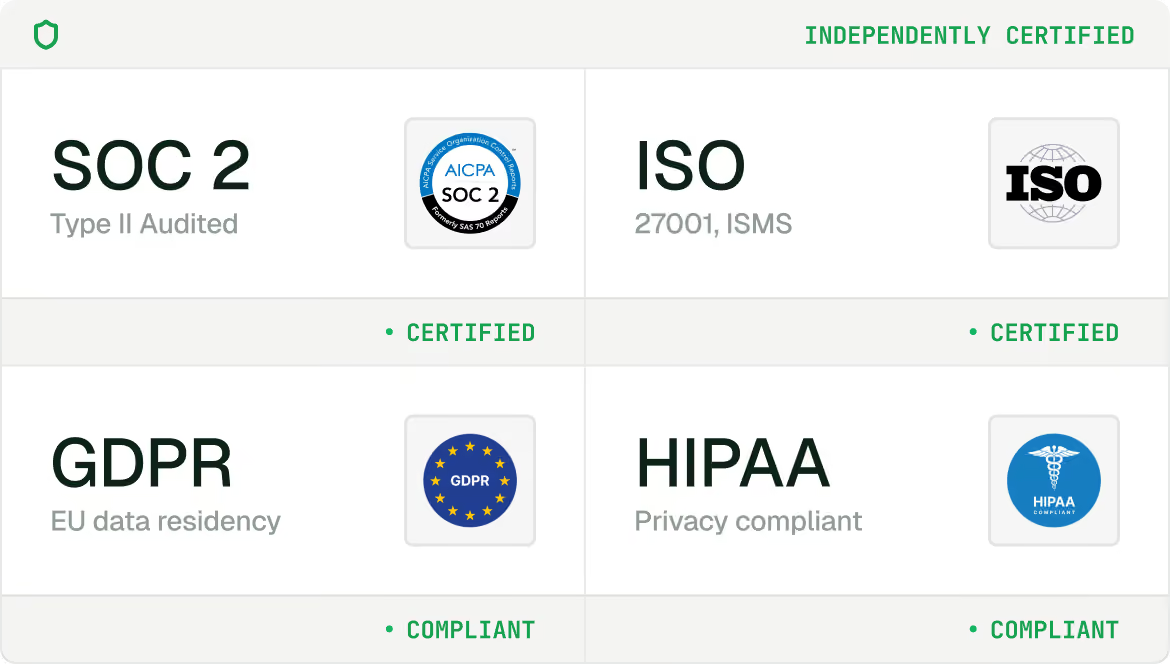
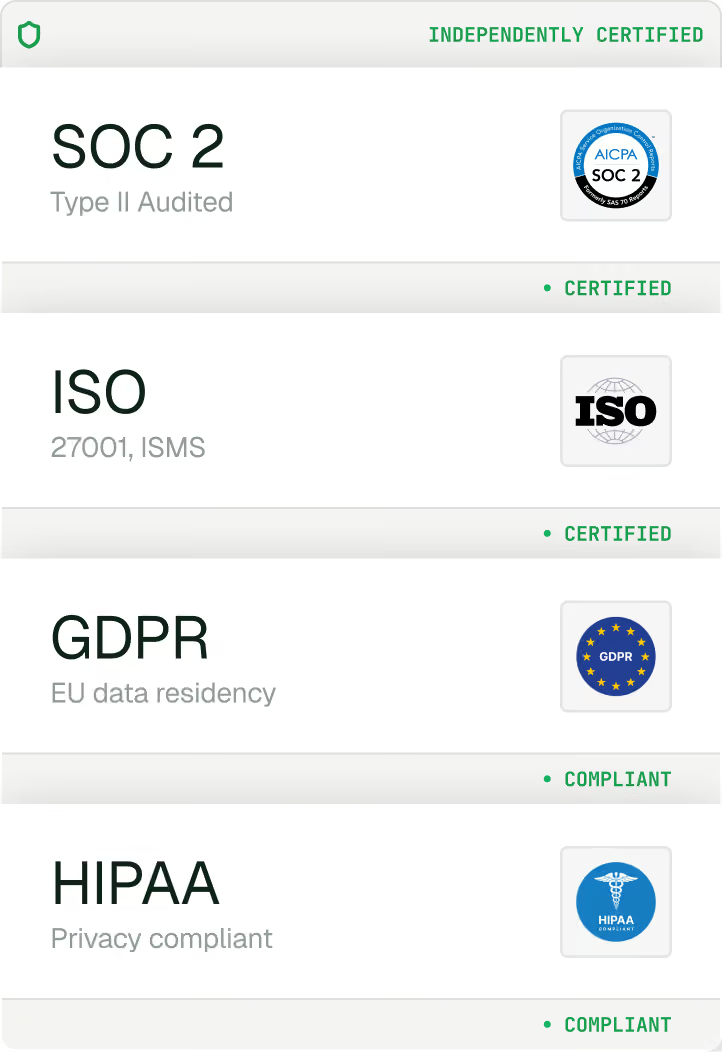
Built for production.
Secure & compliant.

FREQUENTLY ASKED QUESTIONS

Common questions that we typically hear

How does Scalekit help my agent connect to apps and APIs?

Scalekit gives your agents authenticated and scoped access to third-party apps — Gmail, Slack, Salesforce, GitHub, Notion, and 100+ more. Scalekit handles the delegated OAuth flow, token storage, and the tool call on behalf of your user. No service accounts, or hardcoded credentials.

How does "acting on behalf of a user" actually work?

When a user authorizes a connector, Scalekit creates a connected account — a per-user token store tied to that user's identity. Every tool call your agent makes uses that specific user's credentials. Actions appear as that user in the target app, and access is limited to exactly what they've authorized.

Which apps and tools are available out of the box?

100+ pre-built connectors covering productivity (Gmail, Google Calendar, Outlook), project management (Jira, Linear, Asana, Notion), CRM (Salesforce, HubSpot), data (Snowflake, BigQuery), code (GitHub, GitLab), and many more. Each connector comes with a ready-to-use tool library.

Can I bring my own app credentials?

Yes, we recommend bringing your own credentials for production agents — set it up once and Scalekit handles per-user token storage, refresh, and state tracking automatically. We also offer managed OAuth for a few applications so you can test the workflow easily.

Which AI frameworks does Scalekit support?

Scalekit is framework-agnostic — tool schemas work with any LLM API. Native integrations are available for LangChain, Google ADK, Anthropic, OpenAI, Vercel AI, and Mastra. Node.js and Python SDKs are available too.

Can I build my own connectors?

Yes. You can build them. Add a custom tool to an existing connector, or bring your own connector entirely by defining its auth pattern and tool schemas. Scalekit manages credential storage and injection — your custom connector works exactly like a built-in one.

Can I request for a new connector?

Yes, you can. Go ahead and fill out the form below so we can build it for you. Typically, it should be live and ready to use within 1 week. https://portal.usepylon.com/scalekitsupport/forms/request-a-connector-tool

What if I need to connect my agent to an internal API?

You can bring your own connector by defining its auth pattern and tool schemas. Scalekit manages credential storage and injection — your custom connector works exactly like a built-in one.

Start building for free

5,000 tool calls. No credit card. Ship in minutes.