September 22, 2026
MCP Auth

MCP Auth: allowlist CIMD clients and let users choose scopes

MCP server owners can now limit which clients register through Client ID Metadata Documents, and users authorizing a client can choose which of the server's scopes to grant.

Client ID Metadata Documents (CIMD) let any MCP client register with your MCP server, which is what makes the server easy to add from Claude, ChatGPT or an IDE. Security teams often want registration limited to clients they have approved. MCP servers on Scalekit now have two access controls for this: a CIMD client allowlist, and scope selection for the users who authorize a client.

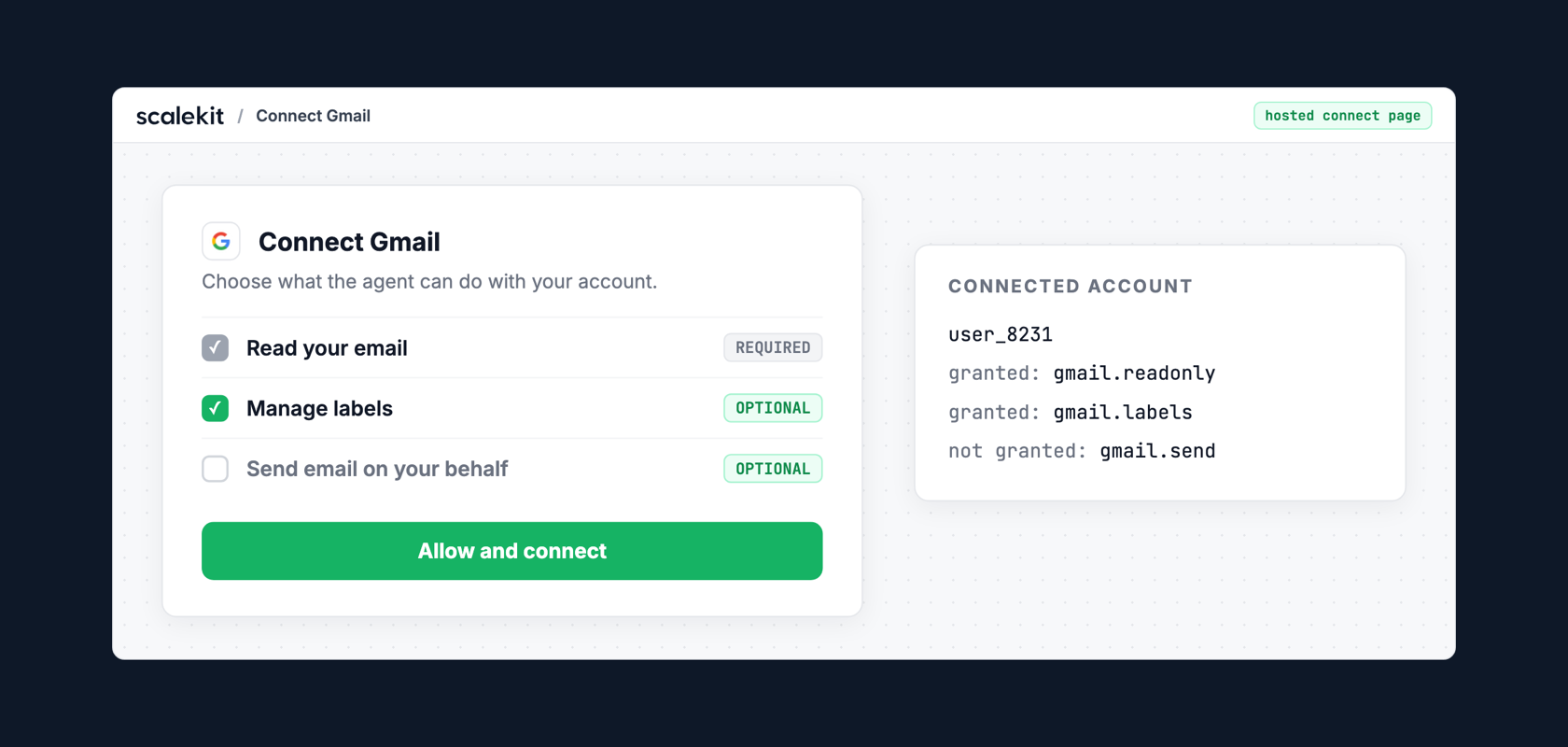
The allowlist keeps CIMD on while limiting it to client domains your security team has approved. Scope selection applies least privilege at the consent screen: the user grants the scopes they want the client to have and leaves the rest unchecked.

Take an MCP server with todo:read and todo:write scopes. You allowlist the client domains for Claude and ChatGPT, and other clients can no longer register through CIMD. A user connecting from Claude grants todo:read only. The access token Claude receives carries only todo:read, so the scope checks already in your MCP server reject any write tool call from that session.

How it works

  • Add approved client domains in your MCP server's advanced settings in the Scalekit dashboard.
  • With an allowlist set, only clients whose client ID URL is on an approved domain can register through CIMD.
  • On the consent screen, users choose which of the MCP server's scopes to grant.
  • The access token carries only the granted scopes, so your existing scope validation enforces the user's choice with no code change.

Read Managing MCP clients.

Share on

MCP Auth: allowlist CIMD clients and let users choose scopes

—

Client ID Metadata Documents (CIMD) let any MCP client register with your MCP server, which is what makes the server easy to add from Claude, ChatGPT or an IDE. Security teams often want registration limited to clients they have approved. MCP servers on Scalekit now have two access controls for this: a CIMD client allowlist, and scope selection for the users who authorize a client.

The allowlist keeps CIMD on while limiting it to client domains your security team has approved. Scope selection applies least privilege at the consent screen: the user grants the scopes they want the client to have and leaves the rest unchecked.

Take an MCP server with todo:read and todo:write scopes. You allowlist the client domains for Claude and ChatGPT, and other clients can no longer register through CIMD. A user connecting from Claude grants todo:read only. The access token Claude receives carries only todo:read, so the scope checks already in your MCP server reject any write tool call from that session.

How it works

  • Add approved client domains in your MCP server's advanced settings in the Scalekit dashboard.
  • With an allowlist set, only clients whose client ID URL is on an approved domain can register through CIMD.
  • On the consent screen, users choose which of the MCP server's scopes to grant.
  • The access token carries only the granted scopes, so your existing scope validation enforces the user's choice with no code change.

Read Managing MCP clients.

Schedule a demo with Scalekit today.