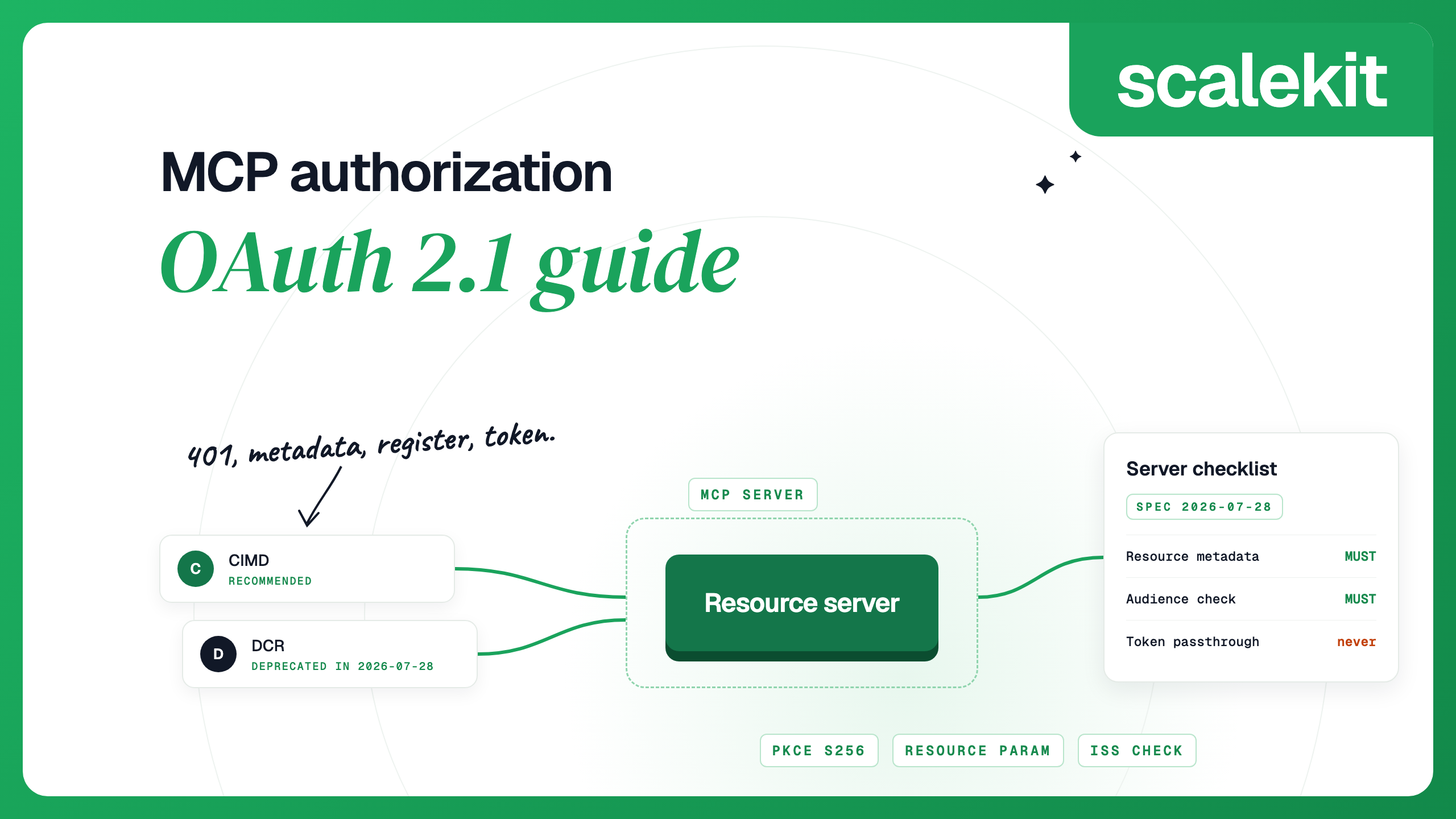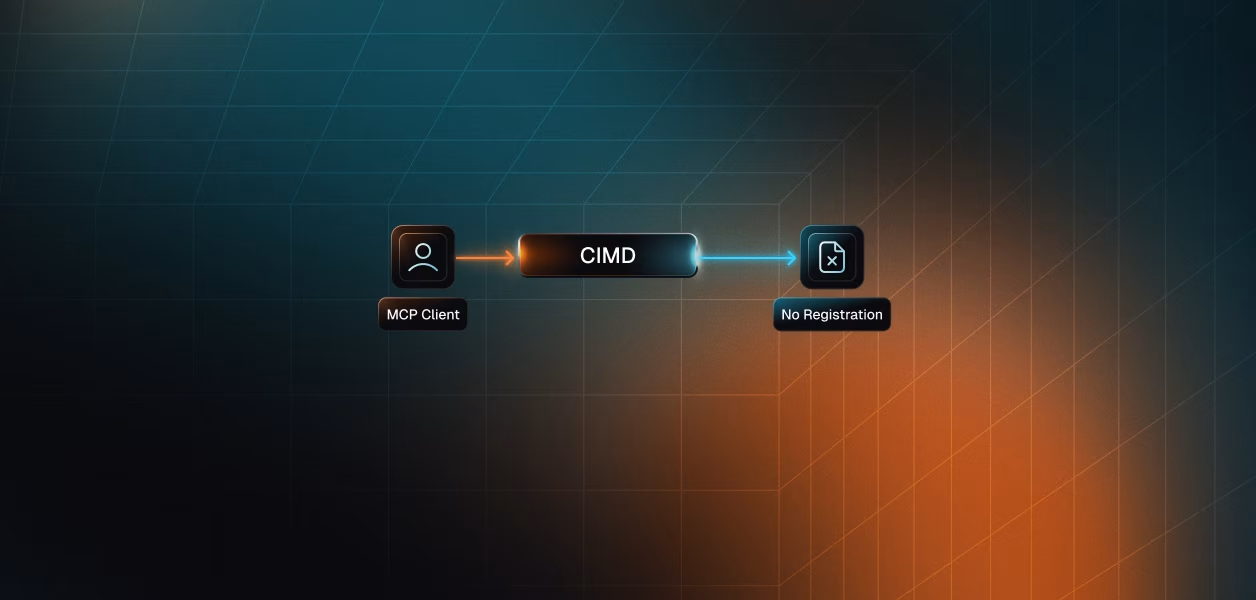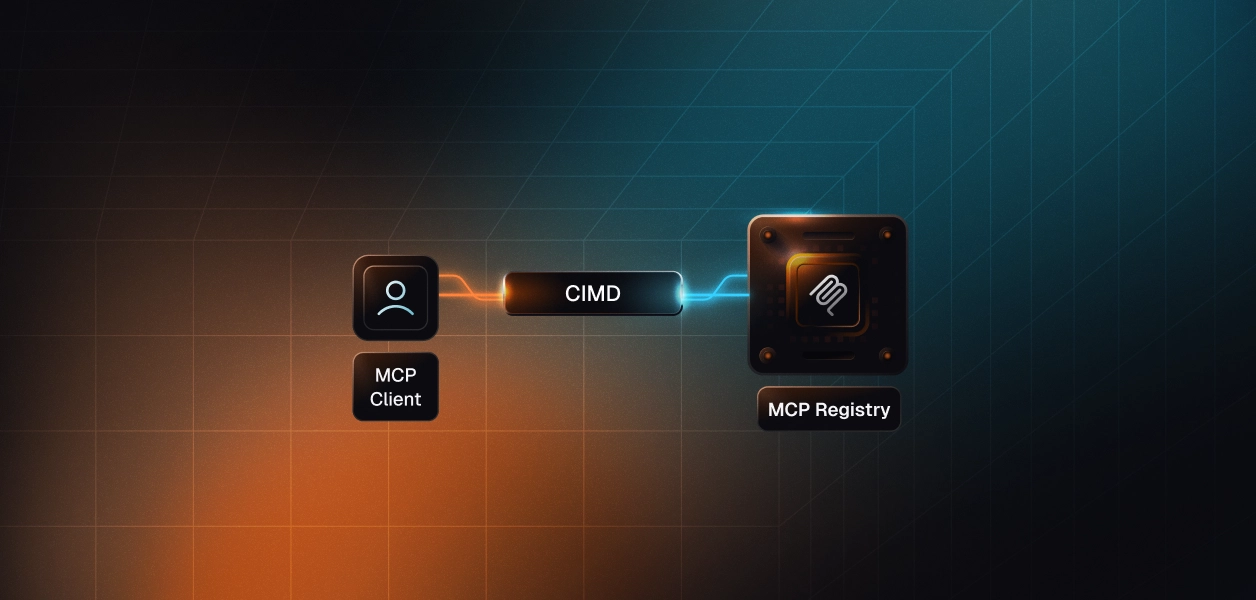

CIMD (Client ID Metadata Document) and DCR (Dynamic Client Registration) are two ways an MCP client gets a client ID from an authorization server, and the current MCP spec, version 2026-07-28, recommends CIMD and deprecates DCR. With DCR (RFC 7591), the client posts its metadata to a registration endpoint and receives a new ID. With CIMD, the client ID is an HTTPS URL to a JSON document the client hosts, which the authorization server fetches. DCR stays available as a fallback for authorization servers that do not support CIMD yet. For most MCP servers, that means CIMD for clients you do not know in advance, pre-registration for clients you do, and DCR kept on only for compatibility.
The MCP client registration page lists three mechanisms and a priority order for clients that support all of them:
The spec moved in three steps. The 2025-06-18 version said clients and authorization servers SHOULD support DCR. The 2025-11-25 version added CIMD as the recommended mechanism and lowered DCR to MAY. The 2026-07-28 version marks DCR as deprecated. Under the new feature lifecycle policy, a deprecated feature stays in the spec for at least twelve months before it can be removed, and the deprecated features registry lists DCR's earliest removal as the first spec revision released on or after 2027-07-28.
Two other 2026-07-28 changes matter for registration. Clients that still use DCR MUST send an application_type: native for desktop apps, CLIs and localhost apps, and web for remote browser apps. Clients MUST also key any pre-registered or DCR credentials to the issuer of the authorization server that created them and register again when the server changes. CIMD client IDs are exempt, because the URL works with any authorization server. For the rest of the flow, from the 401 challenge to token validation, see the MCP authorization guide, and for everything else in the release, the July 2026 spec update.
MCP first adopted DCR to solve a problem that is common in MCP: clients and servers usually have no prior relationship. A user pastes a server URL into Claude, Cursor or an agent, and the client needs a client ID at an authorization server it has never seen. With DCR, the client reads registration_endpoint from the authorization server metadata and sends its metadata in a POST:
The authorization server stores the metadata, assigns a client ID, and may return a client secret. The client then runs the authorization code flow with PKCE using that ID. For the request and response fields, the registration access token and the management protocol in RFC 7592, see how Dynamic Client Registration works in OAuth 2.0.
DCR works, and Claude, Claude Code, ChatGPT and Cursor all support it, but three properties make it a poor default for MCP:
CIMD, defined in the IETF draft OAuth Client ID Metadata Document (draft-02, July 2026), removes the registration call. The client publishes one JSON document at a stable HTTPS URL and uses that URL as its client_id. VS Code publishes its document at vscode.dev/oauth/client-metadata.json. These are its contents in October 2026, with the fields reordered for reading:
When an authorization request arrives with a URL as the client ID, the authorization server fetches the document, checks that its client_id matches the URL exactly, checks that the request's redirect URI is listed in redirect_uris, and caches the result according to HTTP cache headers. The MCP spec requires the document to include at least client_id, client_name and redirect_uris, and the URL must use https and contain a path. Every installation of the client shares that one URL, so a thousand copies of VS Code are one client to your authorization server.
This fits the way MCP clients behave. IDE extensions, CLIs and agent runtimes run on users' machines, have no place to keep a secret, and connect to servers their developers have never heard of. CIMD also ties the client's identity to a domain the client controls. The draft tells the authorization server to show the client ID's hostname on the consent screen, so that a user can see vscode.dev rather than only a name the client chose for itself. For a fuller explanation of the document and its fields, read what a Client ID Metadata Document is. For a request traced end to end against a real MCP server, follow the step-by-step CIMD registration walkthrough.
To see which mechanisms an authorization server offers, read its metadata. This command checks Linear's hosted MCP server, which advertises both:
A server that supports CIMD returns true for the first field. A server that supports DCR returns a URL for the second. CIMD clients such as Claude and VS Code authenticate as public clients, so the third list should include none. Claude uses CIMD only when both the flag and none are present, and otherwise falls back to DCR.
The choice depends on whether you know your clients in advance and whether they act for a user. Pre-registration belongs in the comparison, because the spec ranks it first when a relationship already exists.
Pre-registered CIMD URLs and domain allowlists are optional authorization server features described in the CIMD draft, so check that your authorization server offers them before you plan around them.
Client behavior follows the spec's preference order where vendors document it. Claude on the web, desktop and mobile uses CIMD when the authorization server advertises both client_id_metadata_document_supported and none, and otherwise uses DCR; Claude Code uses its own CIMD document with a loopback redirect, as covered in how Claude Code handles MCP OAuth. OpenAI's ChatGPT and Codex docs list CIMD, DCR and predefined OAuth clients. VS Code serves the CIMD document shown above. Cursor's MCP docs describe DCR, or a static client ID and secret set in the auth object of mcp.json. The MCP authorization guide keeps a fuller table of client support.
Scalekit acts as the authorization server for your MCP server, so registration happens in Scalekit, and your server publishes its resource metadata and validates tokens. When you register an MCP server in the dashboard, you turn on DCR, CIMD or both. The MCP auth quickstart recommends keeping both enabled for servers used by public clients such as Claude, Cursor and VS Code: clients that support CIMD use it, and the rest fall back to DCR. Restart your MCP server after changing either setting, since some frameworks, FastMCP among them, cache the authorization server details. Scalekit's CIMD support announcement describes the CIMD option when it launched.
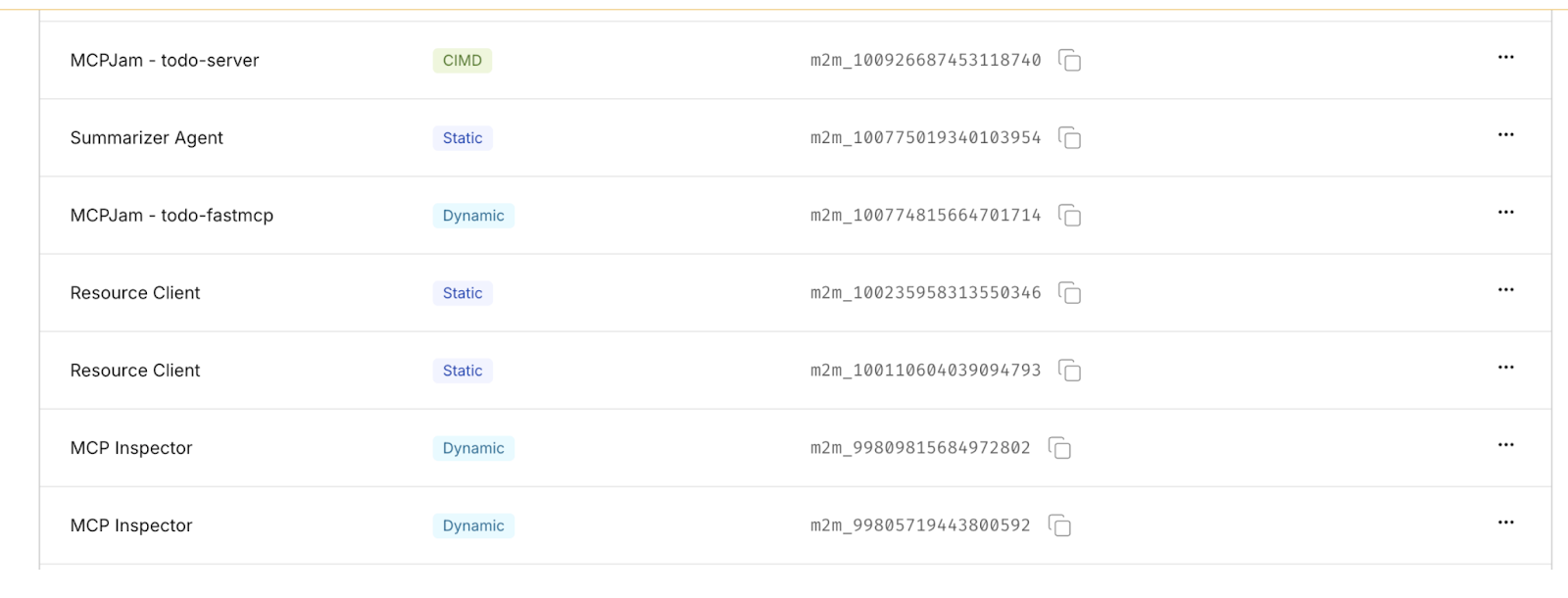
For clients you know in advance, create them in the Clients section of the MCP server. Leave the redirect URI empty for a machine client that uses the client credentials flow, or add redirect URIs for a client that acts for users with the authorization code flow. Either way you receive a client ID and secret for that client. The Clients tab lists every client with its registration type. A CIMD client keeps its document URL as its client ID, and Scalekit also issues it an m2m_ identifier that the dashboard and Scalekit APIs use to refer to it.
From a client's Consents tab you can see which users have authorized it and revoke a user's consent. Clients that register through DCR or CIMD are public clients with no secret, so revoke their access from the Consents tab rather than through the token revocation endpoint. Revoking consent stops new tokens; tokens already issued stay valid until they expire, so set the server's access token lifetime with that in mind (the docs recommend 300 to 3,600 seconds). Managing MCP clients covers each step. If your MCP server also calls third-party apps for each user, that is a separate set of tokens, covered in the guide to MCP integrations.
With DCR, the client sends its metadata to the authorization server's registration endpoint and receives a new client ID, so the server keeps a record per registration. With CIMD, the client ID is an HTTPS URL to a JSON document the client hosts, and the authorization server fetches and caches that document, so there is no registration call and every installation shares one client ID.
Yes. The 2026-07-28 spec deprecates DCR in favor of CIMD, but clients and authorization servers MAY still support it for backwards compatibility. The deprecated features registry lists its earliest removal as the first spec revision released on or after 2027-07-28.
Not yet, if public clients connect to your server. Some clients, Cursor among them, document DCR or static credentials rather than CIMD, and Claude falls back to DCR when CIMD is not fully advertised. Keep DCR on as a fallback, rate-limit it, and turn on CIMD so that clients that support it stop creating new registrations.
CIMD ties a client's identity to a domain the client controls, and the draft says the authorization server should show that hostname on the consent screen. The authorization server must validate the document and redirect URIs, must not fetch special-use IP addresses, and may apply domain allowlists or extra warnings for unfamiliar domains.
No. The CIMD draft forbids client_secret and every authentication method based on a shared secret. A client that can protect a private key can publish its public key through jwks or jwks_uri and authenticate with private_key_jwt, which makes it a confidential client.
Pre-registration is better when you already know the client, such as internal tools, approved partner apps, regulated deployments, and agents that use the client credentials grant with no user. The MCP spec tells clients to use pre-registered credentials first whenever they have them.
Details checked October 2026.