In 2024, over 2.8 billion passwords ended up for sale (or free for anyone) on criminal forums. Only 3% of those met even basic complexity requirements, according to the 2025 Verizon Data Breach Investigations Report.
If you’re running a SaaS or building your own platform, you already know what that means: passwords are your weakest link.
Microsoft seems to agree. They’ve stopped asking new accounts to even set passwords. New users get passkeys, push notifications, or hardware keys by default. They’re calling it “passwordless by default”, and they’re registering almost a million passkeys a day, with a 98% sign-in success rate compared to 32% for password users.
So if Microsoft is making the jump, what about your product? How do you take users on a safe journey from password to passwordless without breaking trust or breaking logins? Let’s walk through a practical authentication migration strategy that developers can actually apply.
There are several ways to approach passwordless authentication.
Each of these methods has trade-offs. Phasing them in during migration is a logical way to go about it. For example: you may start with magic links and OTPs, but offer passkeys as the long-term destination.
If you’d like a more detailed rundown of the different passwordless methods available, you can head over to our guide on passwordless authentication.
In this blog, we’ll take a look at the steps and considerations required to migrate from password-based to passwordless authentication.
Before writing a single line of code, you need to take stock of your existing structure.
The goal is to surface blockers early and write them down. Passwordless isn’t just a “flip a switch” change. It touches product, UX, support, and security policy.
Think of migration in phases, not as one big cutover:
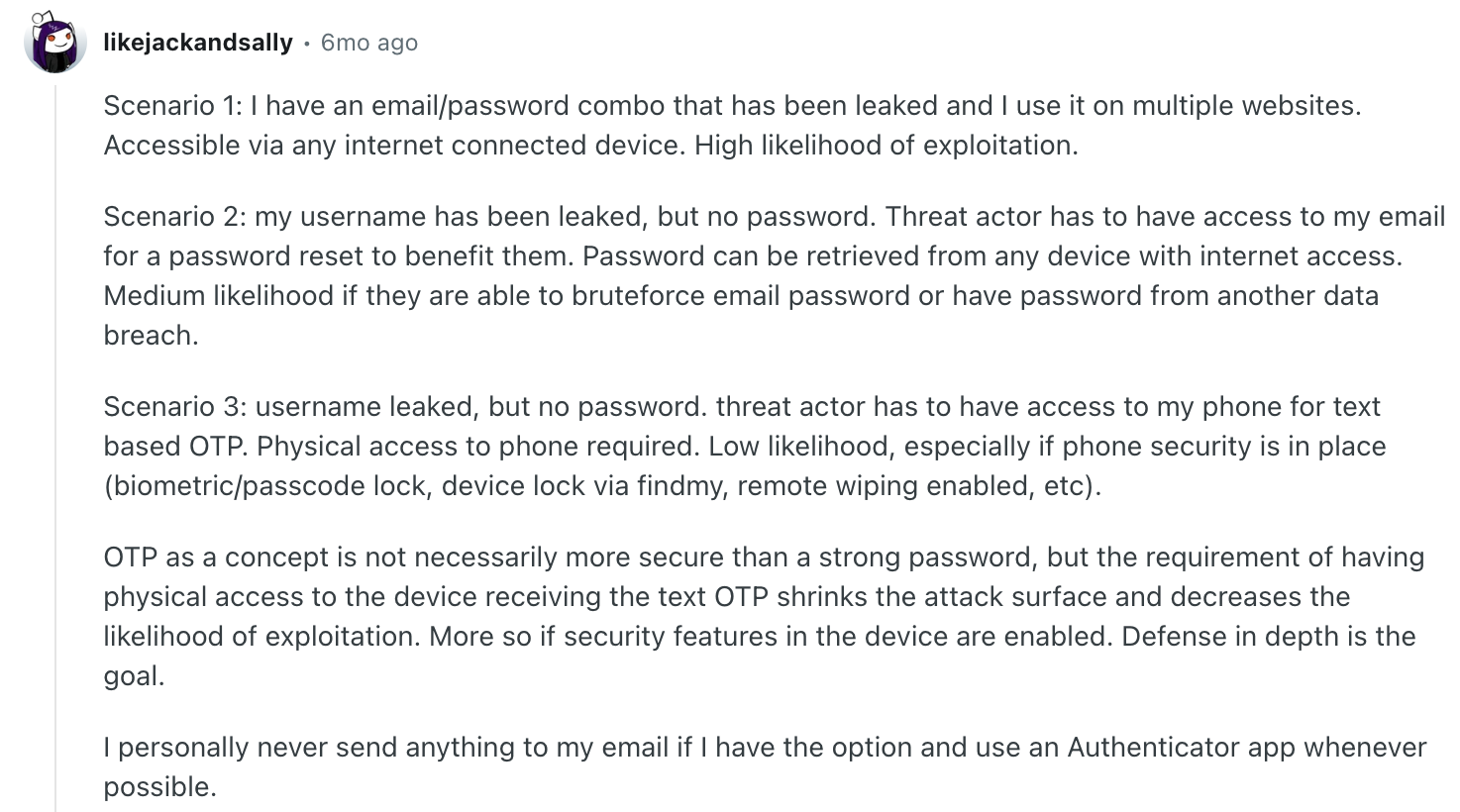
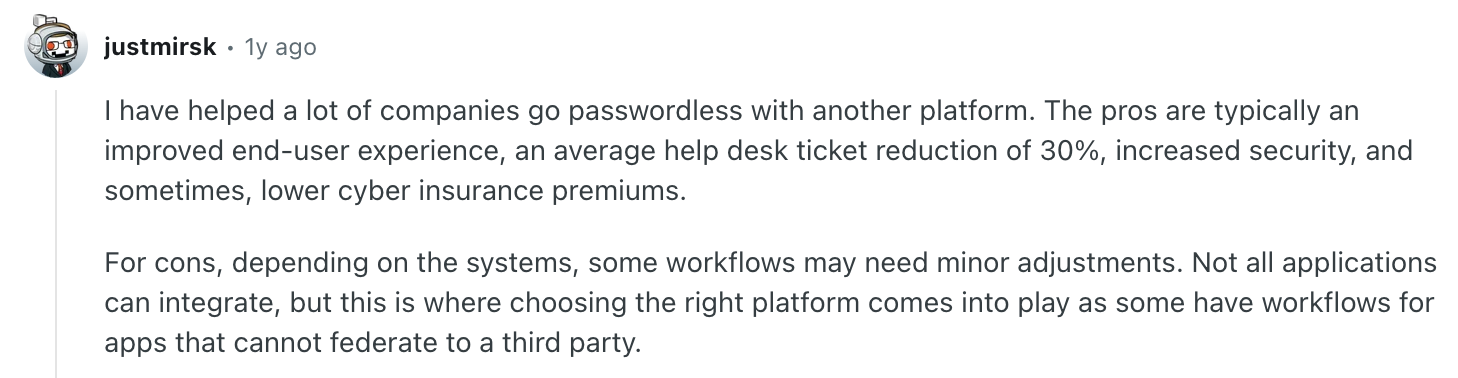
Source: Reddit
A clear timeline gives you breathing room and avoids the panic of flipping everything at once.
End users don’t care about public key cryptography. They care about not getting locked out and not having to remember yet another password. That means your messaging should be simple:
Communicate early (emails, banners, release notes) and reinforce at the moment of login. A little UX copy goes a long way. For SaaS devs, that might mean updating your onboarding flow to highlight the benefit: faster logins, fewer failed logins, and less support hassles.
Let’s make this real. Below is a simple, developer-friendly path to ship passwordless with magic links and email OTPs using Scalekit. You can start with opt-in, then move cohorts over, and later make it the default.
Install and initialize: Add the SDK and create a client with your environment URL, client ID, and client secret.
In your Scalekit dashboard, go to Authentication → Auth methods → Passwordless, choose your mode:
This determines what your users receive when you trigger the email.
From your signin form, collect the user’s email and call the send API. If you enabled magic links (or link + OTP), include the magiclinkAuthUri so Scalekit can attach the link_token to that URL.
Notes:
If the user did not receive the email or it expired, resend using the original authRequestId.
Pro tip: the quickstart documents a rate limit of two passwordless emails per minute per email. You can also configure “enable new passwordless credentials on resend” to issue a fresh code or link every time.
If you chose OTP or link + OTP, collect the code and verify it with the same authRequestId.
On success, create your application session and redirect the user. If verification fails, show a friendly retry with a resend option.
If you chose magic links or link + OTP, your user clicks a link that lands on your app with a link_token query param. Grab it and verify. If you turned on enforce same browser origin in the dashboard, include auth_request_id for extra safety.
High-level flow:
All of this is covered in the Scalekit quickstart’s magic link verification section, including the parameter requirements when same-origin enforcement is enabled.
This is the migration “engine.” You can turn the knobs in the dashboard to prefer OTP, magic link, or both as you move cohorts along.
Key metrics change slightly depending on your chosen methods:
Across all: measure help desk volume and phishing-related incidents.
Passwordless isn’t “set it and forget it.” After migration:
Passwords have been failing us for decades. With Microsoft making accounts passwordless by default and the standards now mature, we’ve reached a tipping point. This shift is not just theory.
In the real world, Fello, an AI-powered marketing engine, recently migrated to passwordless with Scalekit. Facing slow logins across a large customer base, constant engineering drain from password maintenance, and no scalable path forward, turned to Scalekit’s modular authentication platform.

By moving to magic link and OTP-based passwordless login, they prioritized speed and control while giving their users a smoother, more reliable experience.
The migration won’t be overnight, but with a clear plan, strong communication, and the right safety nets, you can get there without breaking your product or your users’ trust.
Passwords represent the most significant vulnerability in modern security architectures. Recent data indicates billions of credentials are compromised annually with very few meeting basic complexity requirements. By adopting passwordless methods like passkeys or magic links, organizations significantly reduce the risk of phishing and credential stuffing attacks. Microsoft movement toward passwordless by default demonstrates that industry leaders prioritize this for better security and user experience. Moving away from passwords eliminates the engineering burden of maintaining complex hash storage and reset flows while providing users a faster and more reliable authentication journey.
Passkeys offer superior security through WebAuthn and device biometrics, providing high phishing resistance and excellent experience on modern platforms. However, they may require a more sophisticated implementation compared to magic links. Magic links sent via email are highly effective for reducing friction and easing migration for casual users but depend on email deliverability and cross device functionality. While magic links are simpler to deploy, passkeys are considered the long term destination for maximum security. Architects should evaluate their user base and risk models to determine which method balances security needs with implementation complexity for their specific application.
Successful migration should follow a phased approach rather than a sudden cutover. Start with a planning phase to choose the right mix of OTPs, magic links, or passkeys. Next, run a pilot with internal teams or power users using feature flags for quick rollbacks. Expand by rolling out passwordless options to new signups while offering existing users an opt in path. Once adoption reaches a healthy threshold, transition to making passwordless the default sign in method. Finally, stabilize the system by collecting performance data and refining support scripts to handle unique edge cases effectively without disrupting user trust.
Designing secure recovery paths is critical to maintaining a robust passwordless architecture. You must ensure that users who lose their primary device or access can re enroll without re introducing vulnerable methods like SMS or simple email resets which attackers frequently exploit. Consider implementing secondary factors such as hardware keys, backup codes, or verified secondary email addresses. The goal is to create a recovery story that surfaces potential blockers early and maintains high security standards. A well defined recovery process touches product design, user experience, and overall security policy to ensure trust remains intact throughout the entire user lifecycle.
Scalekit provides a modular authentication platform that allows developers to ship passwordless flows like magic links and email OTPs with minimal effort. By using the Scalekit SDK, you can initialize a client and trigger verification emails using a single API call. The platform handles the complexity of generating link tokens, managing expiration times, and enforcing same origin security. Developers can easily configure these methods within the Scalekit dashboard, choosing between OTP, magic link, or both options. This abstraction allows engineering teams to focus on core product features while benefiting from a secure, scalable, and flexible authentication infrastructure.
Measuring success requires tracking specific KPIs across different authentication methods. For magic links, monitor link open rates and overall login completion percentages. When using OTPs, analyze success versus error rates and delivery failures. If implementing passkeys, track enrollment percentages and successful login rates compared to fallback methods. Beyond technical metrics, it is essential to monitor help desk volume related to login issues and track the reduction in phishing related security incidents. These data points help architects refine the authentication experience, identify friction points, and prove the security value of the migration to internal business stakeholders.
AI powered applications often require fast and seamless access to maintain user engagement. Implementing passwordless methods like magic links or OTPs reduces the friction of account creation and return logins, which is vital for modern SaaS platforms. For instance, companies like Fello have migrated to passwordless to solve slow login issues and reduce engineering drain from password maintenance. This approach provides a smoother and more reliable user experience while allowing the engineering team to scale without refactoring the entire stack. Passwordless auth ensures that AI agents and users can interact with the platform securely and efficiently.
Dynamic Client Registration allows for the automated onboarding of client applications in modern B2B authentication architectures. In the context of passwordless and M2M scenarios, DCR enables scalable and secure management of identities without manual intervention. This is particularly useful for enterprise facing apps that need to prioritize passkeys or specialized authentication for different business units. By leveraging standards based protocols, architects can ensure that their authentication platform remains interoperable and secure. Integrating DCR within a broader passwordless strategy helps organizations maintain agility while enforcing strict security policies across diverse and complex client environments.
Migrating away from legacy systems that rely on password headers requires a comprehensive cataloging of all entry points, including web apps, mobile apps, and APIs. Developers must identify every instance where passwords are used and plan for a transition to token based or passwordless mechanisms. Flipping the switch without auditing these dependencies can lead to broken administrative consoles or failed support tools. A gradual rollout allows teams to move cohorts over to modern authentication while maintaining safety nets. By moving to a platform like Scalekit, developers can manage this transition centrally, ensuring that all application access remains secure.