Scalekit for teams

Your agents. Connected once.
Controlled everywhere.

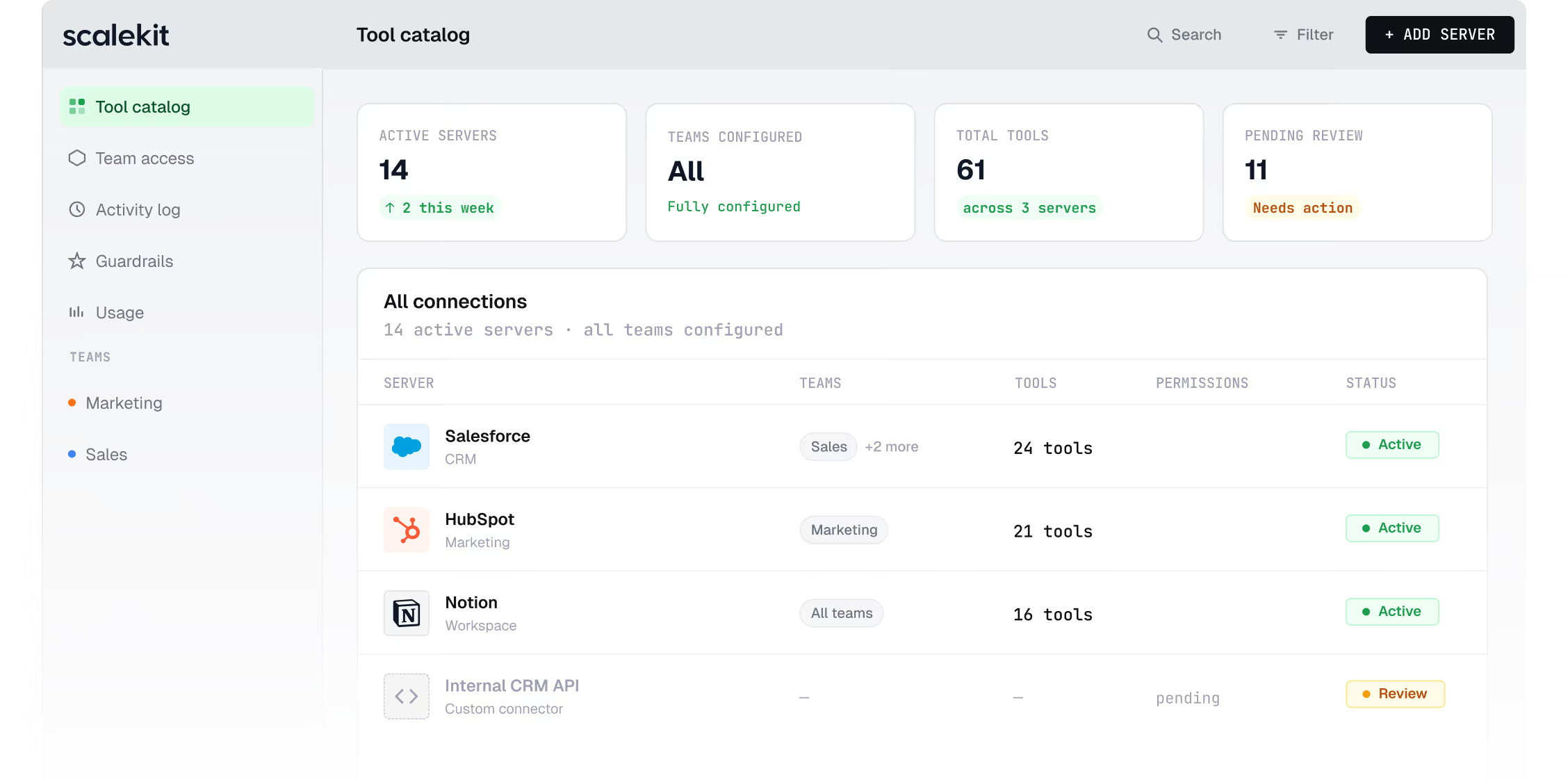
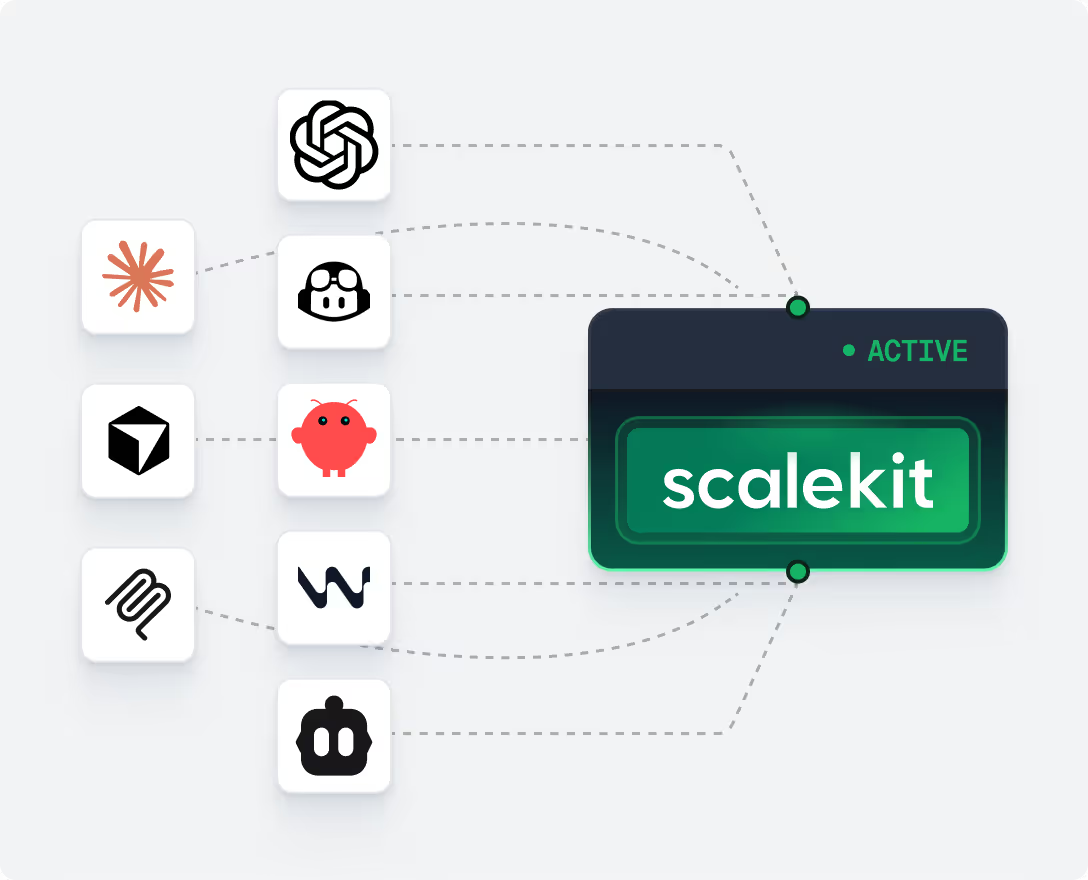
Connect your org's tools once. Set who gets access to what. Every agent runs as the person using it — with the right tools, the right permissions, already configured.
What agent rollout looks like today

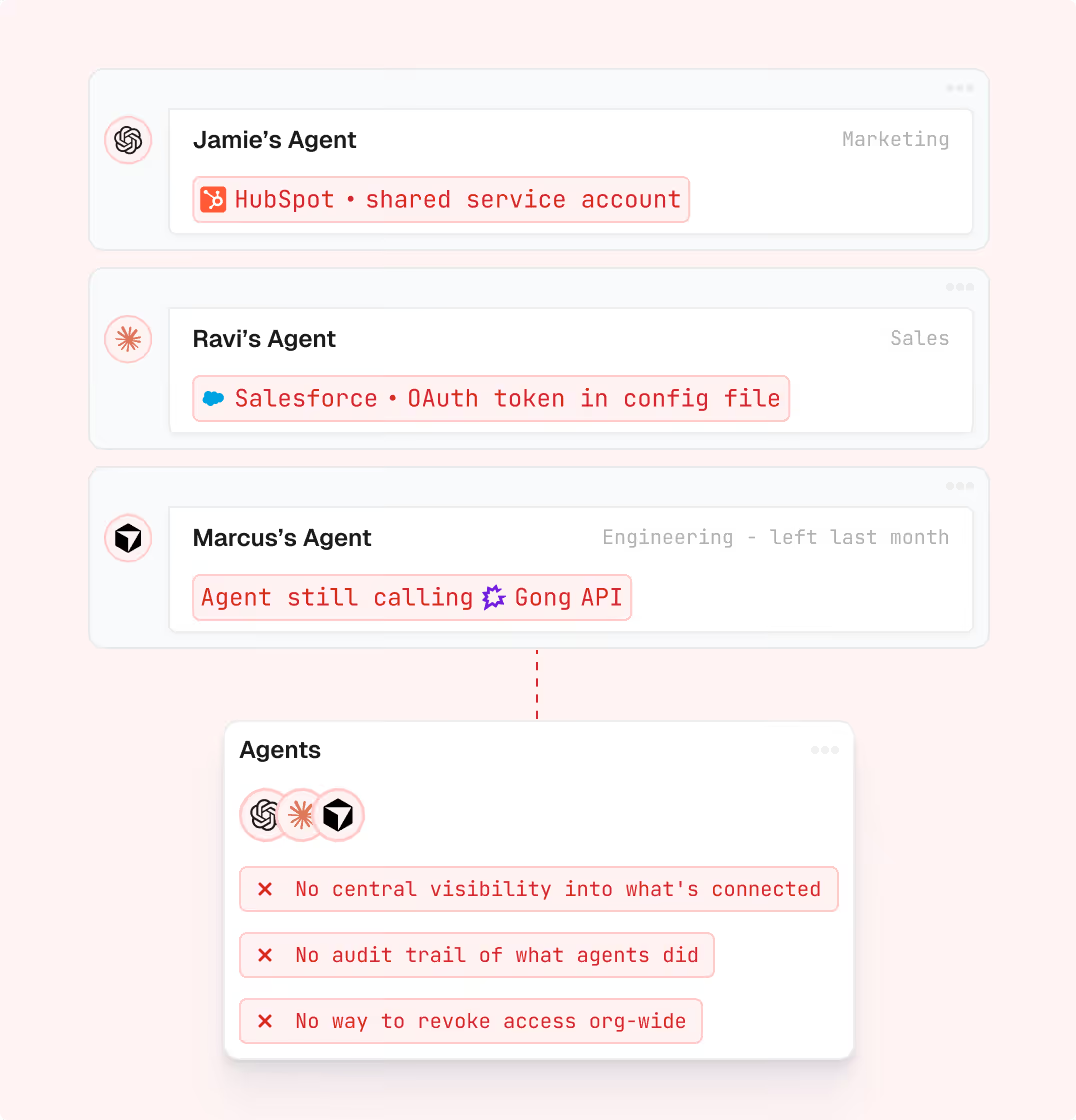
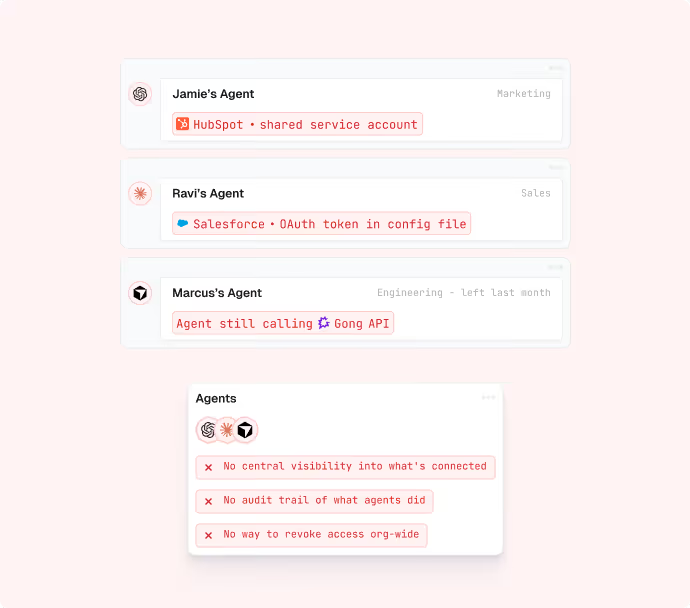
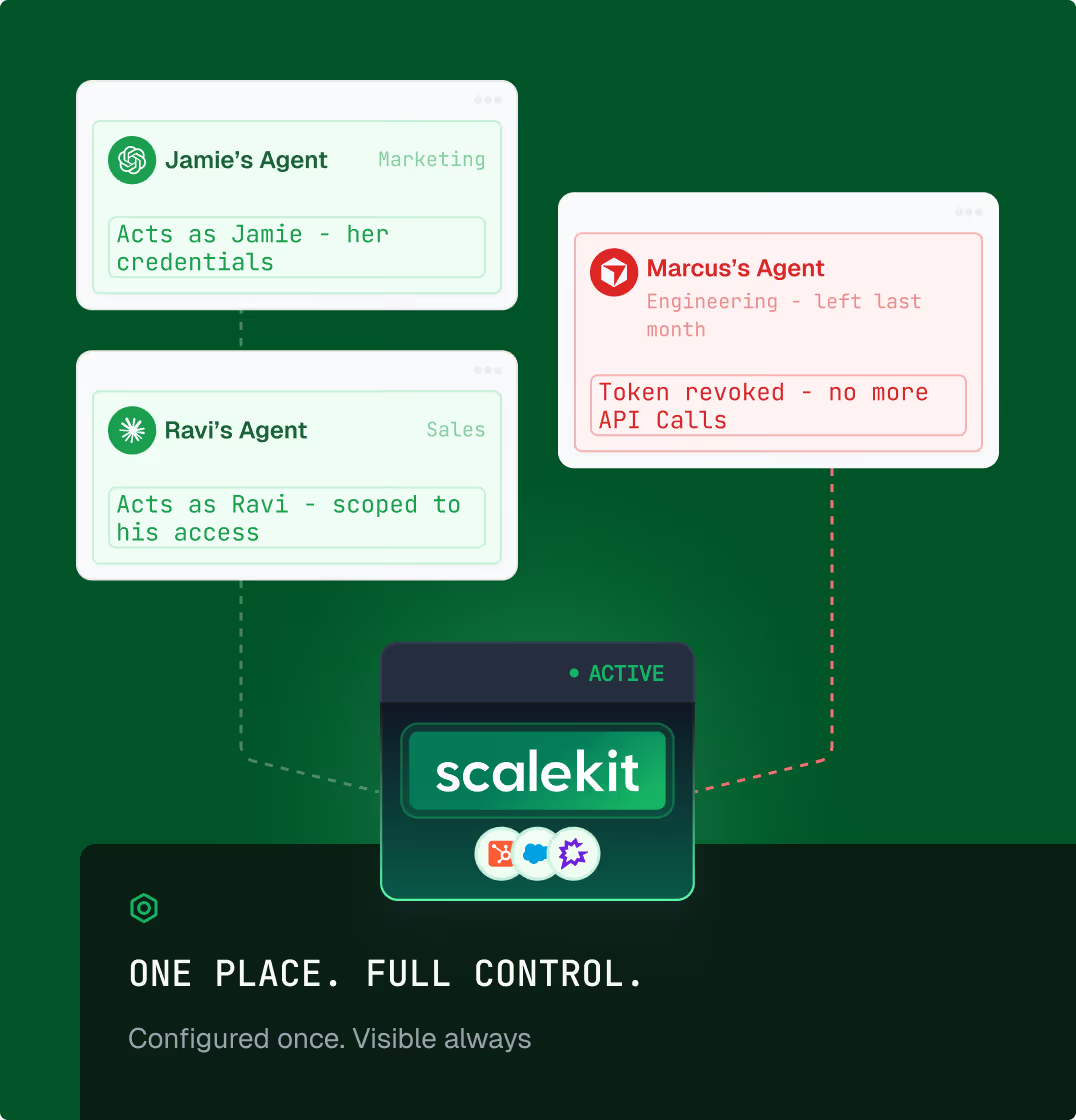
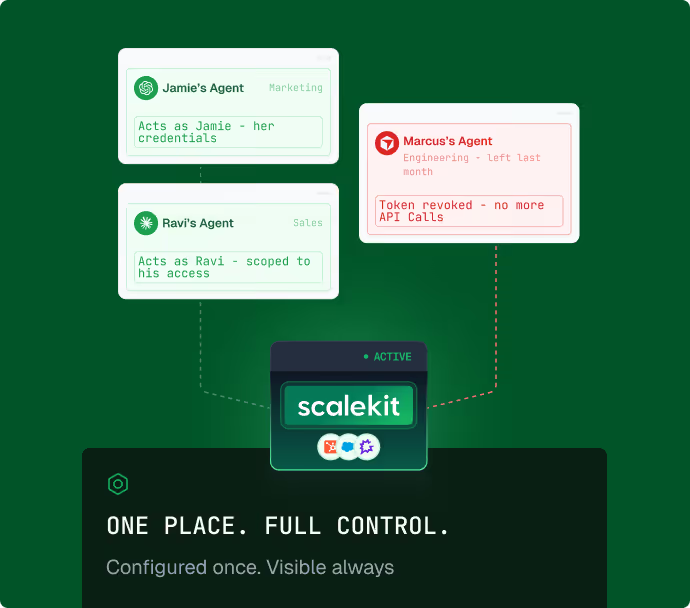
Your team is already running agents. No one knows what they're connected to.

Every employee sets up their own tools, their own way. No central visibility. No audit trail. 
No way to revoke access when someone leaves.
Without Scalekit
With Scalekit
How it works

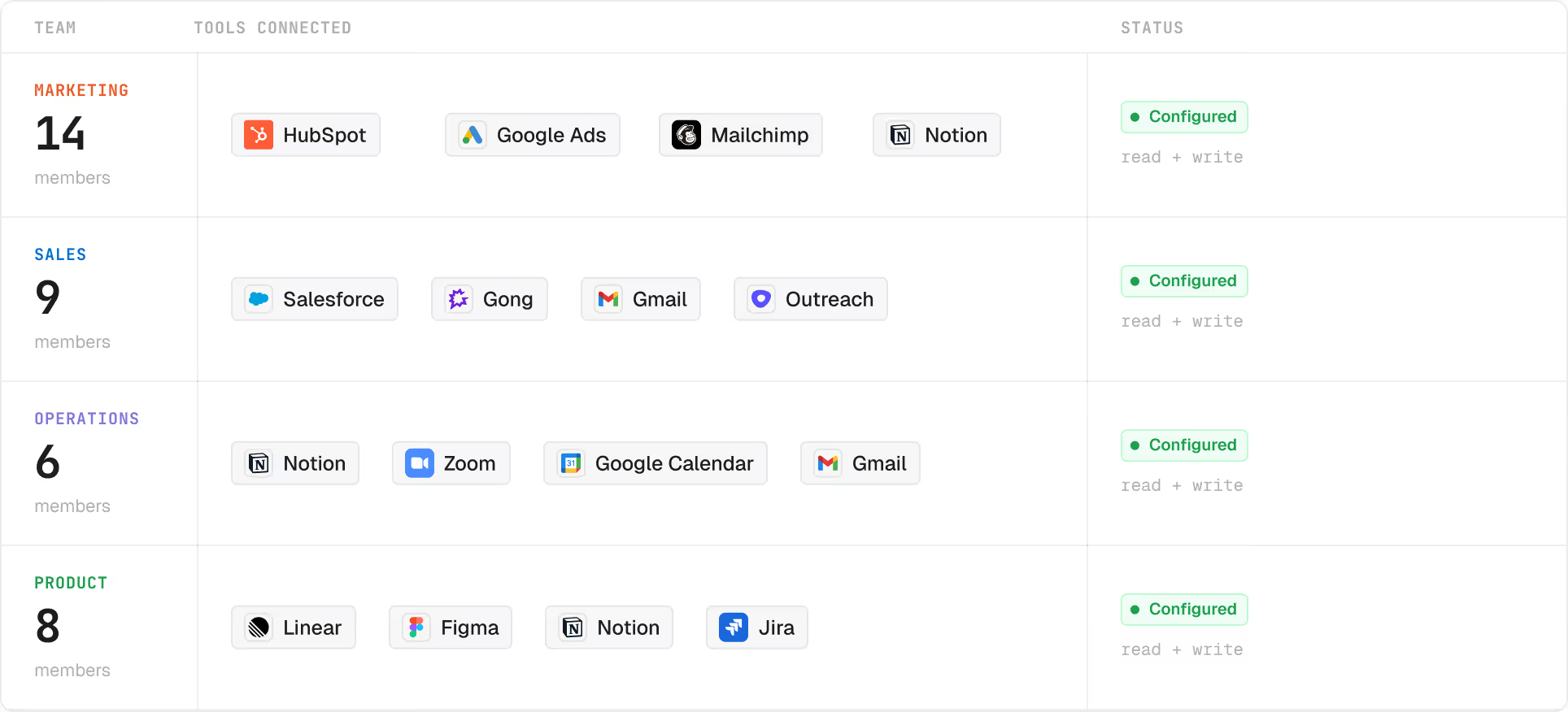
Set it up once. It reaches everyone, automatically.

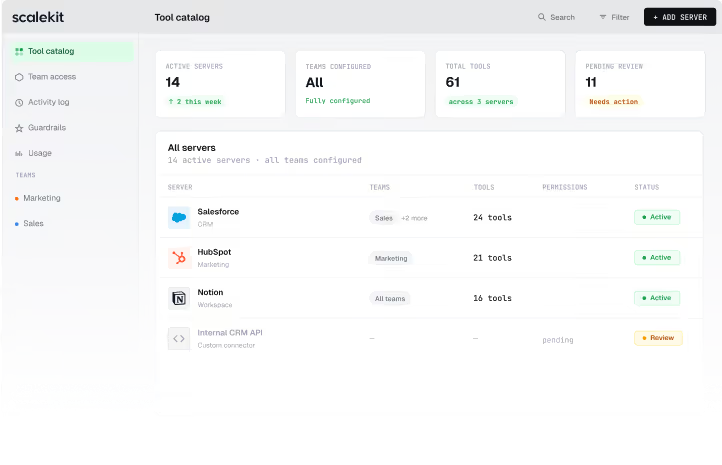
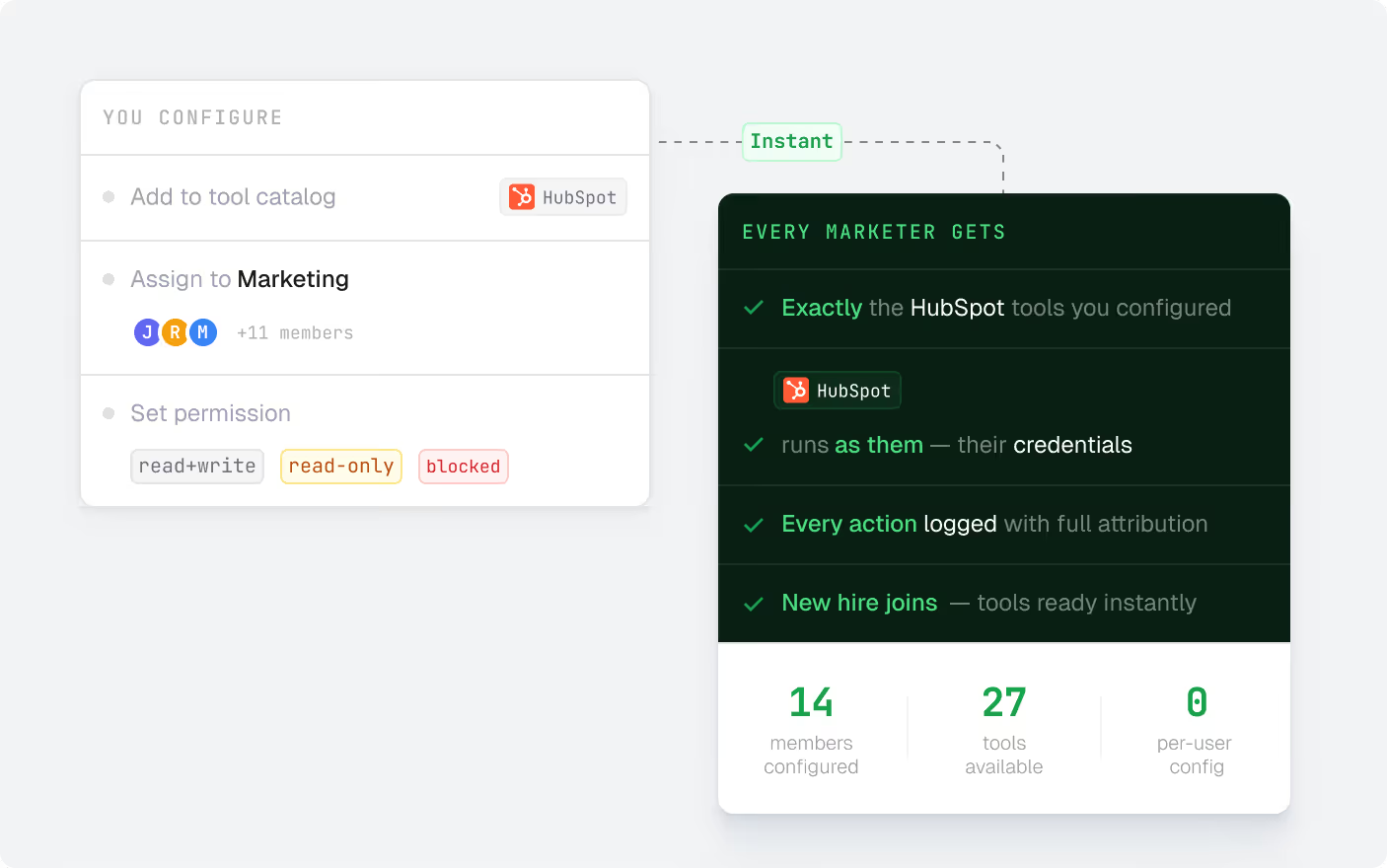
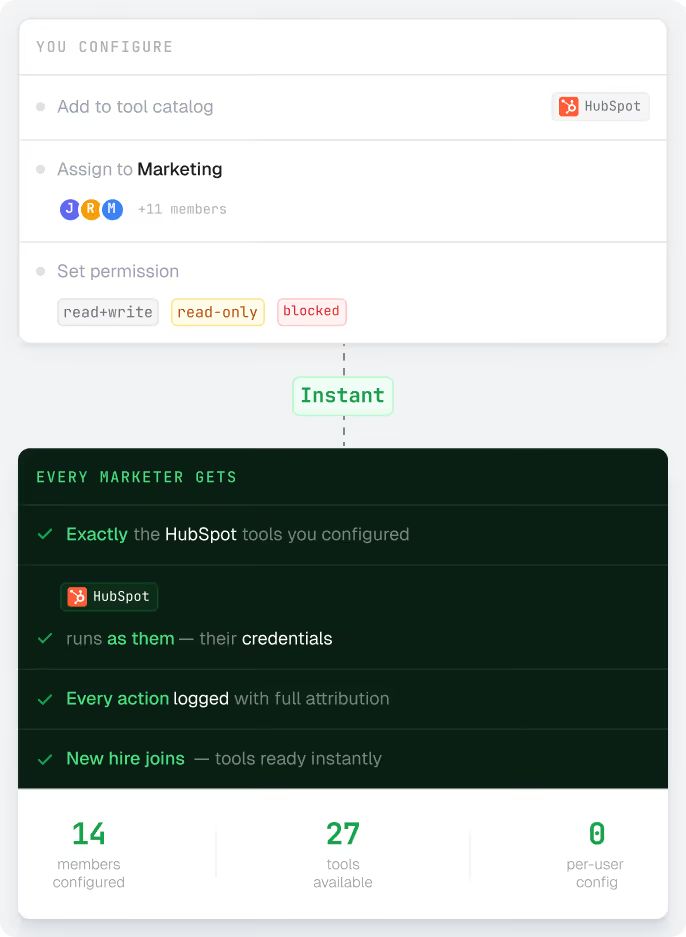
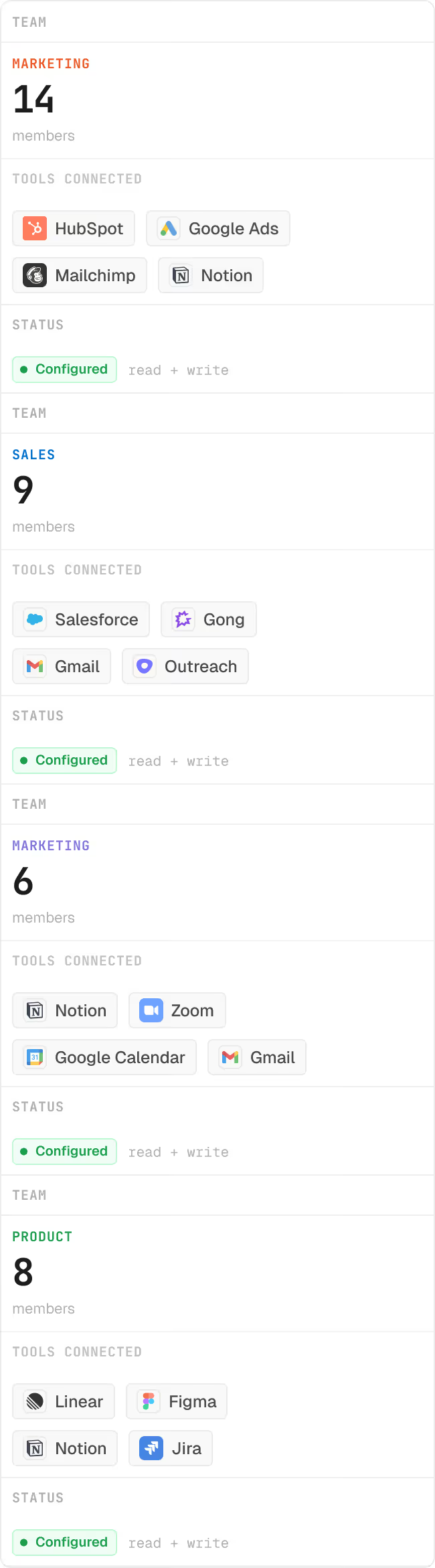
Connect your org's tools. Define which teams get access to what. Every agent runs with the right tools, credentials, and scopes already in place — no per-person setup.
01
Tool-level permissions, not just connector-level

An agent connected to HubSpot doesn't get all actions of HubSpot. Define exactly which actions it can take — read contacts, create deals, but never delete. Same for every connector.

02
Sync from your existing groups

Already using Google Workspace or Okta? Sync your groups. Agents inherit the scopes of the tools assigned to their group — no extra config.

03
Agents surface only what's relevant

At runtime, agents discover only the tools relevant to their team and role, not everything in the catalog. No tool overload, no out-of-scope access.

Access by role

marketing sees marketing tools, sales sees sales tools, nobody gets what they shouldn't.

37 members · 4 teams · all configured

+ Add team

Employee account portal

Authorize once. Every agent call runs as you.

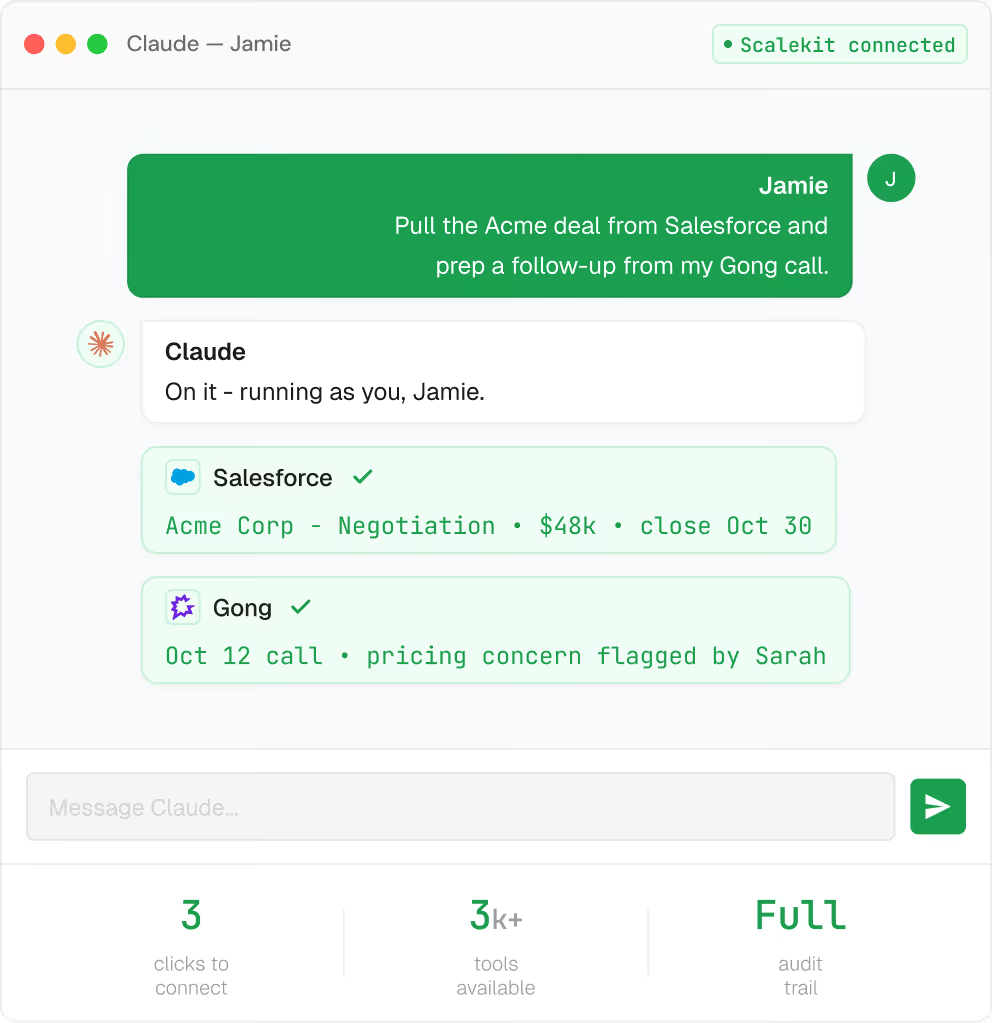
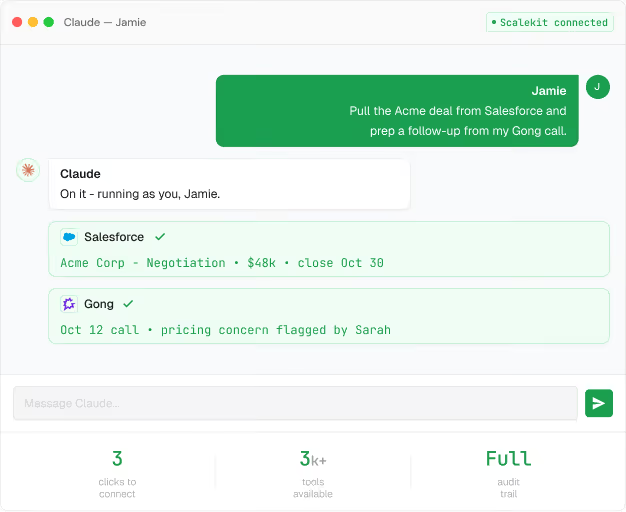
The first time an agent needs a tool, Scalekit prompts that person to authorize it. Once. Every call after that runs using their credentials — their Salesforce, their Gmail, their permissions. Not a shared account.
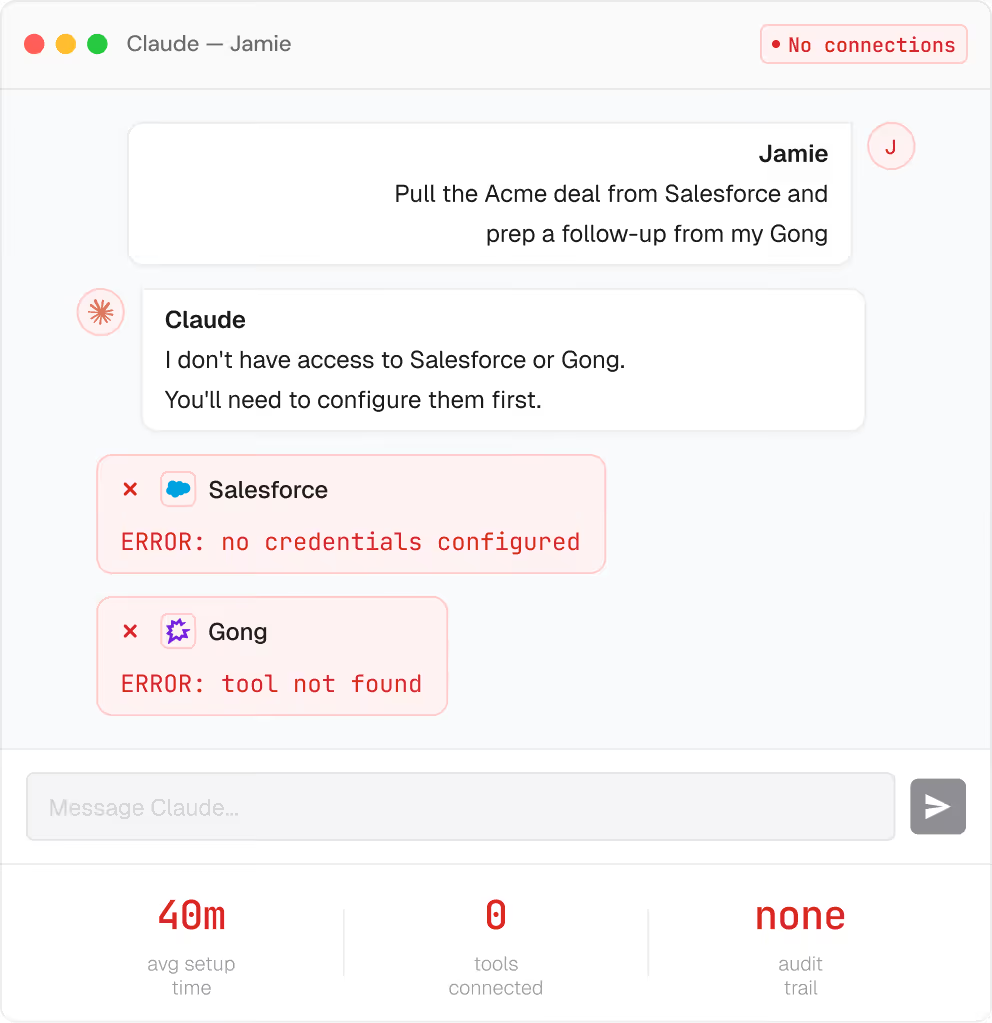
Jamie's setup — Before

Jamie, Account Executive

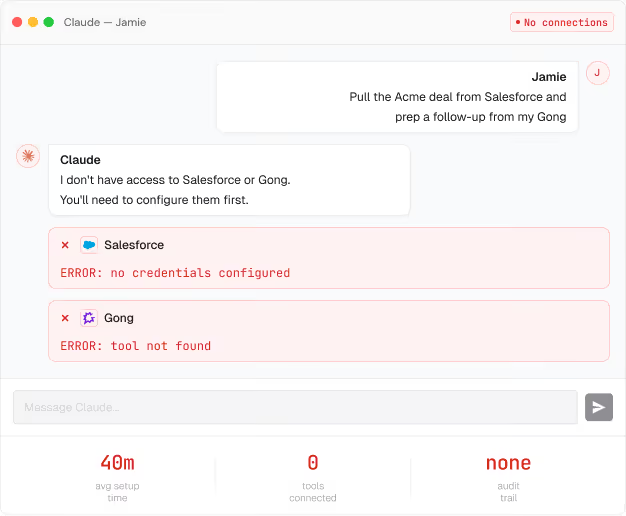
Before: Opens Claude/ChatGPT. Adds Salesforce — API key, manual config. Adds Gong separately. Adds HubSpot. Adds Outreach. Every time something breaks, she reconfigures.
Scalekit connected

Jamie, Account Executive

With Scalekit: AddsoneScalekit connection to her agent. Her sales tools are already there — scoped to her role. First time each tool is needed, she authorizes inline. Once.
Visibility, controls & guardrails

You always know what your agents did.

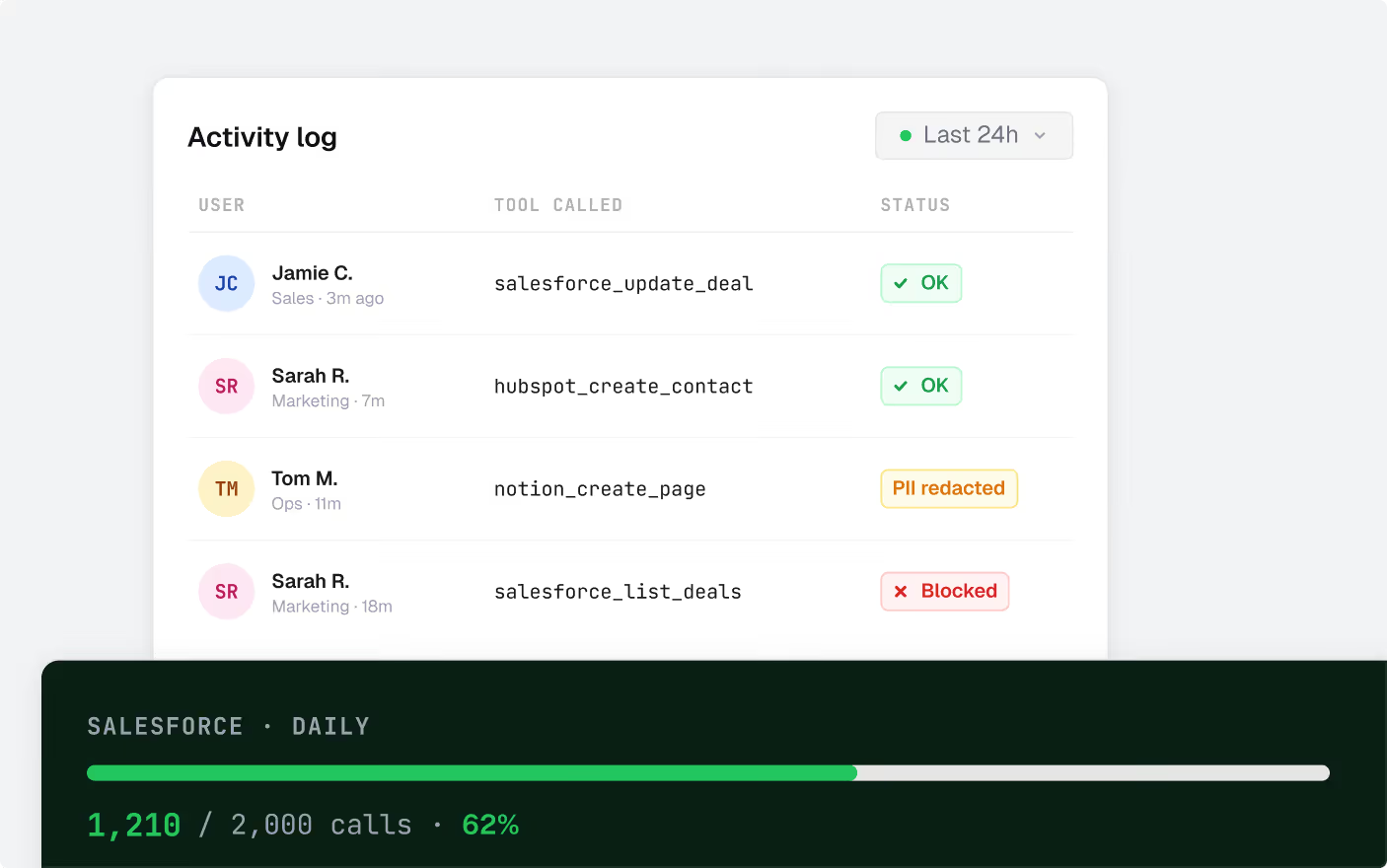
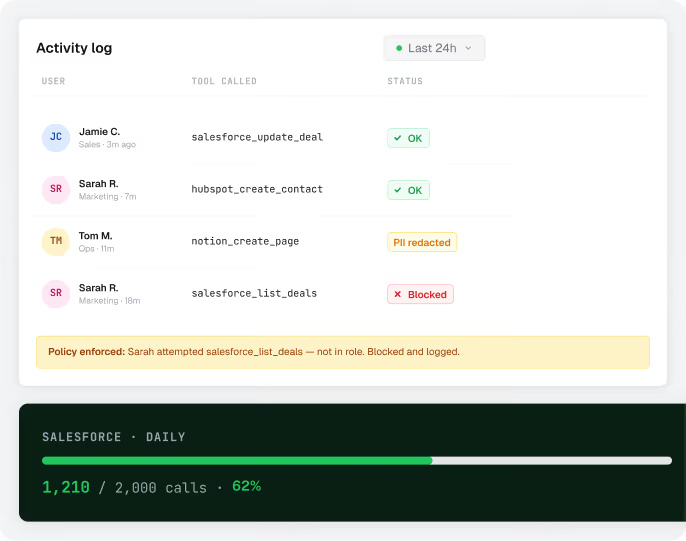
Every tool call logged, every action attributed to the person who triggered it. When something looks off, you see it before anyone asks.
01
Per-person attribution

Every action traced to the person who triggered it — not a shared service account.

02
Usage controls

Set rate limits per team or per tool. Hard limits enforced — no silent drops.

03
Smart guardrails

PII stays out of tool calls. Policy violations blocked before execution.

04
Suspend any agent instantly

Each agent has its own identity. Suspend it from the dashboard — it loses all access immediately. Nothing else is affected.

05
Export to your SIEM

Datadog, Splunk, or any destination. Plugs into whatever security stack you're already running.

06
Audit-ready from day one.
SOC 2 Type II
ISO 27001
HIPAA ready
GDPR
No ripping and replacing

Works with every agent your team already uses.

Connects to any MCP-compatible client. Your team keeps using what they love — they just stop configuring integrations one by one.
LIVE IN PRODUCTIOn

25 agents. 5 days.
One per team member.

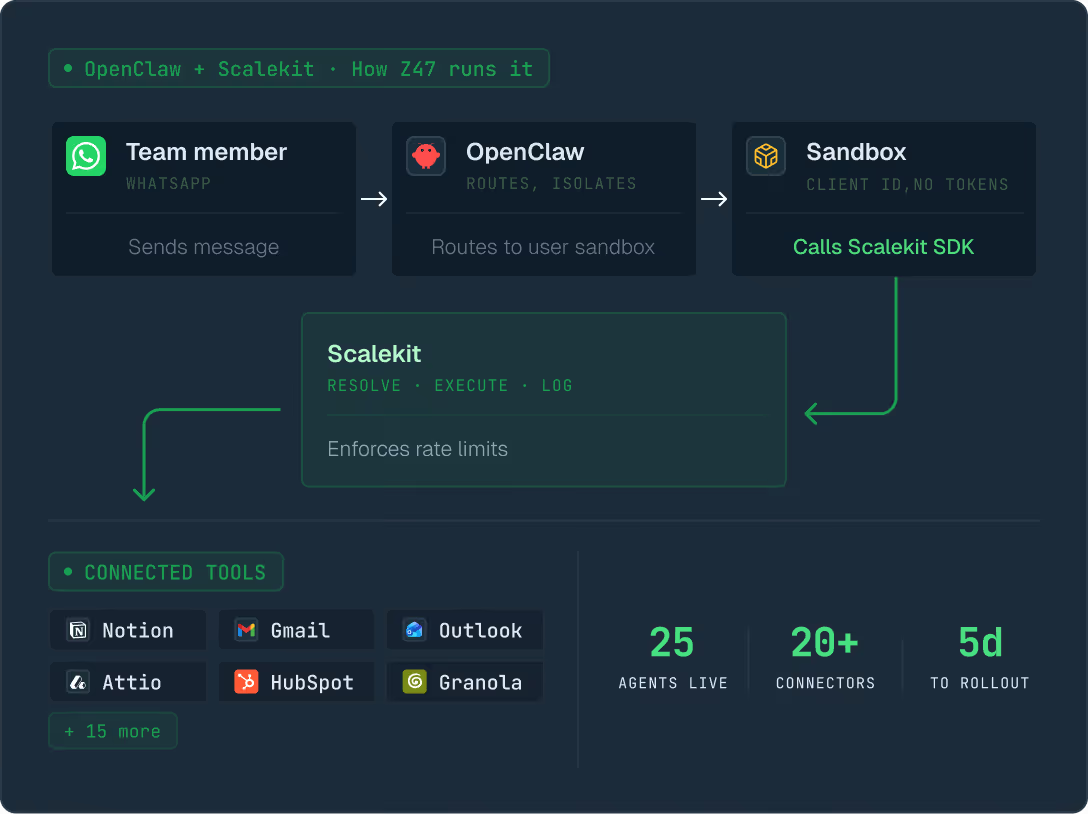
Z47 gave every team member their own OpenClaw agent — running on their own data, connected to their own tools. Here's how they built it.

“Scalekit gave us the identity layer to ship with confidence. Every agent now acts as its own user, and we can see and control exactly what each one can do.”

Krish Bajaj
Senior Analyst, Tech and AI • Z47
Also on Scalekit

One infrastructure.
Two use cases.

The same gateway powers developer-built agent products — with multi-tenant connected accounts, per-customer credentials, and the same audit trail. Built for teams shipping agents to customers.

Ready to roll agents out the right way?

See how it works for your org.
Talk to someone about your specific setup.